Participant
October 19, 2023
Question

Canvas Size Issues

  • October 19, 2023
  • 2 replies
  • 148 views

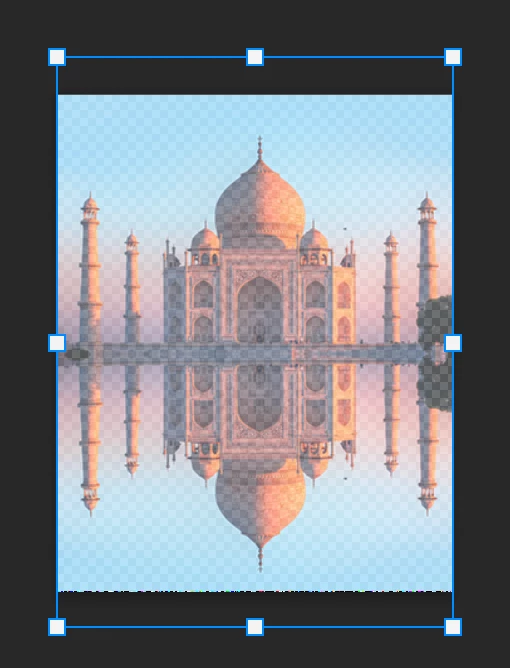
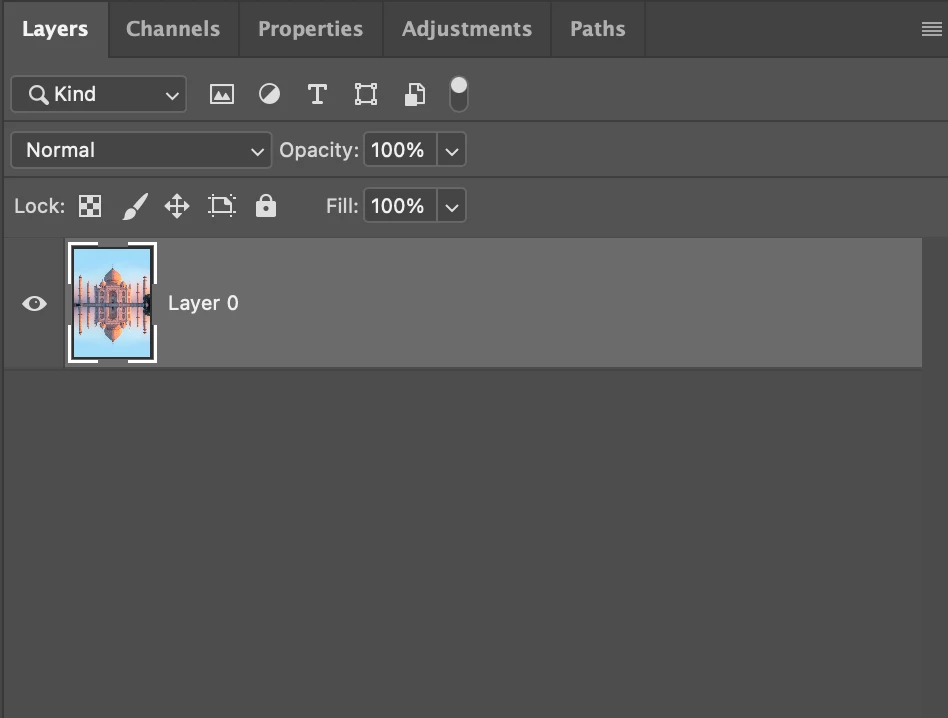
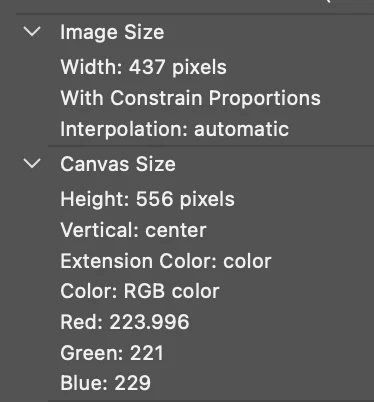
I have written actions to resize landscape and portrait images (portrait action shown below) using the Image Size and Canvas Size functions.  Sometimes the action works preoperly and other times (as shown below) it does not.
When this action works properly, the image boudnaries match the size of the artboard. 

When the action does not work properly, the image boundaries are larger than the artboard.


This is a problem for me because I am stacking and blending large image groups in another PS window.


I am batch processing thousands of photos at once so I need this to work without any manual adjsutments.  


I have restarted PS and my computer multiple times with a few and only one PS window active but that does not seem to show any dependence.  As of now, I can no longer get the action to properly work.


Has anyone see this error before adn have a fix or any advice?


This topic has been closed for replies.

2 replies

Bojan Živković11378569
Community Expert
Community Expert
October 19, 2023

The problem is because image is larger then desired canvas size? There are several possible approaches:


  • Record conditional action that will check whether layer (assuming you always have single layer in the file) is Background, if it is > do nothing, otherwise play action to convert to Background layer. You will need to record separate action to convert layer to Background before recording additional conditional step at the end of action.
  • Second option is to record two additional steps at the end of action: Select > Select All folowed by Image > Crop. I believe it will work but test it just in case.
Participant
October 19, 2023

Adding an update to this thread....

I used Image Processor Pro to apply this action to a folder of images and the saved files were actually the correct size.

So the issue only seems to be there when I do not save the image which is a pain because I would to test if I am writting my action correct but nonetheless I am able to verify this with a quick save.


Just want to add this note in case someone else has the same issue and stumbles across this thread.  If the problem persists I'll update here.