CC 17 Brush Lag in Mac Sierra
I've been experiencing lag with brushes to the point where Ps has become unusable and it's driving me bonkers. I'm an art student and I'm usually able to solve Ps problems by closing out of other programs, but no dice this time. This started in earnest yesterday, after updating CC to the most recent version.
I've a Macbook pro running Sierra OS, with 32gb RAM, about 2 years old. So far I've:
-Changed the graphics processor to "basic"
-turned off the graphics processor
-restarted computer/photoshop multiple times
-made the file size extremely small (like 500 x 500 px; 72 dpi)
-replaced all my brush presets (was using the kyle webster megapack) w the defaults
-hidden rulers, guides, grids
-scanned computer for viruses w 2 different programs (nothing came up)
-lowered history/cache to 20 & 4, respectively
None of this has made a difference. No background programs are open for the most part. In the past, it's been able to handle a lot more than this. Even on a tiny canvas at 72 dpi with a basic round brush, it takes a few seconds to display the line. Here's a quick look at me trying to draw a circle on different canvas sizes in ps.
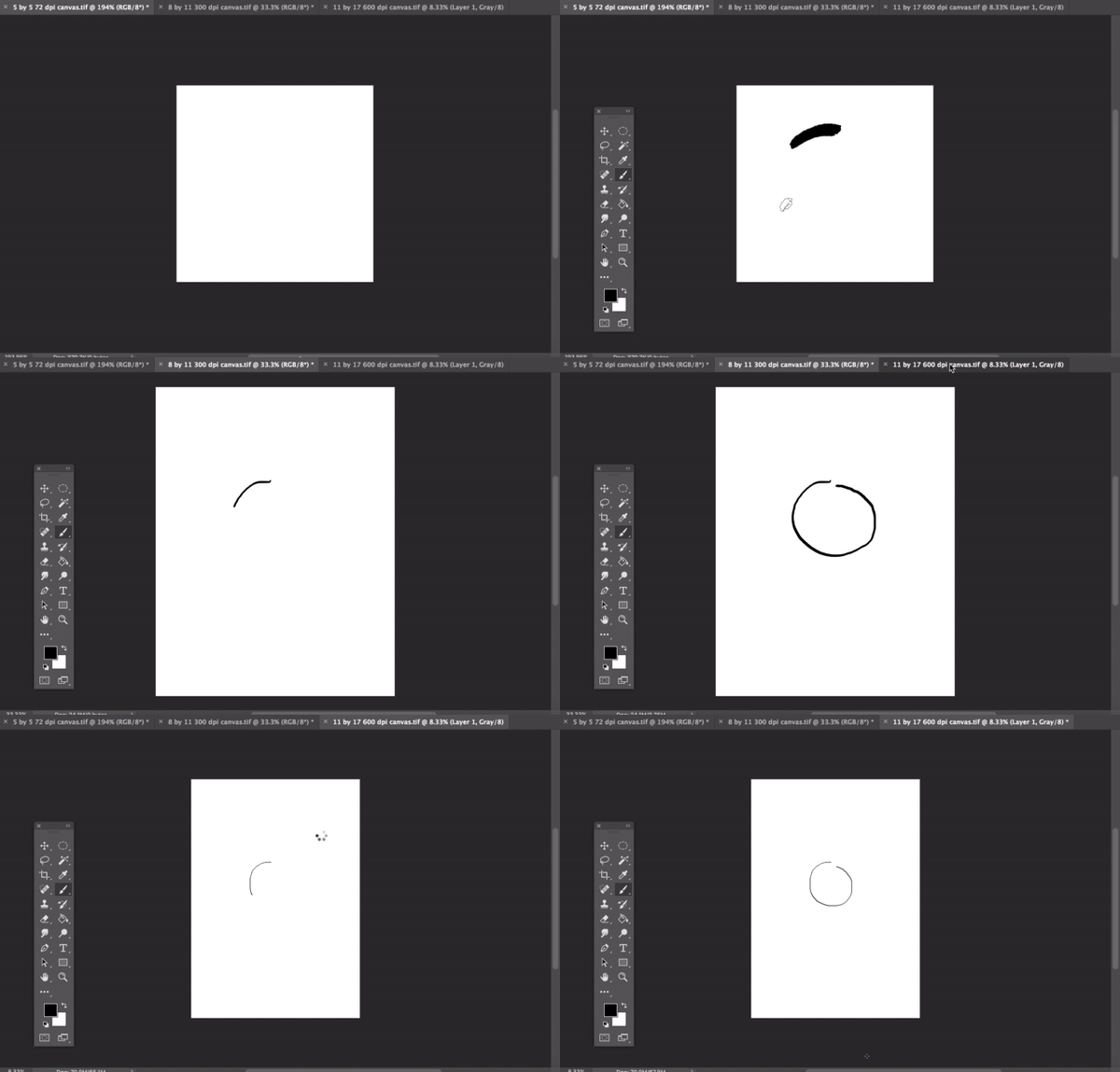
On larger canvas sizes, it's impossible to draw anything. Nothing else lags- scrolling/selection etc are all fine (particularly weird is that the pencil tool doesn't lag, even at larger sizes. I need to use brush for the kind of work I'm doing, though.) Thought it might be the tablet driver-but things are working great over in clip studio and the pressure sensitivity is still working in Ps, it's just the lag that's killing it.
Lag shows up with trackpad as well. I'm at wits' end here... Any suggestions would be greatly appreciated, thank you for reading.
 AdChoices