



CC2018 Brush Managment — Some Thoughts and Ideas
A good few people have posted about their displeasure with the new brush management system, and I have answered three threads I can think of expressing my opinion that the new system is rushed and unfinished. While answering yet another thread on the subject, I had something of a realization, as to why things are as they are, and that it is actually a good thing after all.
It helps to simplify things while you are getting a handle on things, by turning off all the brush panel options possible leaving just Brush Name
What I have been mithering about is that if your Restore Default Brushes you don't get the Append or replace message, and you can end up with multiple occurrences of the same groups. This is especially easy to do if your brush panel is cluttered with all the display options.
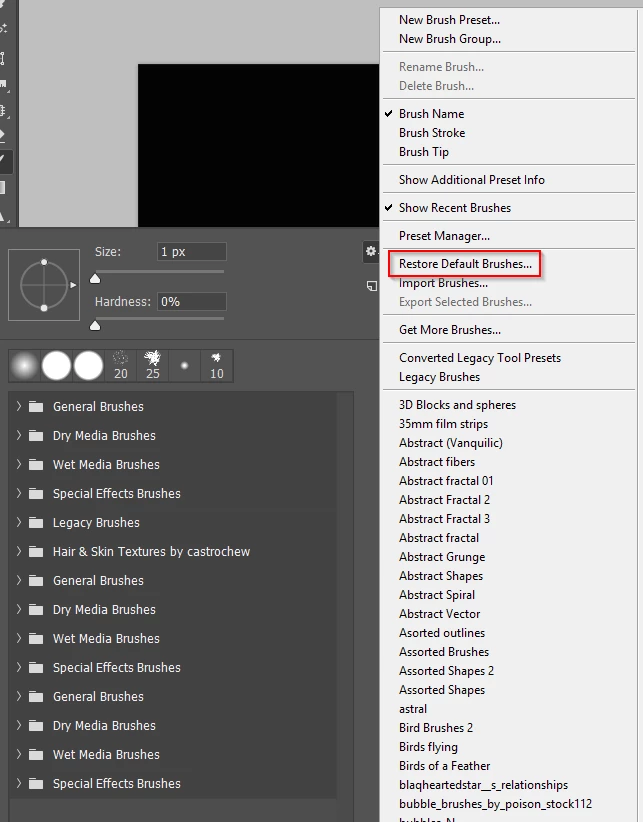
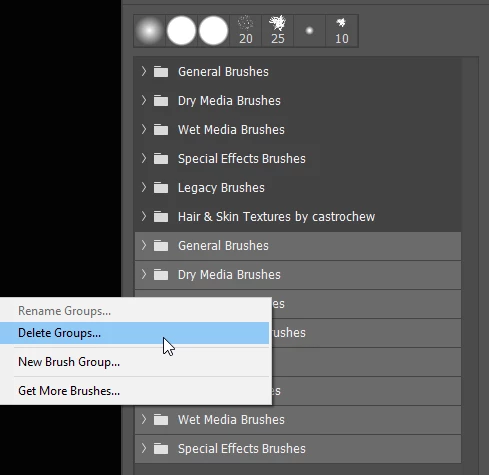
What caused my tiny epiphany was when answering a question on how to get rid of the folders and just have the presets, and I got on top creating a favourites or cust folder. Thankfully we can select and delete multiple folders at the same time. Don't worry — you can reload them by clicking on the gear icon.
So the trick is, rather than copy each preset one at a time — dragging a preset from one group to another removes it from the original folder — restore the folder/set that has most of your favourites in. Delete the ones you don't want, and rename the folder
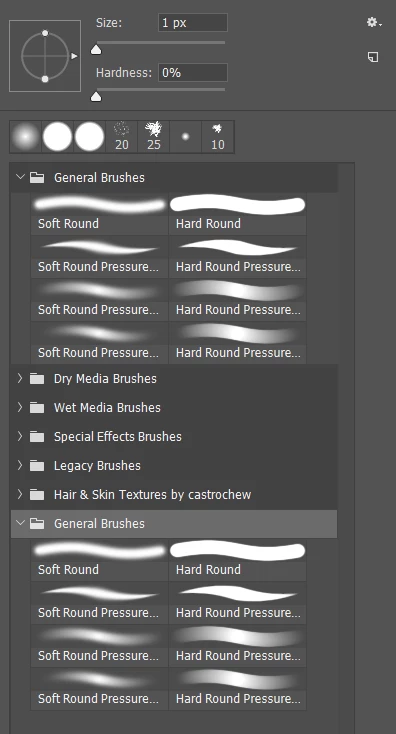
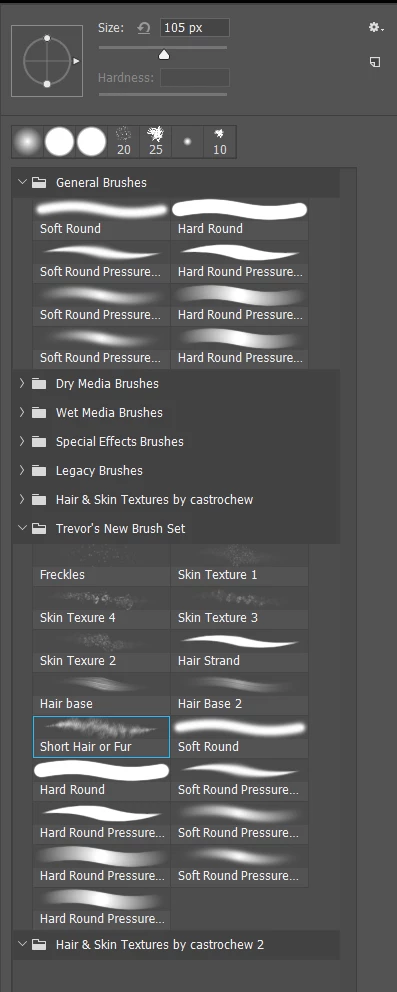
I haven't found a way to copy brushes to different folders, so I'd love to know if that is possible?
Another thing people are getting upset about is selecting the brush tool as a for instance by hitting the B shortcut, and then selecting another preset, they find that Photoshop has switched tools on them. I think most people realise that this because the new management system can store tool presets, but if you did want to use a preset that switches you to a new tool.
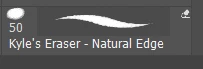
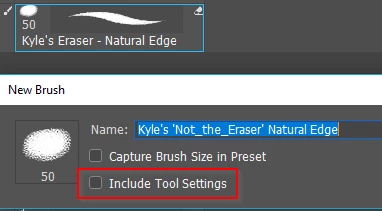
So if you liked the look of this preset but wanted to use it with the brush, select it and click on the New Preset icon, and make sure Include Tool Settings is not checked. Drag your new preset to your new brush folder, and you can use it with any tool.
 AdChoices