Known Participant
June 27, 2019
Answered

Center image after cropping

  • June 27, 2019
  • 5 replies
  • 5394 views

Hello,

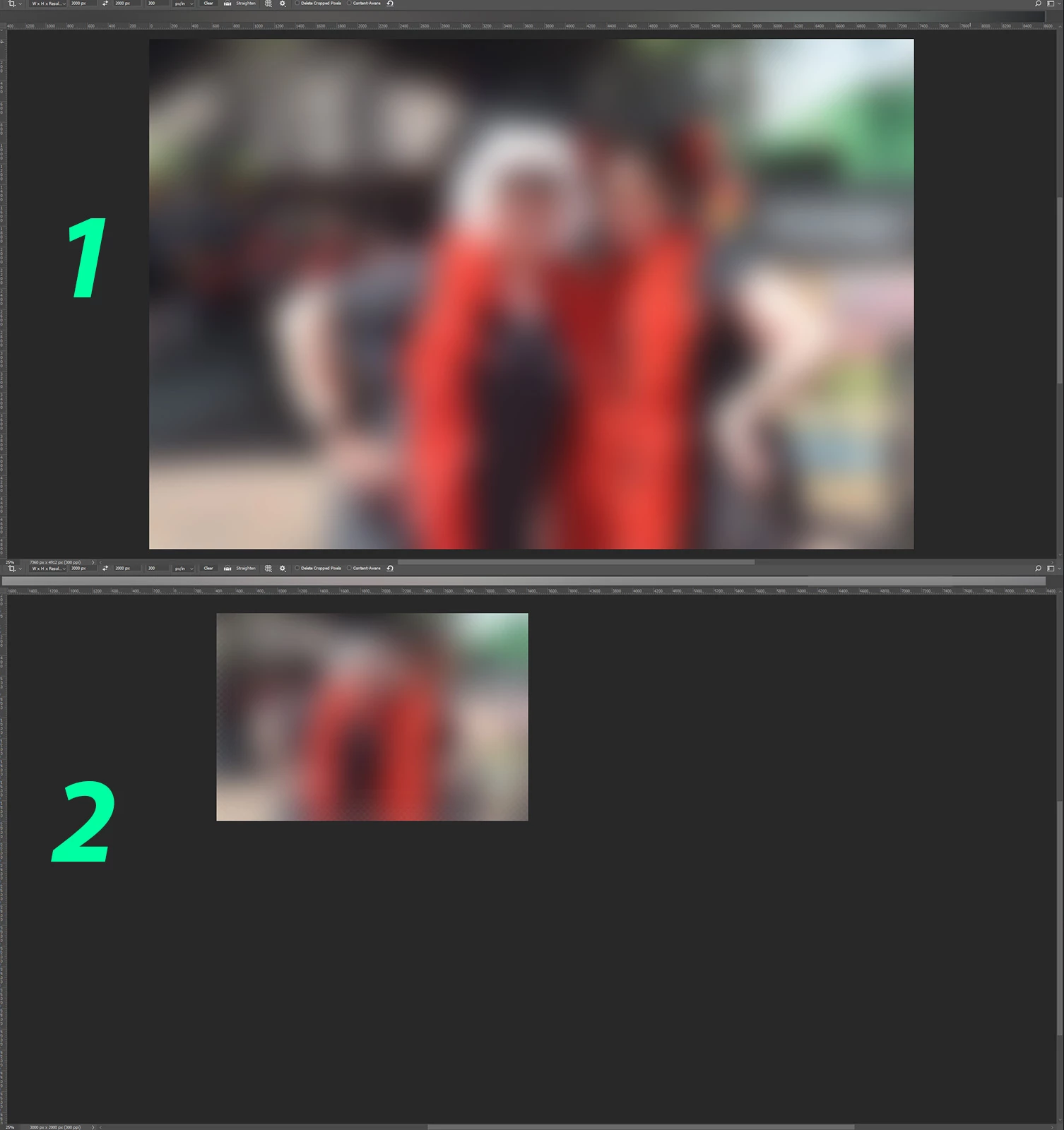
After cropping an image (1)  the new cropped image isn't centered on my workspace anymore (2). Is this a setting I can change as I would like to have the new cropped image centered on my workspace again.

    Correct answer Jeff Arola

    Looks like your using Classic Crop mode and also have Overscroll set in Edit>Preferences>Tools

    Either uncheck Use Classic Mode for the Crop Tool or uncheck Overscroll in the photoshop Preferences>Tools.

    5 replies

    Participant
    November 22, 2021

    Had exact same problem. Just tried Edit>Preferences>Tools and then unchekcing Overscroll, and it WORKED. Thank you!


    Participating Frequently
    July 22, 2021

    I am having the same issue but resetting the preferences doesn't help for me. 


    Is anyone find a fix yet? 


    I'm using Photoshop Version 22.4.2

    Trevor.Dennis
    Community Expert
    Community Expert
    July 22, 2021

    Do you have Overscroll checked in Preferences?  It might not be on by default (after resetting Preferences).  Lots of things work better when it is turned on.

    Participating Frequently
    July 22, 2021

    Thanks for your response and Yes I have overscroll ticked. 

    Participating Frequently
    July 19, 2021

    Hi,


    Does anyone have this problem where after you crop your image not centered and jumped. 


    I have attached screen recording of the issue that happenned. 


    Anybody can find a solution or how to resolve the issue? I have tried to reset preferences but yet the problem still occurs. 

    Participating Frequently
    July 19, 2021

    I forgot to mention that Im using Photoshop Version 22.4.2

    Participating Frequently
    July 26, 2021

    Hi,
    I have had the same problem for the past few months when cropping with my images going to the top left of the crop box I am drawing so I've been rolling back to the previous version 21.2.9 where the images are properly centered assuming this was a bug and occasionally upgrading again to see if it has been fixed.


    I tried different keywords in the search forum box and turns out from another thread it's an option that needs to be unchecked using EDIT - PREFERENCES - TOOLS and then untick OVERSCROLL.


    I use CLASSIC MODE for the Crop Tool and my images are now perfectly centered every time.


    Thought I would add this in case you haven't found the answer yet.


    Hi,


    Thank you for this and I tried to untick 'overscroll' in Preferences-Tools and it work for me and of course the downside of this is the images won't be able to move round when some 'adjustment window' covering the windows where you need to manually zoom in and out. 


    June 27, 2019

    Hi

    No issues here either with the Crop Tool, have you tried resetting Photoshop preferences

    AppelmoesAuthor
    Known Participant
    June 27, 2019

    When I reset those preferences, am I losing all my settings (layout, actions, crop-presets)?

    June 27, 2019

    Hi

    You can backup your settings, take a look here

    Migrate presets, actions, and settings

    c.pfaffenbichler
    Community Expert
    Community Expert
    June 27, 2019

    I can’t reproduce the issue so far.


    Please read this (in particular the section titled "Supply pertinent information for quicker answers"):

    Adobe Support Community Guidelines