Answered
Change color from metal to white
Hi there! Is there a possibility to change a metal object into white?
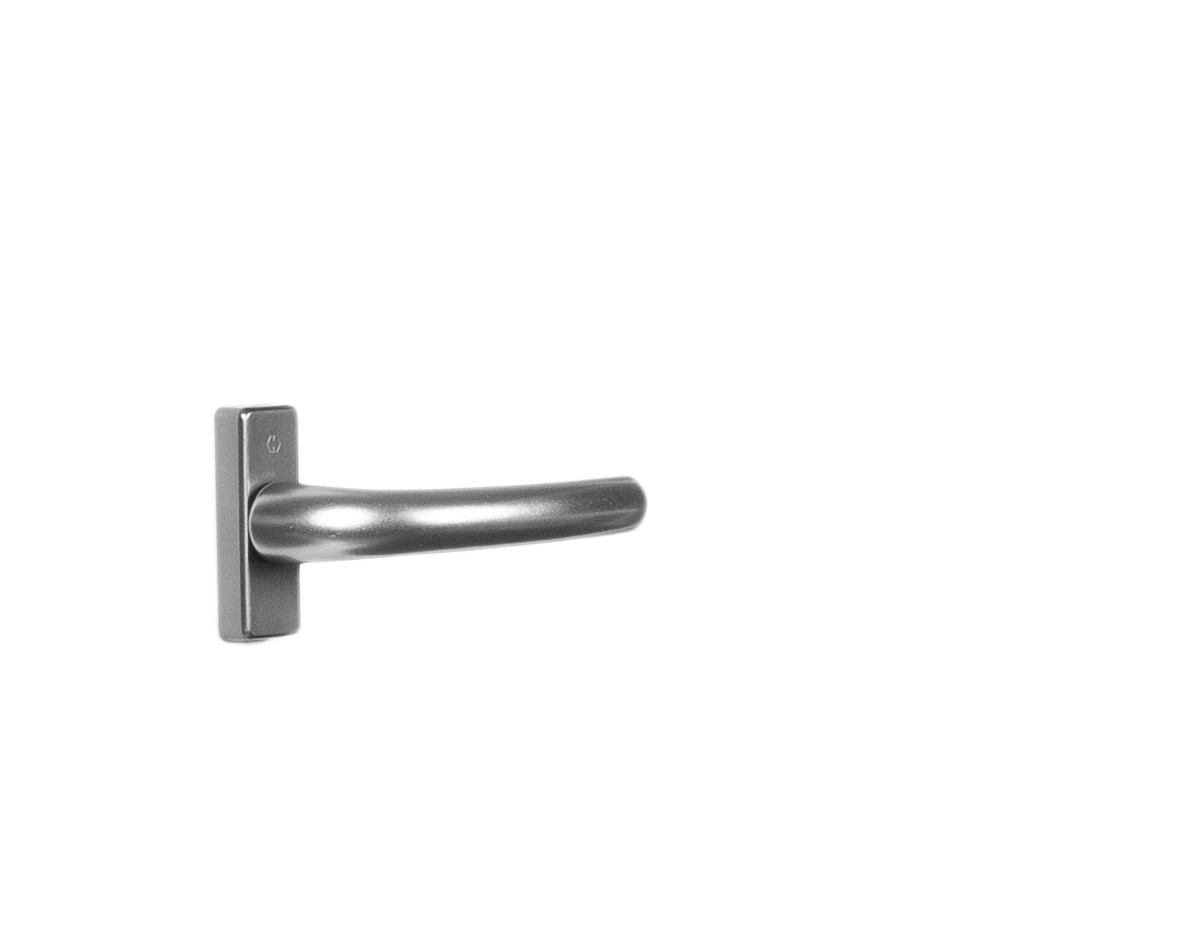
I have to change this handle into white.
Hi there! Is there a possibility to change a metal object into white?
I have to change this handle into white.
Thanks. I've tried it now, but don't get it like you. Is it posible that you explain it step by step to me?
• create two copies and applied a vector mask to each (one for teh cover, one for the handle)
• put the two copies in a Group each and set the Groups’ Blend Mode to Normal (alternatively one could Clipping Mask the Ahjustment Layers to the two Layers)
• add the Curves Layers
• brush in black on the Layer Masks to hide the effect where it would affect the shadow too much
Already have an account? Login
Enter your E-mail address. We'll send you an e-mail with instructions to reset your password.
 AdChoices