
Participant
October 10, 2019
Question

Change multiple selected objects to a particular "shape"

  • October 10, 2019
  • 1 reply
  • 1093 views

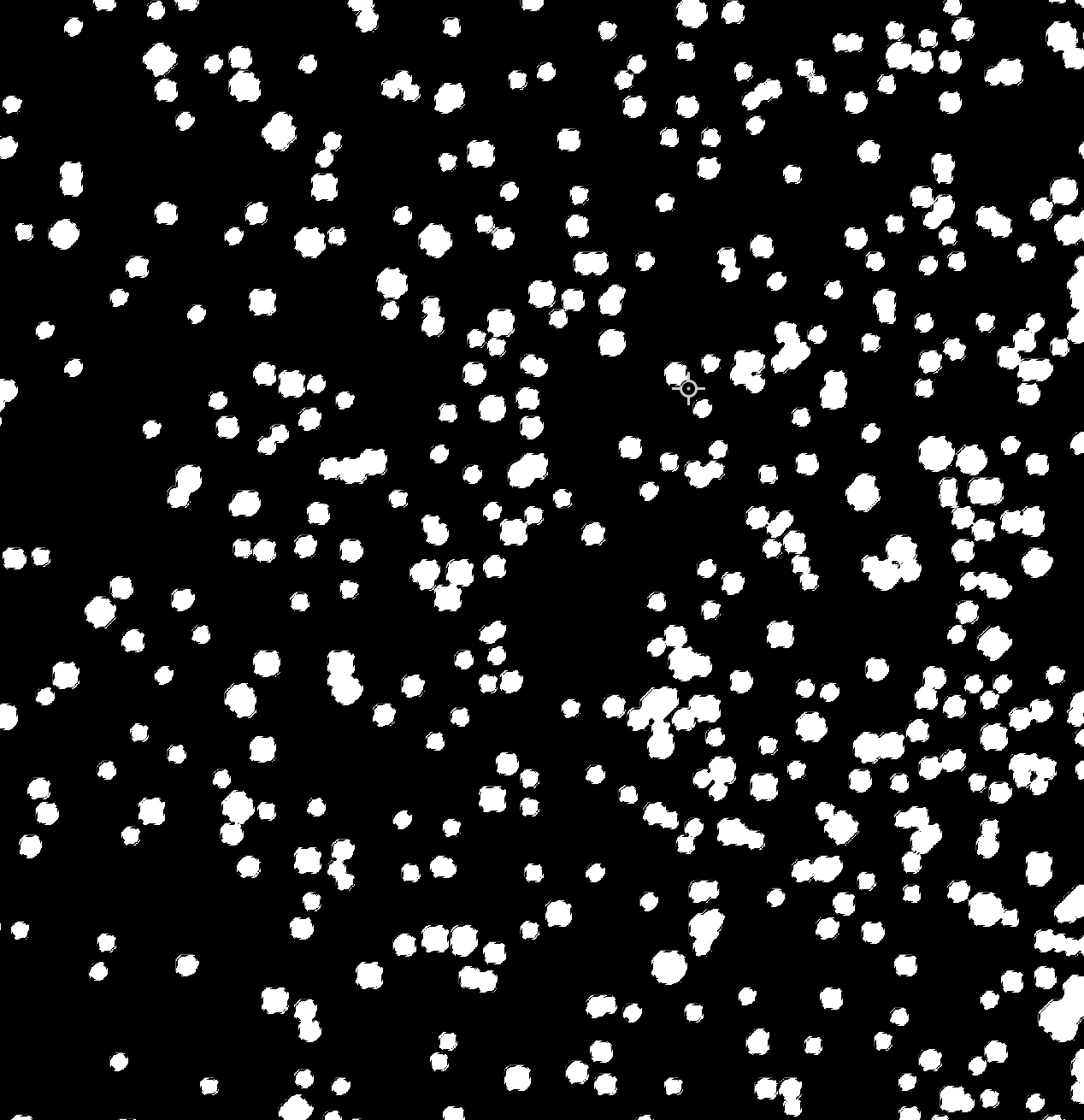
I am trying to change the appearance of multiple tiny dots on a layer (that represent stars but do not look like stars at the moment) into spheres or star-type shape. There are thousands of these dots, some only a few pixels wide, others are up to around 15 pixels. I can select them, they are separated from the background and have tried stroking them and filling them after expanding my selection but they seem to them become all the same size and overlap into a big mess.


I want them to retain their size ratio and have their own outlines so you can see they are individual shapes and I want to be able to change their appearance from dots to stars. I have no idea if photoshop can do this and havent found a tutorial on it so any help would be greatly appreciated! Thank you


This topic has been closed for replies.

1 reply

c.pfaffenbichler
Community Expert
Community Expert
October 10, 2019

Sounds like a vector task and therefore better done in Illustrator. 

But as the stars seem to overlap in the original image already a clear and automatic separation may not be possible. 


What is the point exactly? 

If the aim is illustrative you might be better off starting from scratch with Smart Objects in Photoshop. 

Participant
October 10, 2019
thank you. Basically I am trying to create a star chart using a file I downloaded with information about stars (their position etc) so these dots are pixels from an image. I want to alter their appearance though but I just cant work out, well I dont think photoshop can do it. I am not familiar with illustrator so dont know if that can do it either. Maybe i need to get the raw data or an svg file or something...??
c.pfaffenbichler
Community Expert
Community Expert
October 10, 2019
To smooth some of the peculiar edges you could try the Filter Median.