Calypso54
Participant
May 5, 2018
Answered

Change Stroke proprieties after its made

  • May 5, 2018
  • 1 reply
  • 374 views

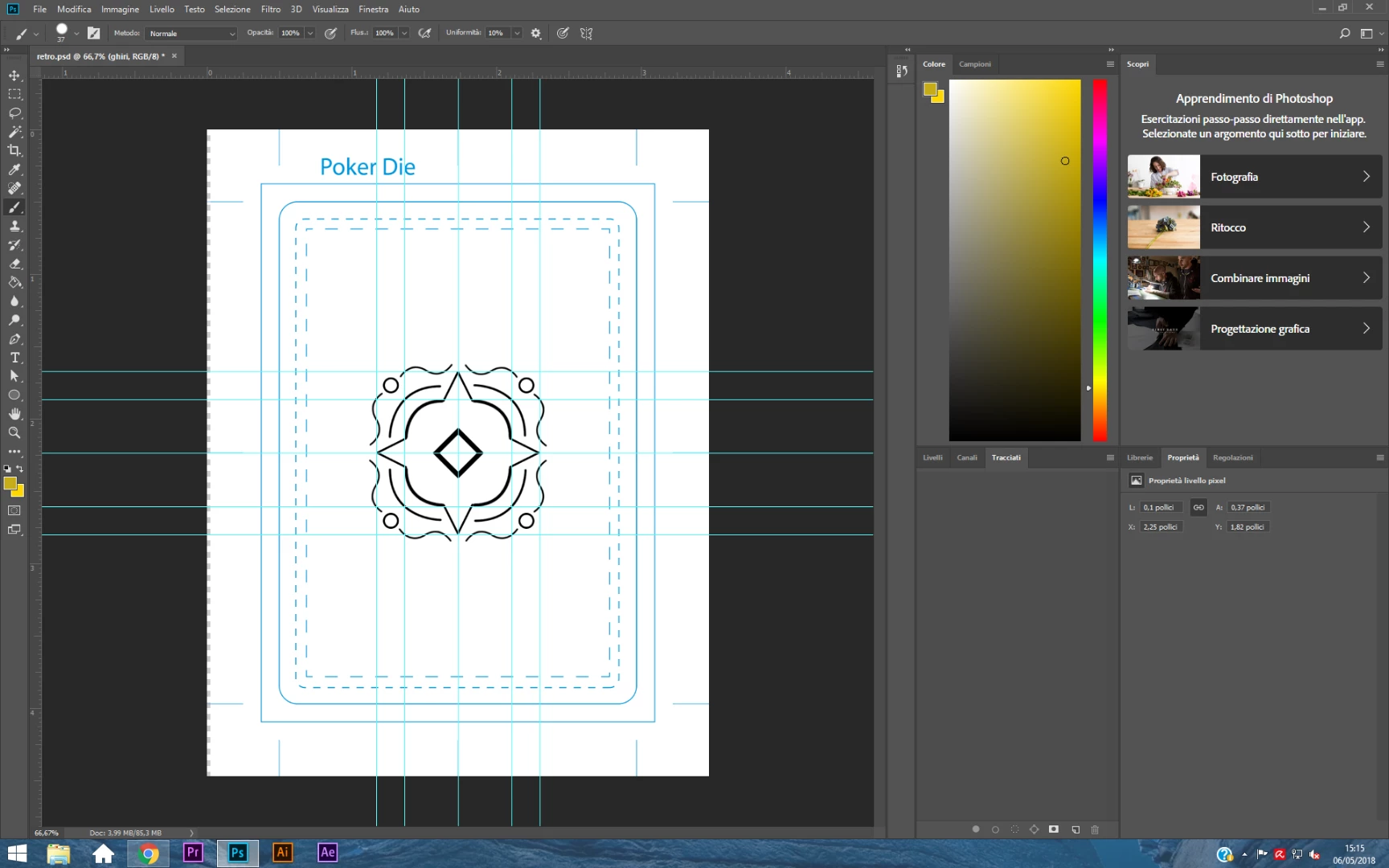
Hello everyone, I'm new both in this forum and in Photoshop. I've been stuck in this probably simple and stupid problem for hours, please help:

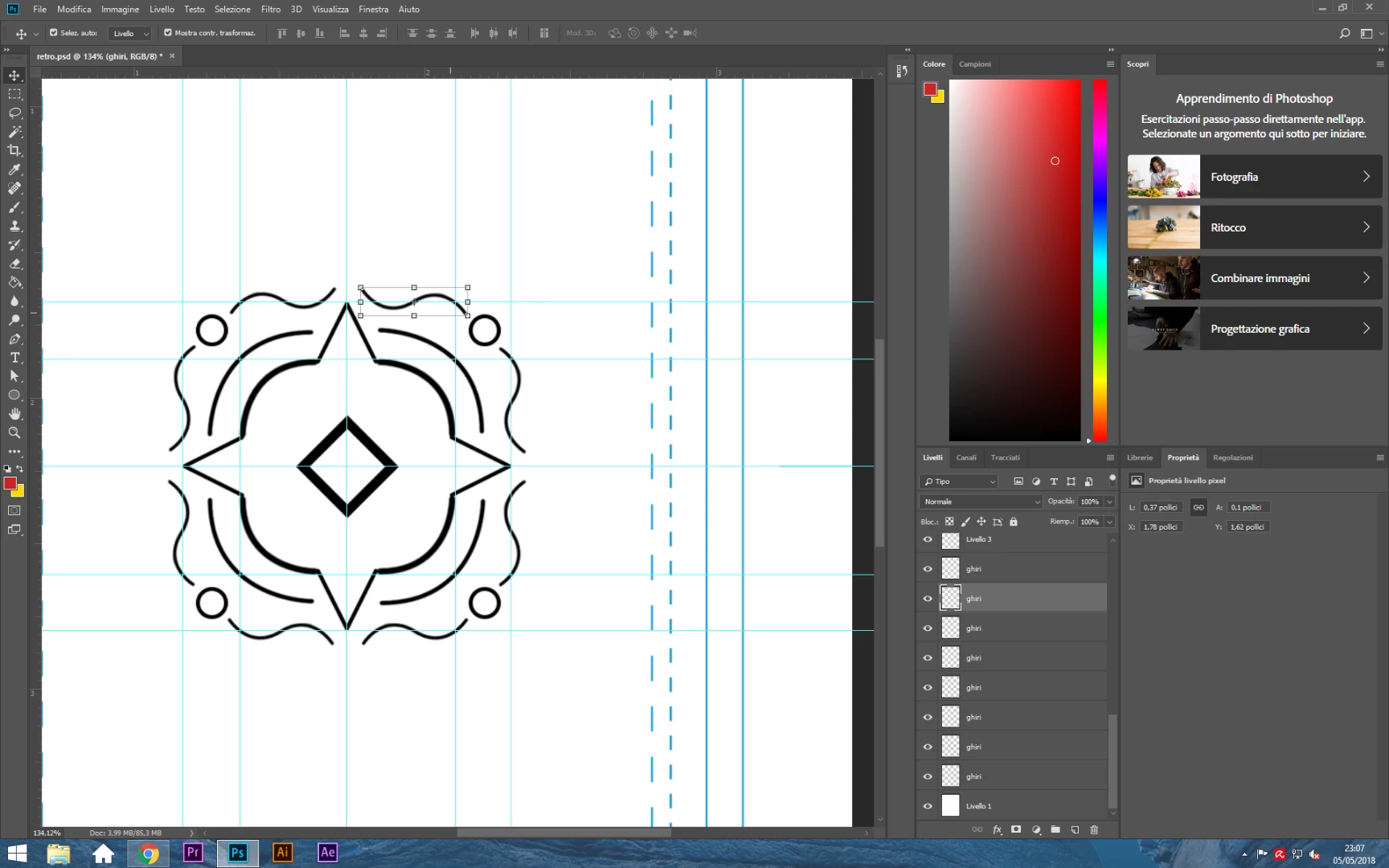
I have created a path (or stroke, idk) with the pen tool and I have 'filled' it with the brush tool. now how can I change the thickness and colour of that path?

Thanks!
This topic has been closed for replies.
Correct answer JJMack

So I should stroke again everything just to change color or thickness?

my path pannel is empty (Under the color pallette)... Is there another way?


If you did not save all the paths you create with the pen tool with different names in the paths palette you would need to recreate the different Paths like you did to begin with.  You should rename each work-path you create so you cans reuse the path if you need to.

1 reply

JJMack
Community Expert
Community Expert
May 6, 2018

It look like tot are moving or transforminh that layer. You would need to target that layer abd activater the correct pathe in the path palette and stroke the path with a thicker tip brush.

I do not think selecting the black, expanding the selection some and filling with black would work as well.

JJMack
Calypso54
Calypso54Author
Participant
May 6, 2018

thanks for the answer but could you please indicate me exactly the steps I need to do? thanks

JJMack
Community Expert
Community Expert
May 6, 2018

Select the Brush tool.

Set the brush settings you want to stroke with.

Target layer in Layers Palette you want stroked.

Select the path in the paths palette you want to stroke.

Right click the Path in the paths palette and use Stroke Path item

In the Stroke Path dialog use the pull-down menu to stroke with the pen tool

JJMack