
Question
changing app language in adobe photoshop, tried instructions in "helpx" it looked nothing alike
I tried changing language in my photoshop in mac. I followed the intructions online. I went to interface from preference in photoshop, but there is only english listed. According to https://helpx.adobe.com/creative-cloud/help/change-install-language.html . I need to change language in creative cloud. So I went to my creative cloud and clicked on the preference, it did not go as planned. As the picture shown, After I cliked on the icon -> preference -> color theme. It did not led to language in app. I am so tired of this setting interaction, search bar in creative cloud was also no results. Could someone answer how to change adobe photoshop default langague? My computer default langauge was not english. Thank you very much. 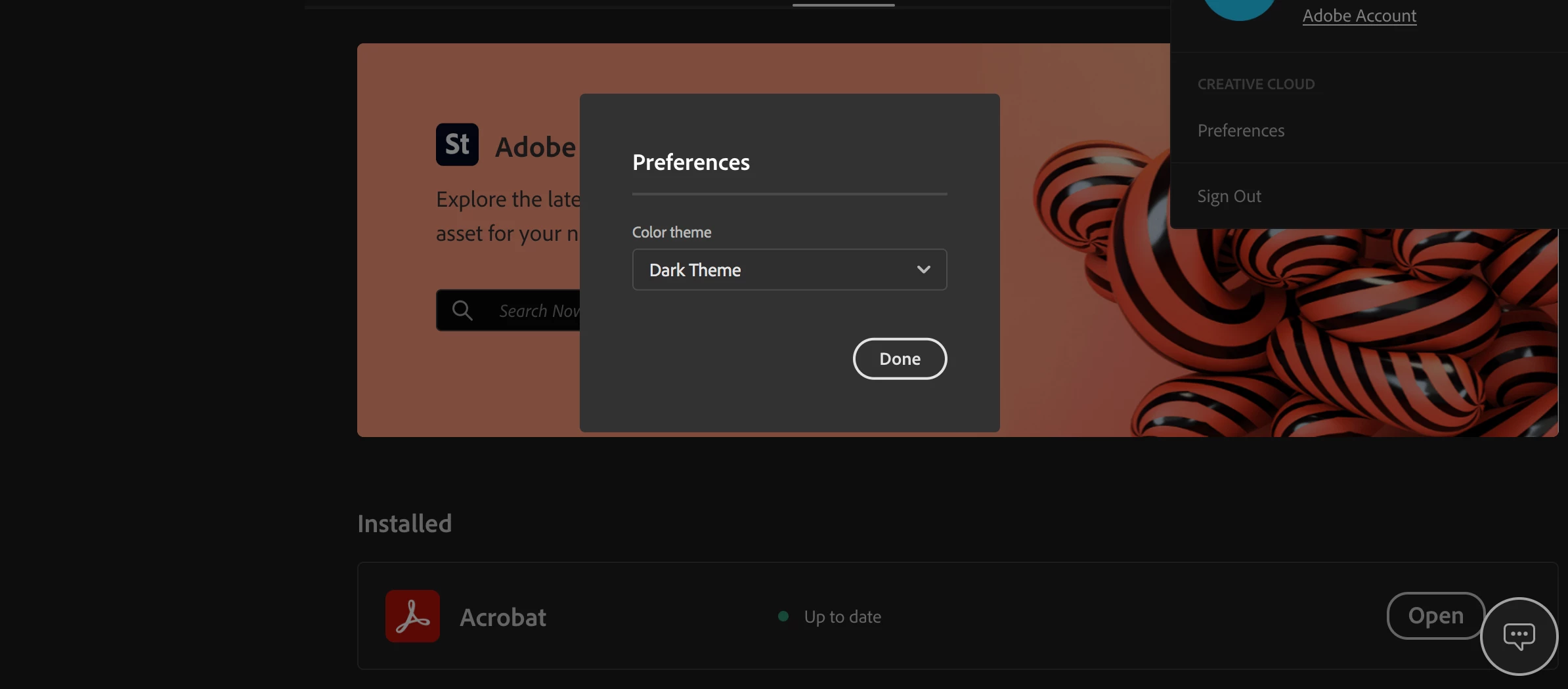
 AdChoices