Changing colors of mutliple shapes with gradients
I have a photoshop project where I have multiple shapes that each have their own gradient overlay. I have some swatches set up with specific colors to manual change and show mtulitple color options. I noticed that, depending on what order I change the shapes in, some will be darker than others even though they are all set to the same color. The two screenshots below show a room with ALL sections of walls the same color, however, when I select and color the lower section of wal (pic 1)l, all other walls become lighter, when I select and color the middle section of wall all other sections become significantly darker(pic 2).
I will have to select the same shapes mutliple times in different orders and change them to one of my swatch colors to be able to get them to all actually look the same. Each shape is on its own layer with its own gradient overlay, as I'm changing colors of the shapes, the shapes surrounding the one I have selected will be slightly darker, am I doing something wrong with the gradient settings? or something else I'm missing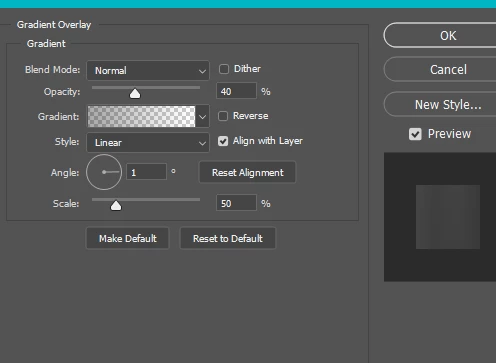


 AdChoices