Participant
December 4, 2019
Answered

Changing Multichannel Mode to RGB without changing color

  • December 4, 2019
  • 5 replies
  • 4529 views

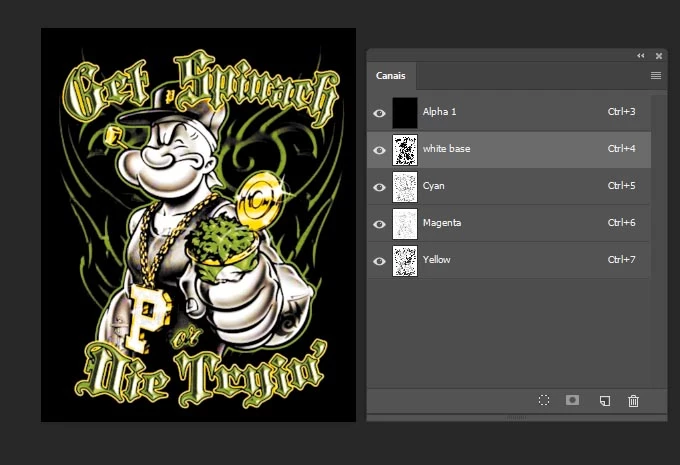
I have this image to print on a T-shirt on a Sublimation printer and I need to change  it to the RBG mode, but when I do that on de menu  Image > Mode - the colors of the image change. How to do it without changing the colors of the image?
This topic has been closed for replies.
Correct answer silk-m

Hi,

I'm sorry, but my previous answer was wrong.


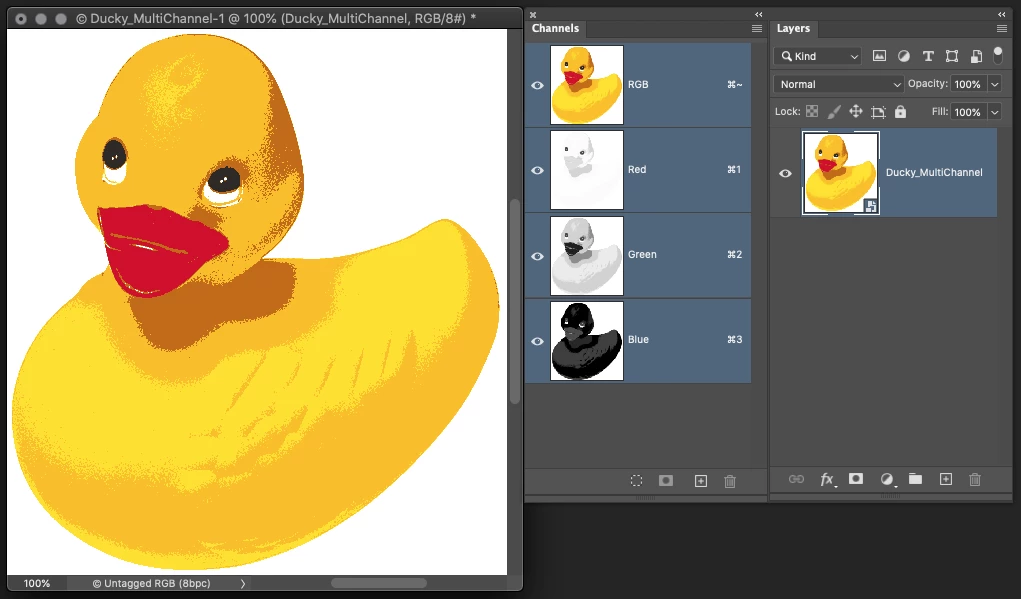
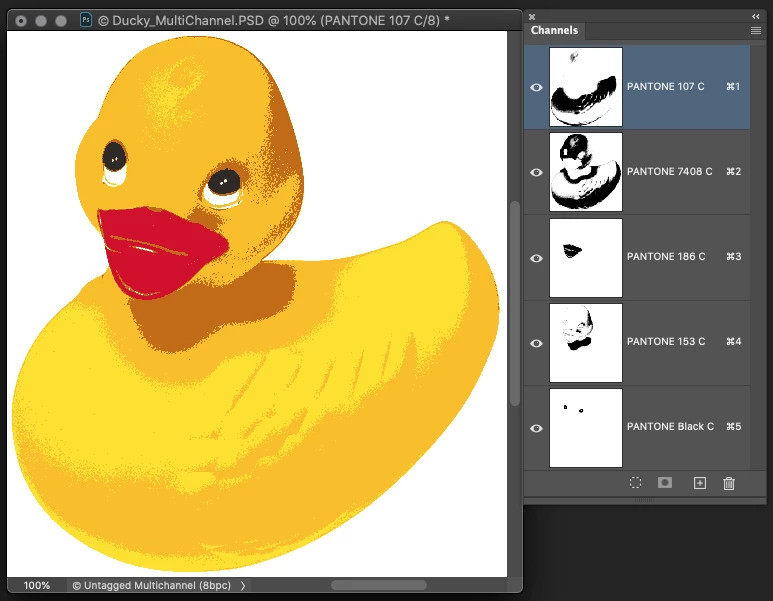
1. This is a Multichannel file.


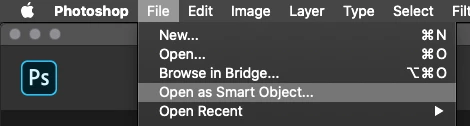
2. File / Open as Smart Object... "Ducky_MultiChannel.psd"


3. Multichannel file are open as RGB file.


4. Do Flatten Image. OK!


5 replies

PECourtejoie
Community Expert
Community Expert
December 5, 2019

Hello, move the two topmost channels to the bottom of the stack, then convert to RGB, it seems that multichannel assumes that the 3 topmost layers are CYM during the conversion to RGB.

IlcéiaAuthor
Participant
December 6, 2019

Thanks...It worked. The colors changed a bit because the black and the with base, the two channels moved down stoped working. But I can fix the lost workig on the layers.

silk-m
Community Expert
Community Expert
December 4, 2019

Hi,

スマートオブジェクトで保存して、開き直すとRGBファイルになります。

現在旅先でPCを持っていないので、日本語のままで失礼します。

詳しい解説は金曜日になります。

--Susumu Iwasaki
silk-m
Community Expert
silk-mCommunity ExpertCorrect answer
Community Expert
December 5, 2019

Hi,

I'm sorry, but my previous answer was wrong.


1. This is a Multichannel file.


2. File / Open as Smart Object... "Ducky_MultiChannel.psd"


3. Multichannel file are open as RGB file.


4. Do Flatten Image. OK!


--Susumu Iwasaki
IlcéiaAuthor
Participant
December 6, 2019

Thanks, it worked.

PECourtejoie
Community Expert
Community Expert
December 4, 2019

Hello, how does the image turn out? You have here an image with a white, Cyan, Magenta and Yellow layers, if I'm not mistaken usually, there is a black layer used to compensate for the ink purity (or lack thereof) and the outlines...

IlcéiaAuthor
Participant
December 4, 2019

Besides the channels I have a black background on the layers.

That is how the image turns when I change the image mode.

Participating Frequently
December 4, 2019
Legend
December 4, 2019

Multichannel is for working with the actual channels you print with, it isn’t an RGB adjustment layer. What are you trying to achieve, maybe there is another way. 

IlcéiaAuthor
Participant
December 4, 2019

The image is to be printed on  a sublimation printer. Usually these printers works on RGB.

That's why i need the change. Any ideia how do I do that, them?