GarethisOnit_AI
Participant
October 30, 2018
Answered

Changing screen view mode - 'F' key shortcut no longer works

  • October 30, 2018
  • 2 replies
  • 807 views

Hi all,

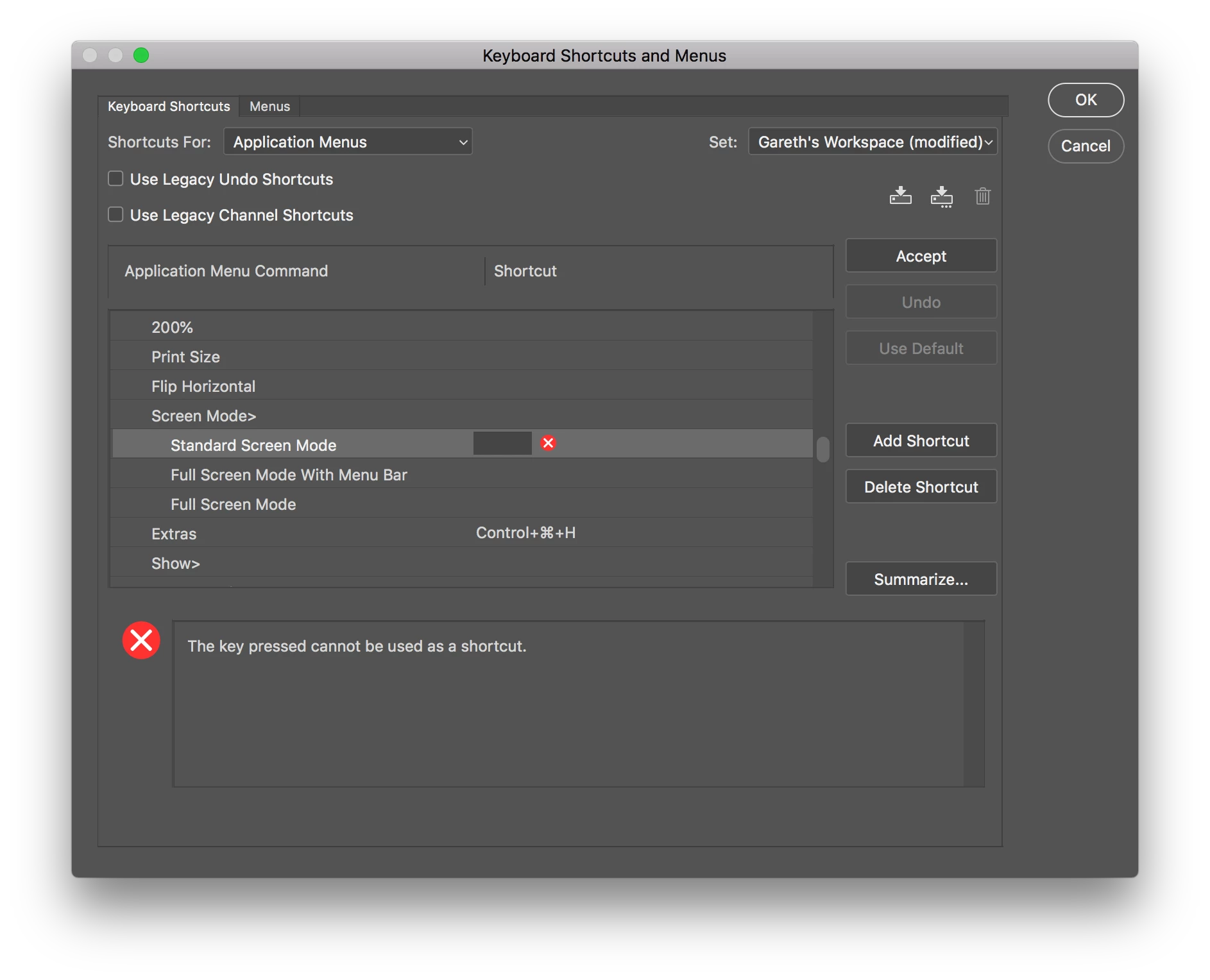
After installing Photoshop CC 2019 the F key no longer works to switch my screen view. I have checked in the shortcut preferences and it won't let me change it back.

Anyone else experience this and found a fix?

(I'm trying to change preferences here but no luck)
    This topic has been closed for replies.
    Correct answer

    Hi

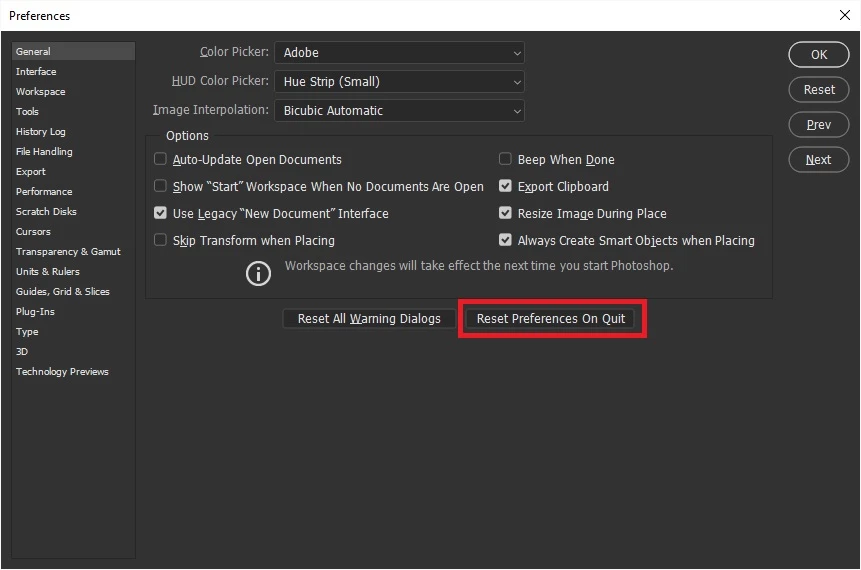
    You can't assign the F key because it's already assigned, have you tried resetting Photoshop preferences

    2 replies

    Participating Frequently
    January 2, 2024

    "You can't assign the F key…" is not the correct answer. It's wrong on so many levels I don't even know where to start. You can reassign any command key in Photoshop. Hit command-shift-k and there they all are - and the whole set is editable. 

    Sometimes when "F" stops rotating through screen modes, I have to quit out of several programs and restart Photoshop. Today it's happening, and I can't get it to stop - even though the command is still in the shortcut set.

    This thread was among first page hits on google. I wonder how many thousands of people have been misinformed? 


    Correct answer
    October 30, 2018

    Hi

    You can't assign the F key because it's already assigned, have you tried resetting Photoshop preferences