
Cintiq 27qhd Touch Win 10 + CS6 side button erase has no pen pressure but Intuos does
Ah please help. I'm on windows 10. I just got a new Cintiq 27qhd Touch, upgraded from an Intuos 4 M. My intuos has perfect input and pen pressure and one of the side buttons that is keybound to "erase" works and gives me pen pressured erasing as I hold it down. I'm also on the newest Wacom drivers (6.3.22-6) and I have bounced back and forth between this and the last one 6.3.21-10.
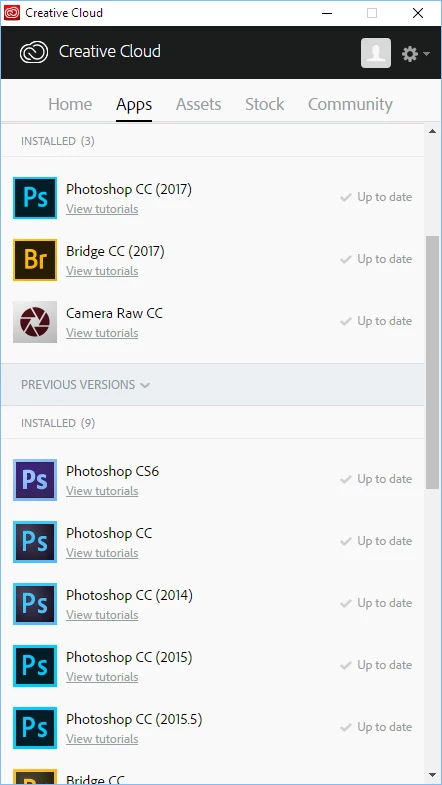
I need to use CS6 because it has mini bridge and CC 2017 does not. It is really important for my workflow.
My cintiq has pen pressure issues in CS6. At first I got the infamous blobbing and jittery lines. I had not yet keybound "erase" to my side button. During this time I was trying all the common fixes for the pen pressure which include
- trying different drivers and rebooting
- changing usb ports
- messing with Pen and Touch settings turning flicks off and turning off and on the Press and Hold
- turning off and on "use side button as double click"
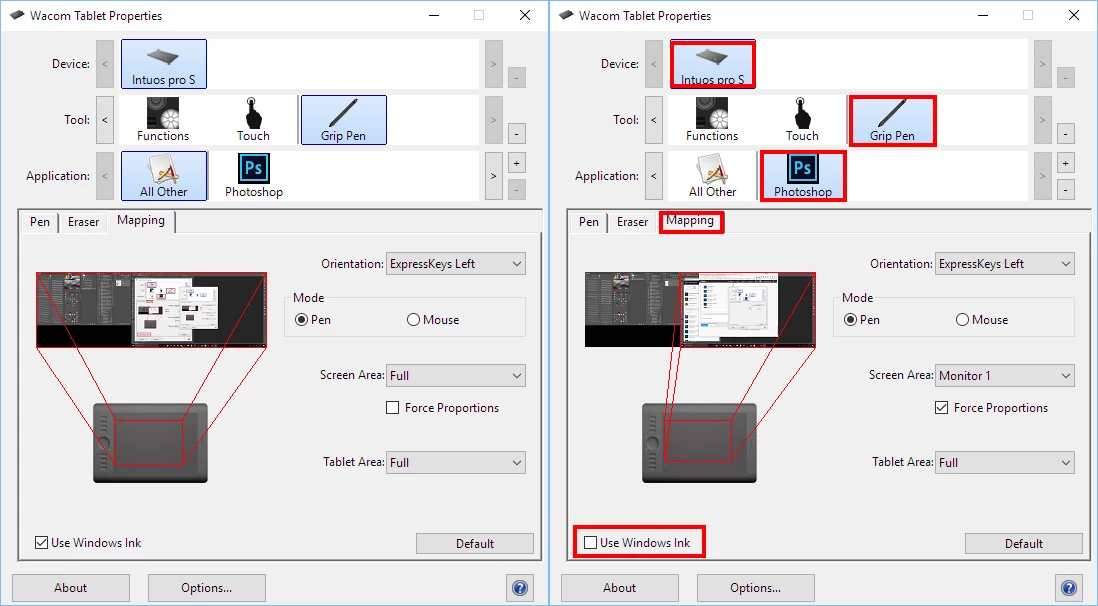
- turning off and on windows ink for the applicationg in the wacom settings
- instead of using the "erase" setting, i tried manually keybinding in the wacom settings to "e" which is photoshop's default for erasing
- I turned off and on the tablet input service
- i restarted the wacom professional service
- I tried making 2 different PSUserConfig.txt (and also versions of it without the .txt in the file name) files for making it use Wintab and the other one for making it use Wacom Professional service. Nothing seems to change.
- turning off touch input.
Some really important observations.
I have Photoshop cc 2017. In CC2017, i have the same keybinds for my cintiq pen and the "erase" keybound side buttons DO give me pressure sensitivity as I hold it and draw. It works as intended.
In CS6 I have some intermittent pressure sensitivity issues with regular drawing input (for cintiq) but its not as common anymore. They keybound side button erase has no pressure sensitivity unless I press the button and draw at the same exact time. but it only lasts for that one line. As long as I time it perfectly, I get pressure sensitivity. It seems like something is forcing the cintiq/pen to not recognize any pressure sensitivity when the side buttons are pressed. What is happening here?
Using E on my keyboard-- Holding it down as I draw--- toggles the eraser and gives me perfect pressure sensitivity.
So this leads me to think the Cintiq 27qhd and Photoshop CS6 conflict. My Intuos 4 M works perfectly with CS6 and CC 2017
Please, if anyone has any ideas, please let me know. Is this a bug that photoshop has with cintiqs or is it the other the way around? both CS6 Mini Bridge and using Erase on my side buttons is very important for me.
Thankyou
 AdChoices