Clipping mask not working in photoshop!
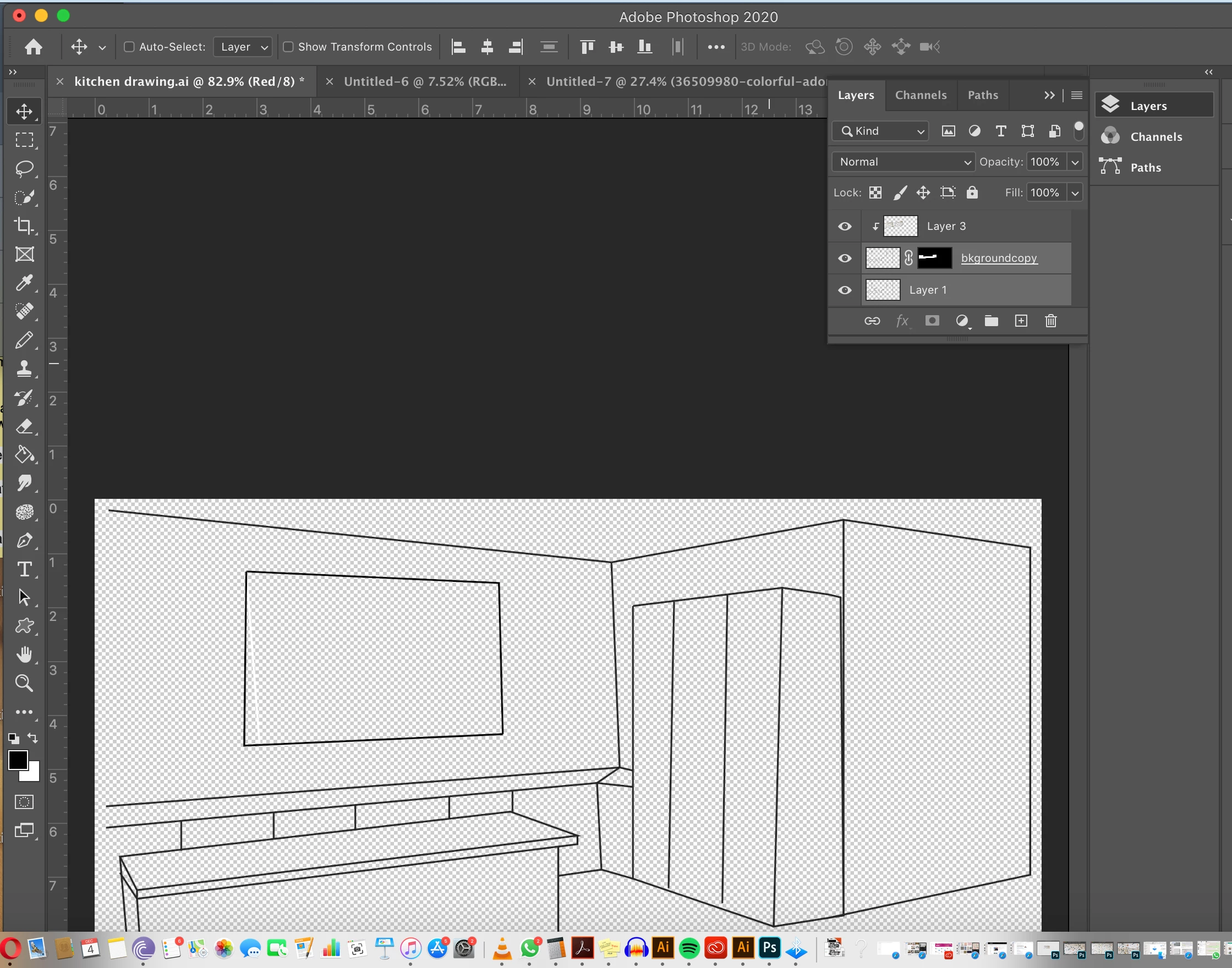 Hi there,
im using a mac book pro.
i am fairly new to photoshop- but used it a lot ten years ago and trying to get back into it now for my work. i have followed tutorials online where i created clipping masks and succeccfully masked thigns. Here i am trying to put a splash back around mt sink area in this kitchen. you can see the layers that im using in this image, for some reason i cant get the image to show in the clipping mack, what am i doing wrong ? i am getting so frustrated here when it wont work and i dont knw why. any help woulf be so greatly apprecitaed. thanks in advance. also, the last time i did it , a sliver of the image did show under the window, just a very thin line. i used the pen tool set to path to make the selection around the window.
a
 AdChoices