

Question
Clone Stamp tool pastes with a little more saturation than the source
Sometimes when the Clone Stamp tool pastes, the result is more saturated (and sometimes) less detailed than the source.
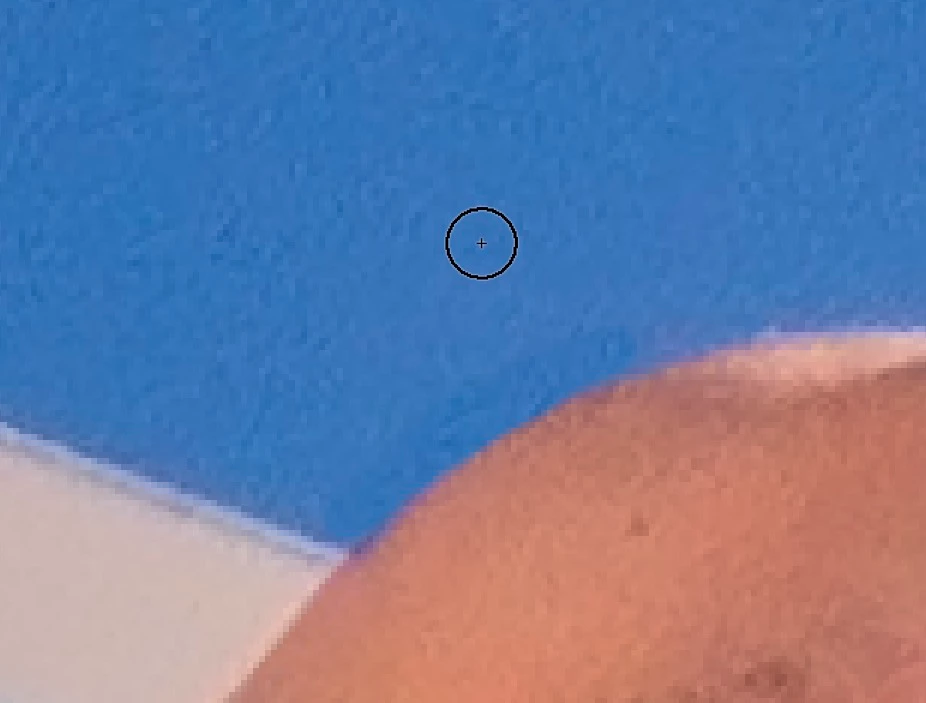
In this example, I've sampled at the circle's location, and "pasted" right below, removing a halo from the edge of the shoulder. As you can see, the result is a little darker, and a little more saturated than the source. To adapt, I sometimes have to paste with a lower opacity, but that just helps approximate the appearance.
I'm only sampling the current layer.
100% hardness doesn’t help.
I’ve reset the Clone Stamp tool.
M1 MacBook Air
Current Photoshop
Eizo CS2740 display
Any idea what’s going on? I do a lot of heavy tonal and color manipulation, and, in spite of taking care, I often have a few halos to deal with.
 AdChoices