
Known Participant
January 9, 2020
Answered

Clone stamp works but doesn't show on part of image

  • January 9, 2020
  • 1 reply
  • 1433 views

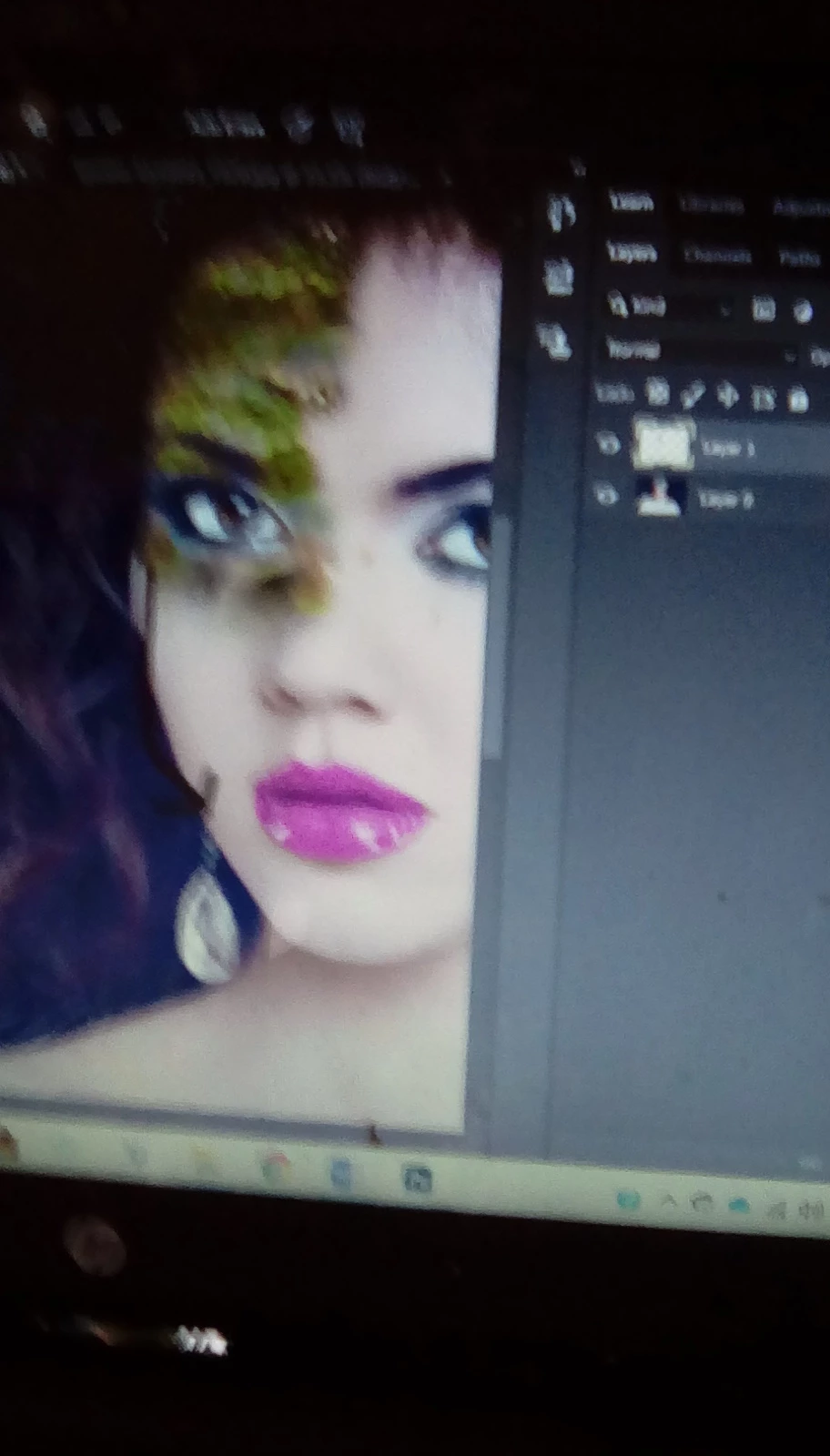
Hi. I followed as many suggestions I could find but the clone stamps won't show on and above lips area. Look in screenshot below. I thought it was because I had used the mixed paint brush and it doesn't show on that, but I used mixed paint all over the face. I even tried on the orginal image. Why is this happening? What can I do?
 

This topic has been closed for replies.
Correct answer melissapiccone

It would be much more helpful if you took an actual screenshot, not a picture of your screen. You are using the clone tool in a blank layer. Do you have it set to use all layers in the options bar?

1 reply

melissapiccone
Community Expert
melissapicconeCommunity ExpertCorrect answer
Community Expert
January 9, 2020

It would be much more helpful if you took an actual screenshot, not a picture of your screen. You are using the clone tool in a blank layer. Do you have it set to use all layers in the options bar?

Melissa Piccone | Adobe Trainer | Online Courses Author | Fine Artist
happie_97
Community Expert
Community Expert
January 9, 2020

I agree with @melissapiccone. Looking at your picture, setting it to sample all layers should fix your issue.