


Participant
July 5, 2018
Question

Cmd+Z shortcut not working Photoshop CC 2018

  • July 5, 2018
  • 3 replies
  • 5835 views

Hello!

The shortcut cmd+z is not working. it overrides and adds fill layer instead.

in the shortcuts panel it's all ok but it doesn't work.
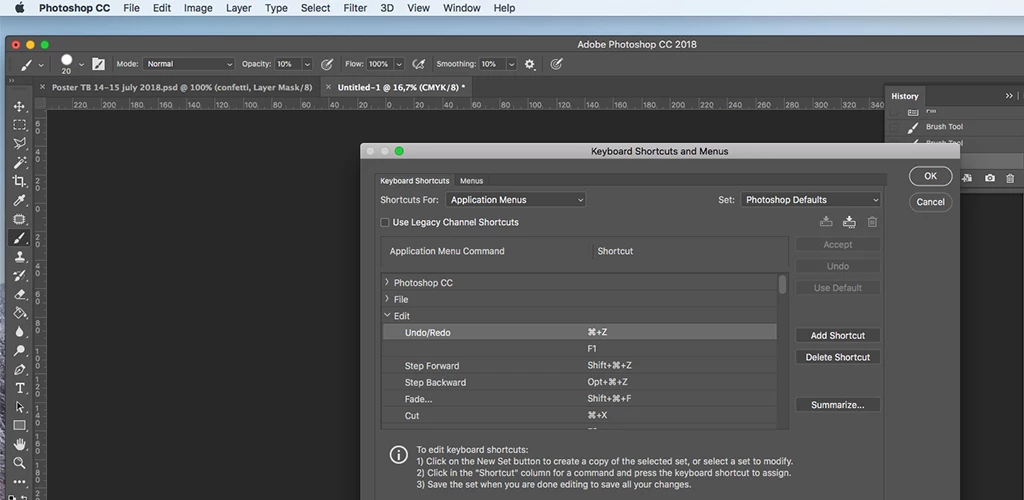
The shortcuts works perfectly in Ai or Indesign but in photoshop it's messed up.

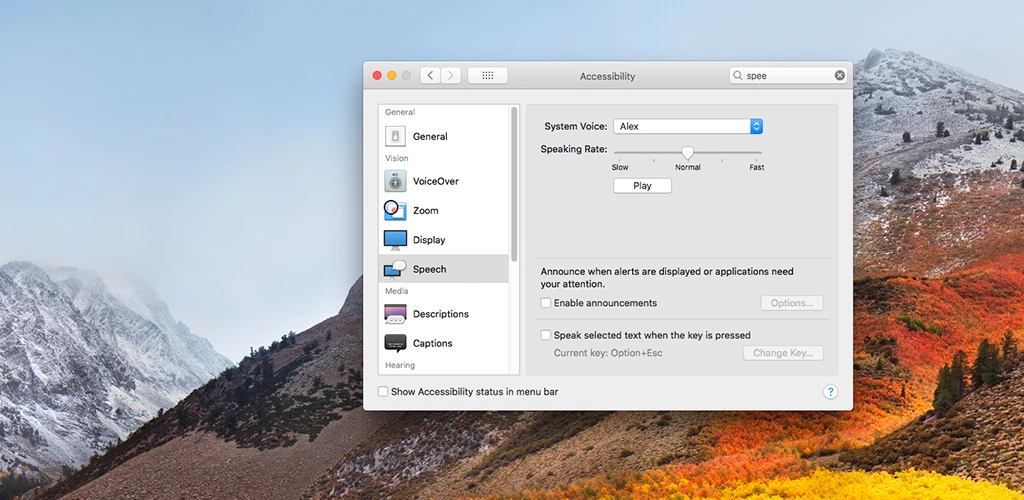
i also tried to change the keys from accessibility but it wasn't cmd+z so that wasn't the problem.
Also is not the keyboard language problem. the z is still z

What to do?

Thank you!

This topic has been closed for replies.

3 replies

inguz-7IP7F4
Participant
December 31, 2018

Maybe you have to exit the "edition" mode before using cmd+z.

Legend
July 5, 2018

Does Undo from the Edit menu work as you expect?

Participant
July 5, 2018

Yes

JohanElzenga
Community Expert
Community Expert
July 5, 2018

Check the whole list here:

-- Johan W. Elzenga
JohanElzenga
Community Expert
Community Expert
July 5, 2018

Cmd-Z works as it should on my Mac. Try resetting the Photoshop preferences. You can select the option to reset them on restart in the General tab of the Preferences.

-- Johan W. Elzenga
Participant
July 5, 2018

Did the resetting and is the same... just realised that in Indesign it also stoped working.. the Ai is ok.