Participating Frequently
July 25, 2018
Answered

CMYK to Spot Color (Dry Offset)

  • July 25, 2018
  • 4 replies
  • 3879 views

Hi!

I want to know how to transform a CMYK image into a predefined number of spot colors in a professional way. For printing in aluminium can.

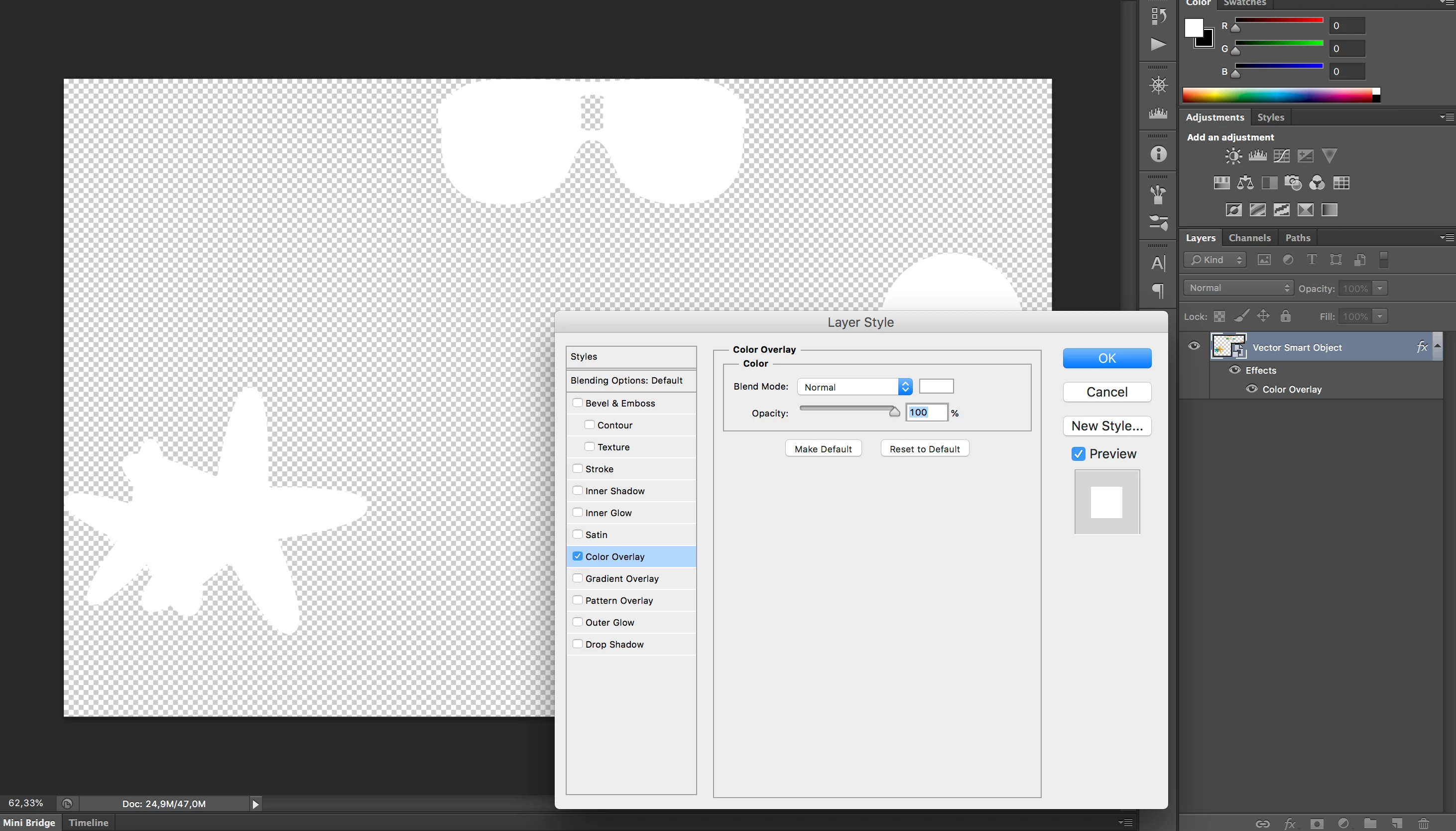
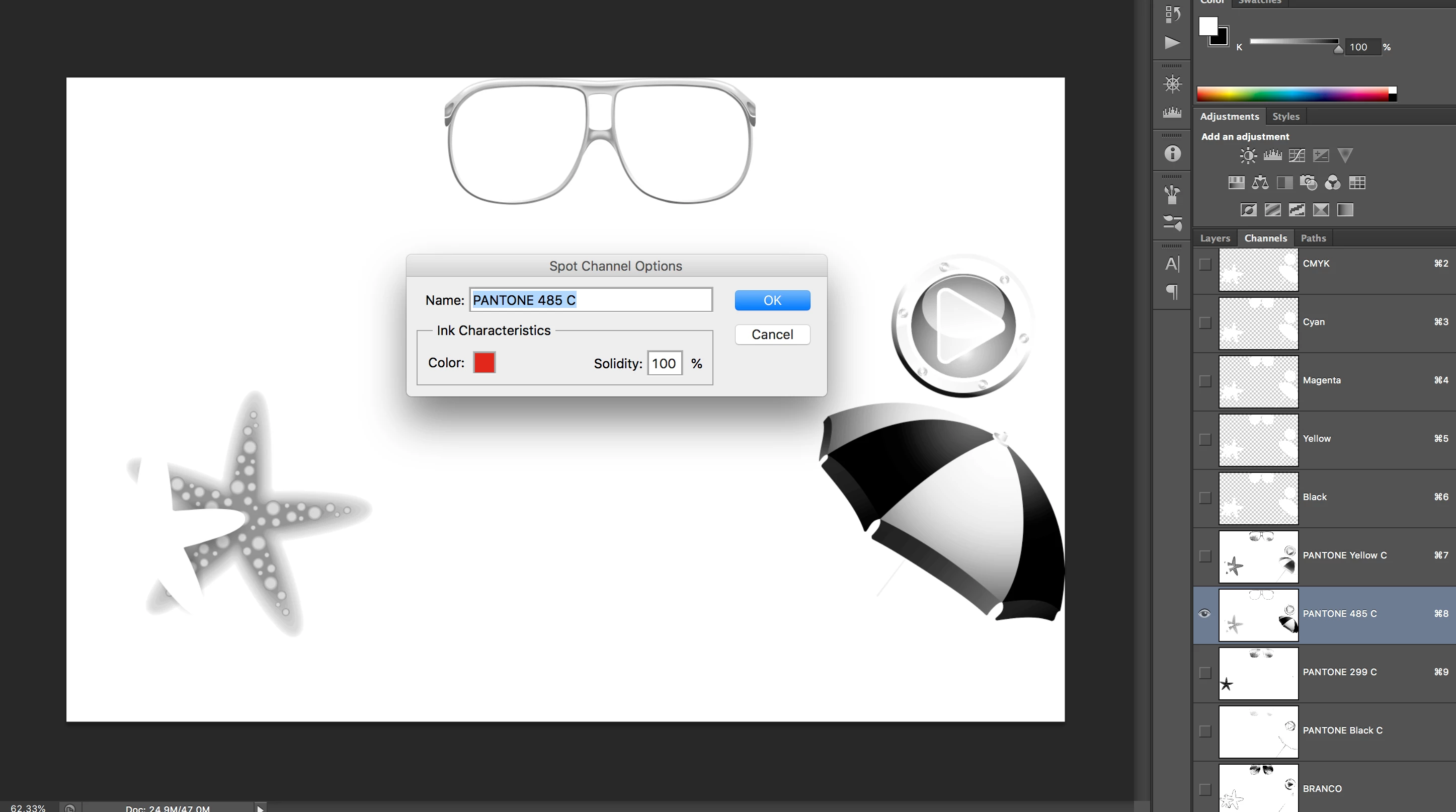
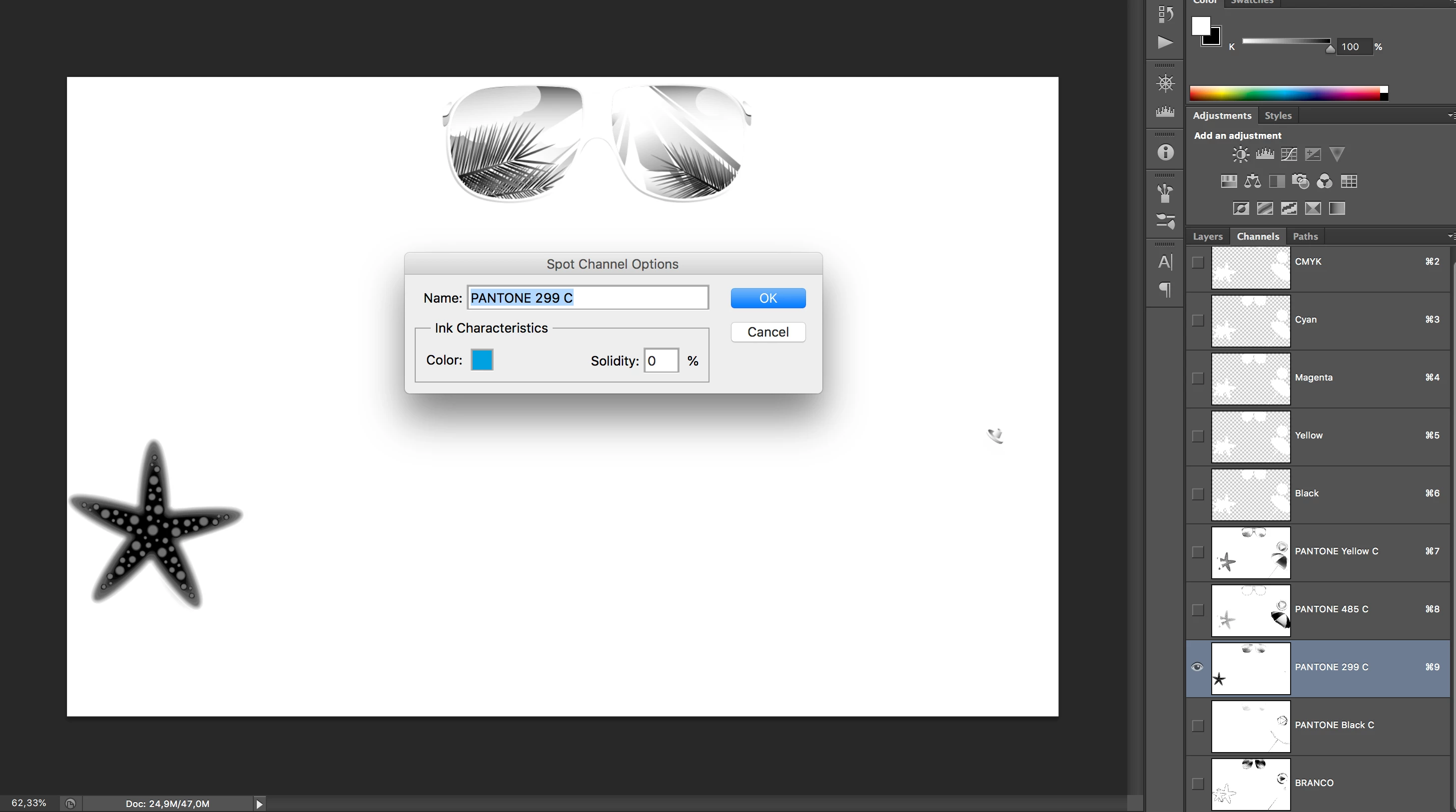
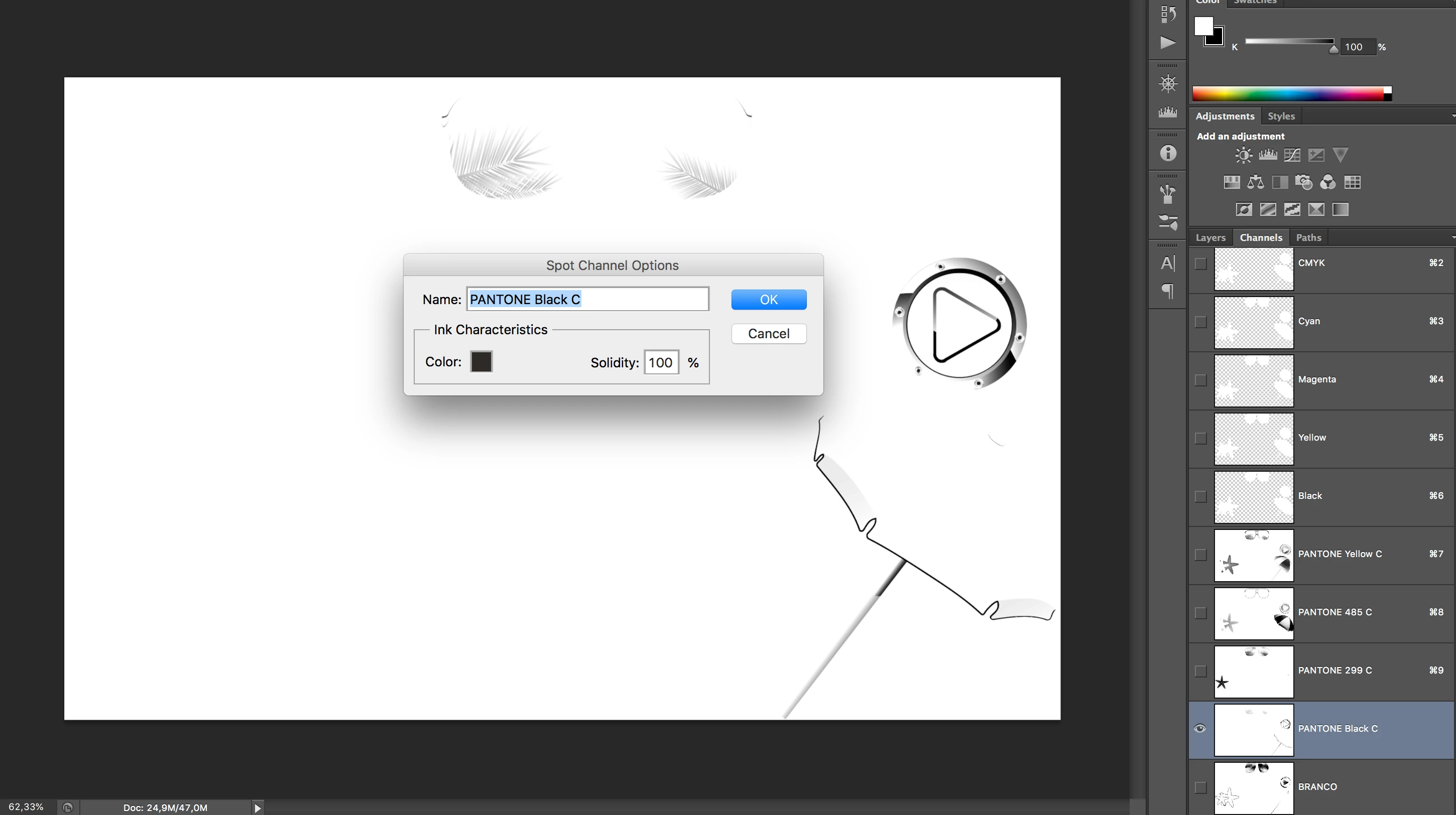
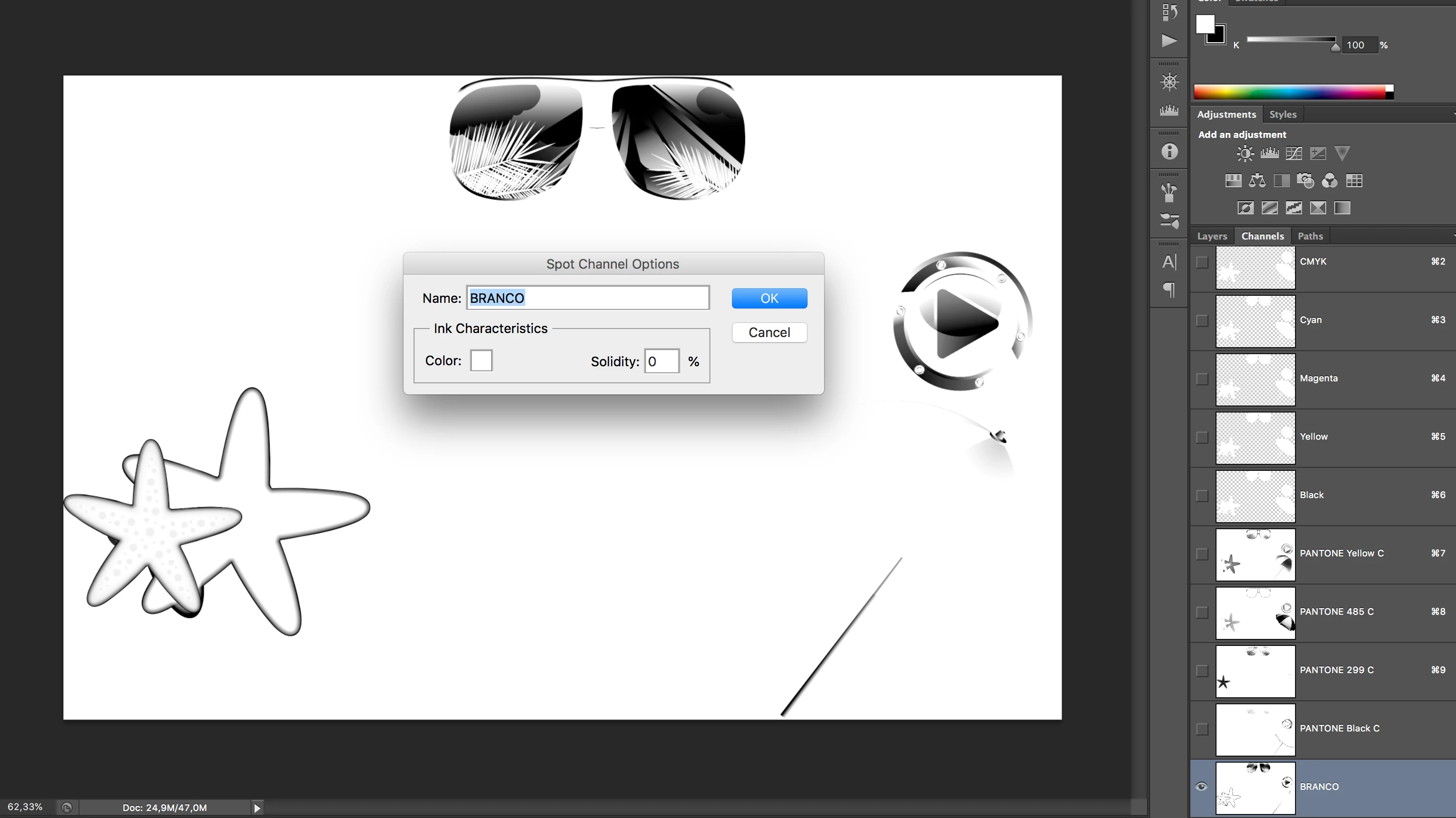
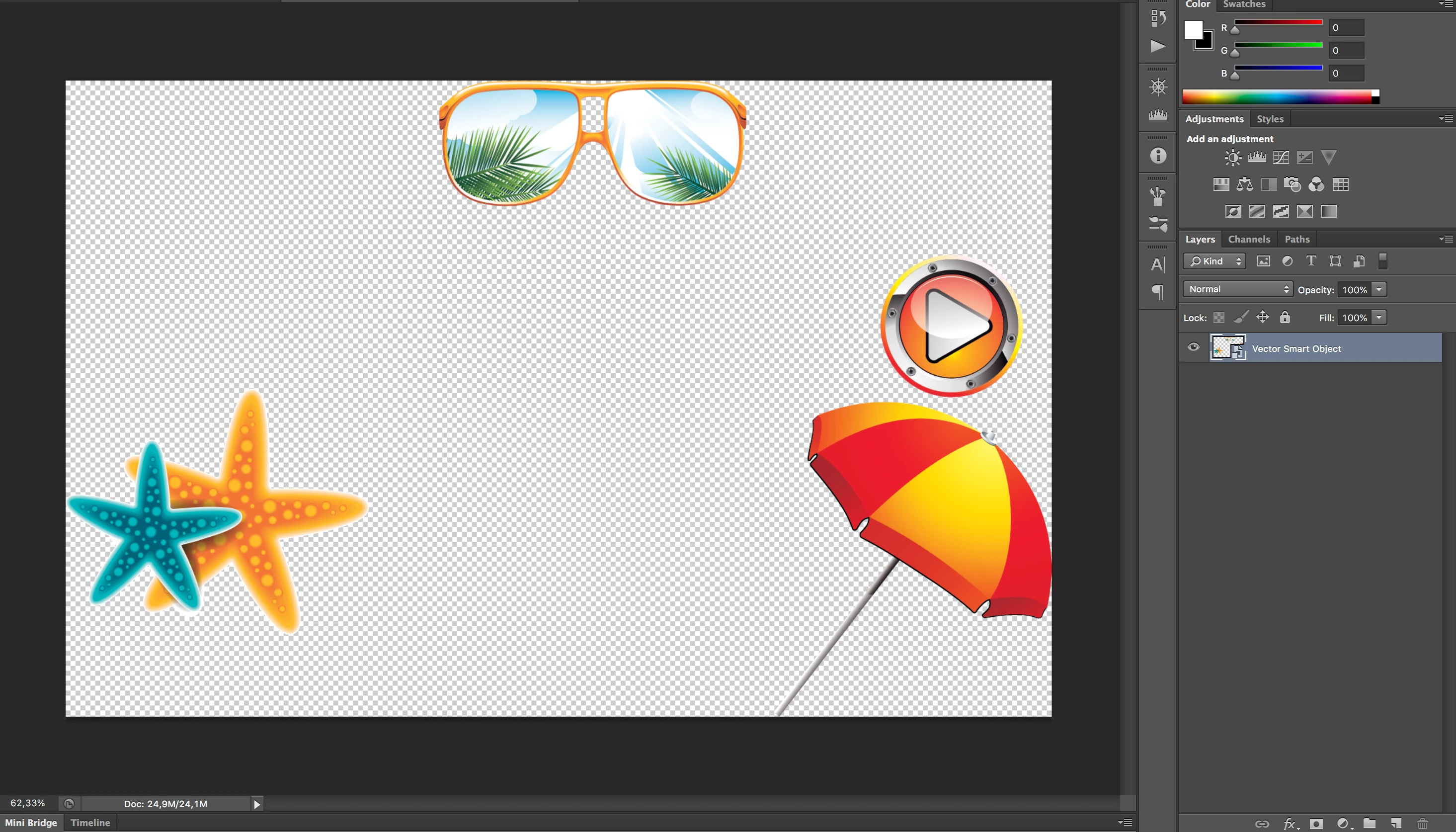
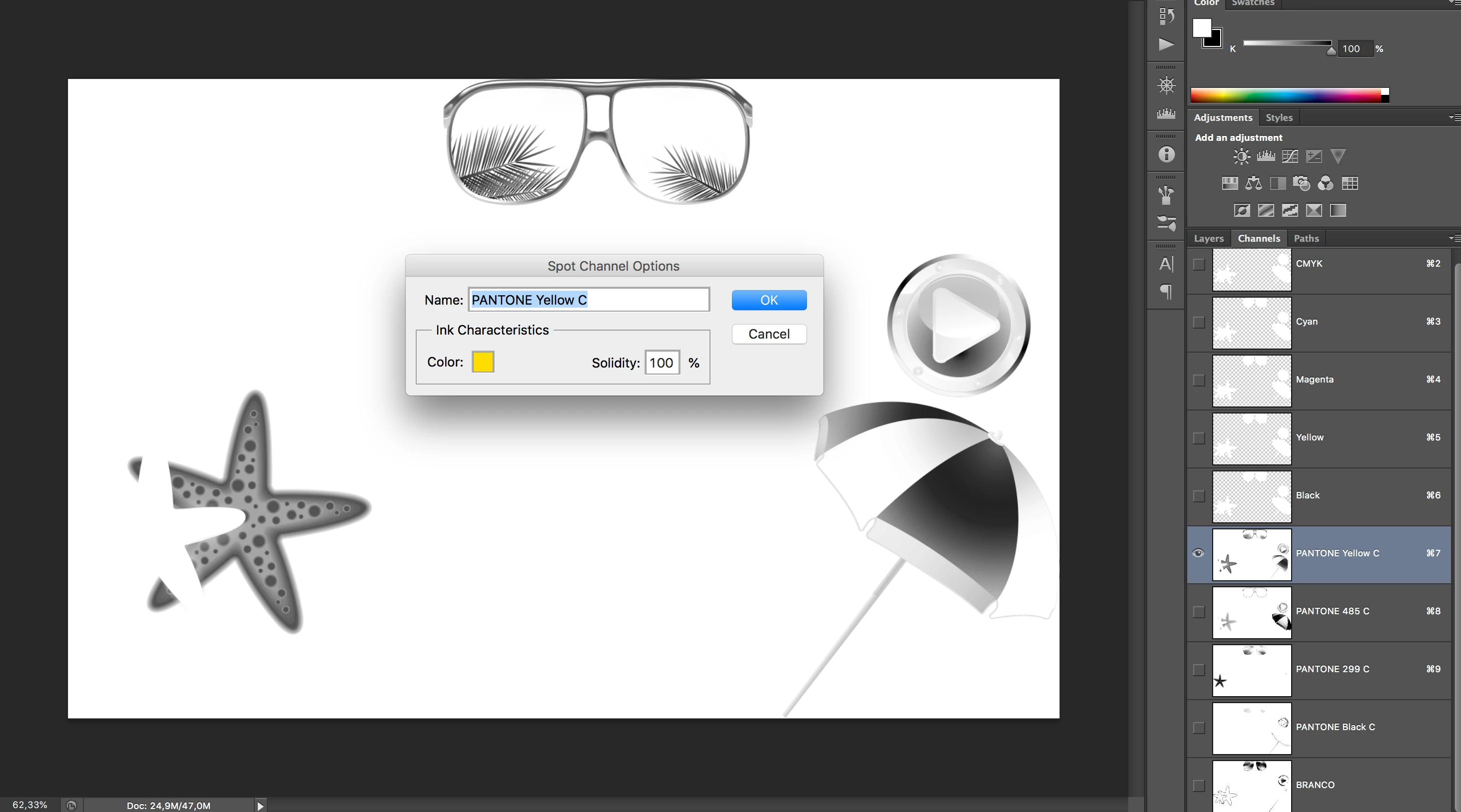
I have some screenshots from a file (ready for output) and its layers/channels. Does anyone knows this workflow? I don’t know how to do it and I’m trying to discover. The only thing I know is: the person has used 'apply image' to separate and create the spot colors and a pure white 'color overlay' on the cmyk channels.

1- these are the layers (with a white color overlay and it’s cmyk channels:
2- And here is: each channel with its correspondent spot color: (how can I reach this? how to use 'apply image' here? and why the pure white on the cmyk channels?)

Thanks for the help!!!
This topic has been closed for replies.
Correct answer Stephen Marsh

I believe that the white effect on the CMYK is used to toggle a before/after preview on/off when building the spot plates and to also losslessly remove the CMYK from the final image.

An example... The spot red could be made from duplicating the magenta channel as a spot channel with the appropriate spot colour. Then the yellow plate could be added in darken blend to bulk up the channel. Various combinations of source and destination/target channels are used with blend modes, opacity, inversion, channels used as masks etc. to add and remove colour. Apply image and calculations are similar tools for such CHOPS (channel operations).

Keep in mind that the “preview” may or may not be anything like the final printed result.

4 replies

Mario Arizmendi
Legend
July 15, 2020

I know this is a very old post but I have found recently this plugin, just take a look

https://www.youtube.com/channel/UCoNki4ICUmgAaHj3auCbyIg/videos

rob day
Community Expert
Community Expert
July 25, 2018

Is the white printing as an under color? If that's the case I would think you would want an extra spot color to simulate the can color, that doesn't get output (you could prevent output via an ink alias over in InDesign), and with the white going down first as another spot ink

Also, the Solidity setting would have a significant affect on the preview—I'm guessing you didn't mean to set 299C to 0%. You would want to talk to the printer about the ink opacity and print order.

80%

50%

Mike_Gondek10189183
Community Expert
Community Expert
July 25, 2018

You are printing on an aluminum can, so you need a white plate to put under inks where you want that to be very readable (eg: UPC so that it scans).

Preparing art for aluminum can printing/dry offset is not something one does without experience as you need to make stay aways to keep 2 transparent inks from touching (with the exception of opaque white)

https://www.cask.com/wp-content/uploads/Aluminum-Can-Specs-Template.pdf

Participating Frequently
July 26, 2018

Man, this PDF resumes everything that I do at work. The only thing that I don’t master is converting colors, but I’m sure that with the help of all of you I’ll be able to do it. Thanks!

Stephen Marsh
Community Expert
Stephen MarshCommunity ExpertCorrect answer
Community Expert
July 25, 2018

I believe that the white effect on the CMYK is used to toggle a before/after preview on/off when building the spot plates and to also losslessly remove the CMYK from the final image.

An example... The spot red could be made from duplicating the magenta channel as a spot channel with the appropriate spot colour. Then the yellow plate could be added in darken blend to bulk up the channel. Various combinations of source and destination/target channels are used with blend modes, opacity, inversion, channels used as masks etc. to add and remove colour. Apply image and calculations are similar tools for such CHOPS (channel operations).

Keep in mind that the “preview” may or may not be anything like the final printed result.

Participating Frequently
July 25, 2018

So I guede the key is a deep study of blend modes and a lot of trial and error, right? thanks!

rob day
Community Expert
Community Expert
July 25, 2018

Have you checked with the printer to make sure a 4-color spot separation is even possible? Reading Mike's link makes me think it would be very risky. Also, if 4-color is possible why bother with the spot colors, why not work with process CMYK? Doesn't seem like there's much of a gamut problem and soft proofing spot colors will be next to impossible.