
Answered
Collapsed panels when opening PS
Layer panels are always collapsed when I open PS, I don't know how to fix this and no "Auto-Collapse Iconic Panels" is not enabled. I have to manually click each one to get them back to my preferred layout.
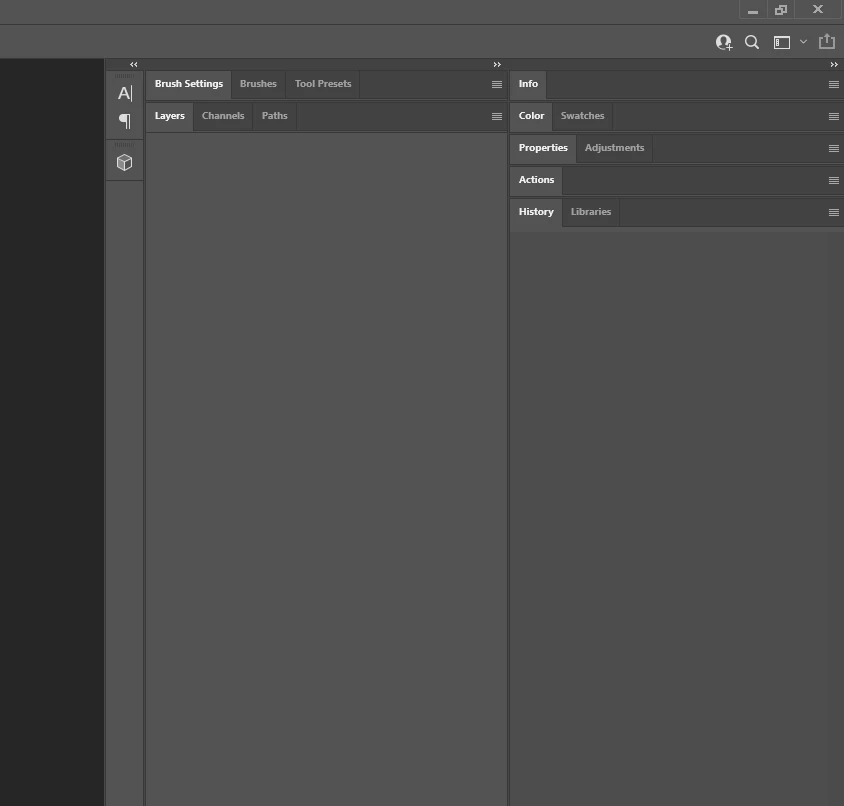
Layer panels are always collapsed when I open PS, I don't know how to fix this and no "Auto-Collapse Iconic Panels" is not enabled. I have to manually click each one to get them back to my preferred layout.
Check to see Photoshop has the required permissions:
Required permissions for Photoshop
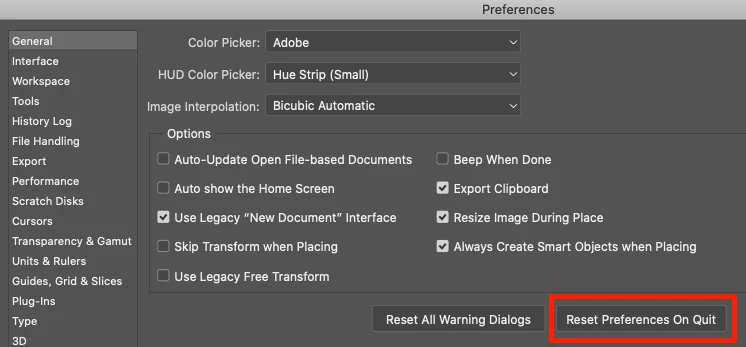
If so, try a reset of your Preference Settings:
Already have an account? Login
Enter your E-mail address. We'll send you an e-mail with instructions to reset your password.
 AdChoices