

Participant
April 25, 2023
Question

Color changed after canvas resize

  • April 25, 2023
  • 4 replies
  • 953 views

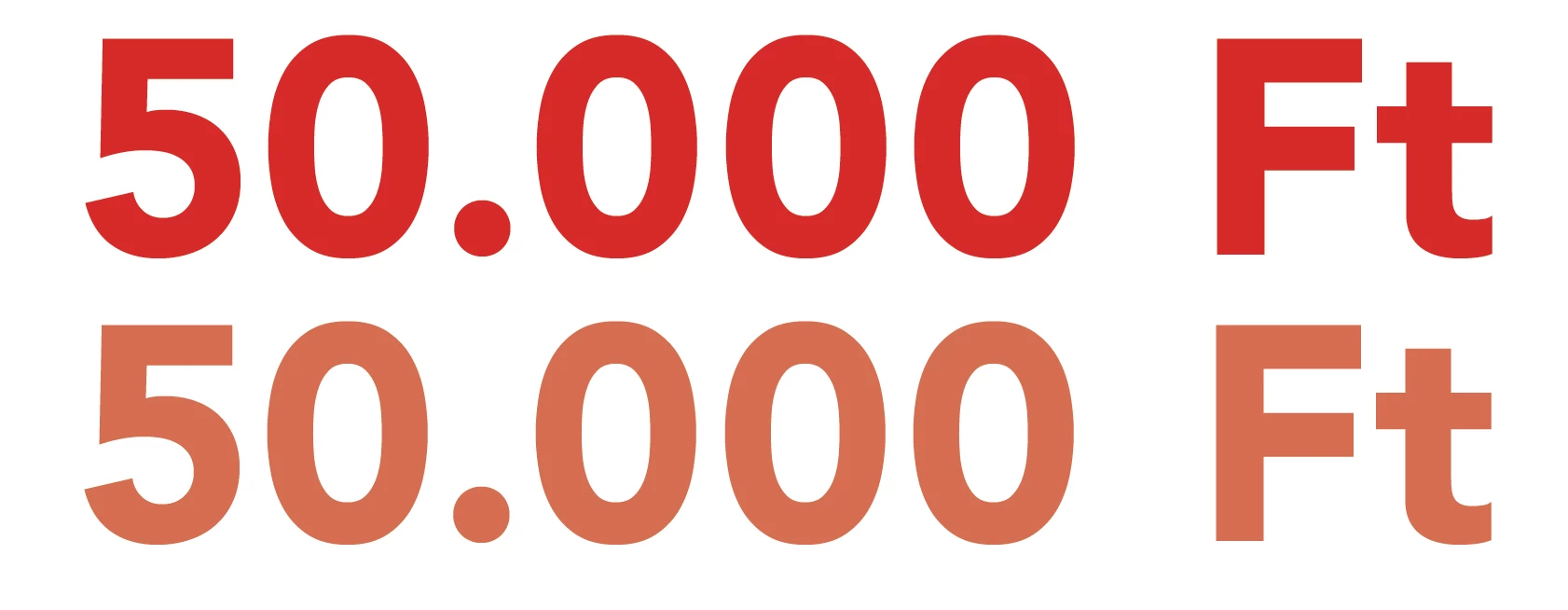
Layered, CMYK PSD, red color changed after canvas resize.

This topic has been closed for replies.

4 replies

NB, colourmanagement
Community Expert
Community Expert
May 6, 2023

Please supply those requested screenshots, as you mentioned assigning an ICC colour profile, my money's on the image file's ICC profile. If the original doesn’t have an embedded ICC profile, then you should assign the right one

- how do you know which one?

Well, you'll have to test the process [ideally working on a calibrated profiled screen] and see which ICC profile gives the image appearance you desire.

Start with the Photoshop working colour spaces such as sRGB and AdobeRGB.


It's best practice to always make sure an image file has an embedded ICC profile. 


I hope this helps
neil barstow, colourmanagement net - adobe forum volunteer - co-author: 'getting colour right'
google me "neil barstow colourmanagement" for lots of free articles on colour management

RCH_RCHAuthor
Participant
May 3, 2023

Update.
When I assigned color profile, the color not changed after canvas resizing, or text rotating.
When I go back in history to first state (Open, without profile assign) , the file is OK, not changed the color after rotating.
When I close the PSD without save, and open again, the file is OK, color not changing after canvas resizing, or text rotating.
When I close Photoshop, and open again with the original PSD, the recolor error appeared again.
My conclusion: it is Photoshop not rather PSD error.
(Sorry my english)

c.pfaffenbichler
Community Expert
Community Expert
May 3, 2023

Please set the Status Bar to »Document Profile« and post meaningful screenshots.

c.pfaffenbichler
Community Expert
Community Expert
April 27, 2023

Could you please post screenshots with the pertinent Panels (Toolbar, Layers, Options Bar, …) visible to illustrate the process and the effect? 

jane-e
Community Expert
Community Expert
April 27, 2023

@RCH_RCH 


Moved from Photoshop Developers to Photoshop.


Jane