Color displaying wrongly in Photoshop
PS 24.1.1
Windows 11
Hi,
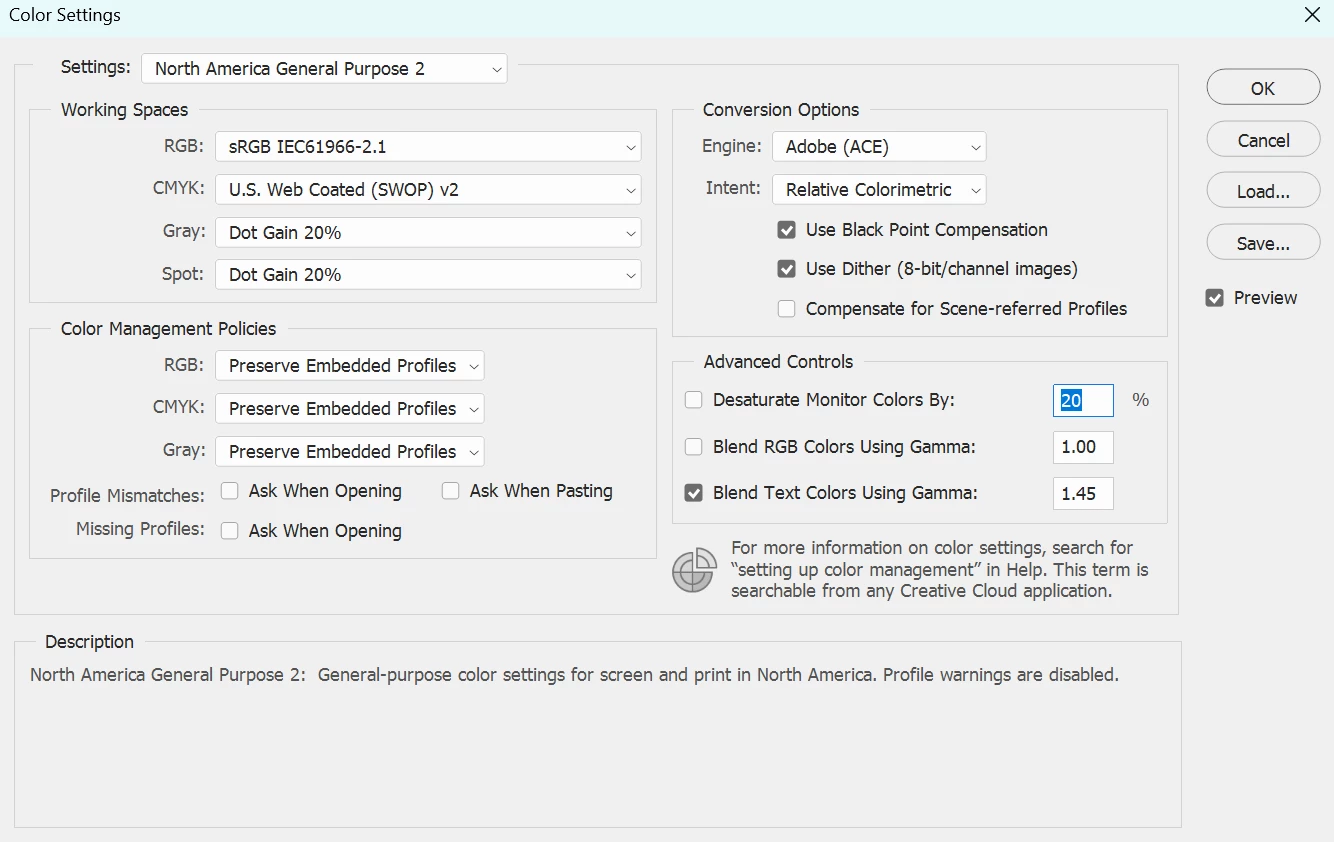
I know this is a subject much discussed in the community, so sorry if this exact issue has been addressed, but I'm not sure my problem is the same as others I have seen posts on. Unfortunately, I'm not super tech savvy and only use PS for simple design and not for high end retouching photos etc...
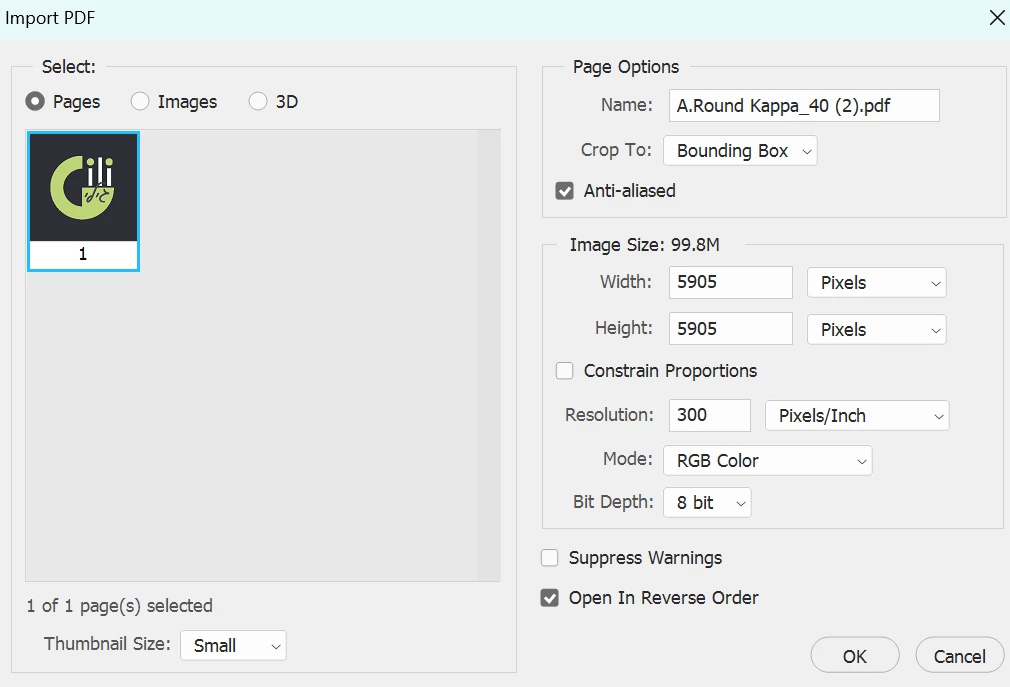
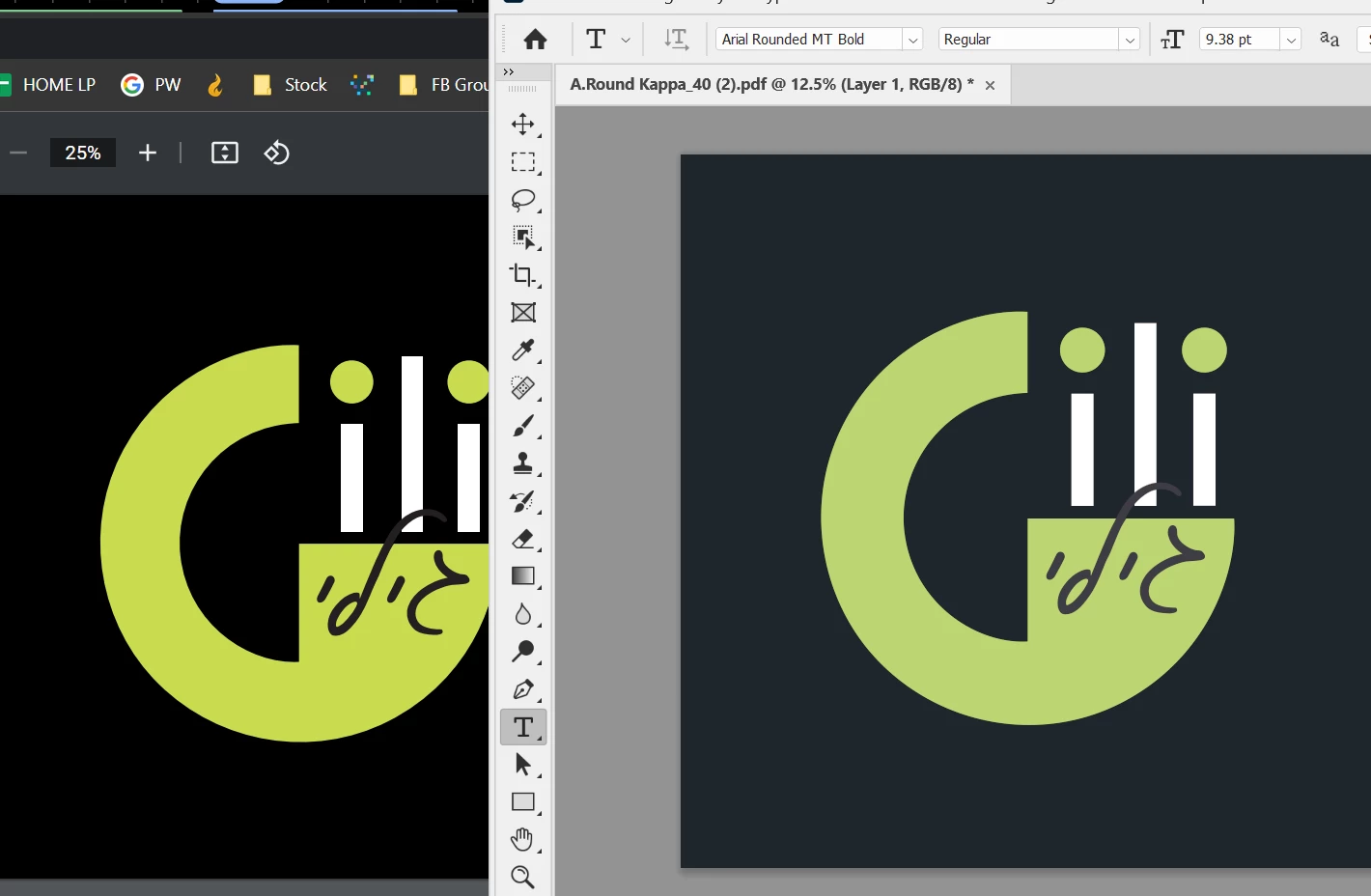
The problem is that colors (some more than others) display differently in Photoshop. Attached is an example where it's particularly clear that the main colour of the logo is quite different, as is the blackness of the background, which looks significantly faded in photoshop in comparison. In the example below it's a PDF I've opened up but the same applies to JPGs etc... The issue is also apparent when viewing on an extended monitor.
The last thing to mention is that after using the graphic in PS, then saving file, and opening outside PS, it displays FINE. So it's only how it 'displays' in PS where the problem lies. i.e. PS is not converting the colors, just displaying them differently while working in PS.
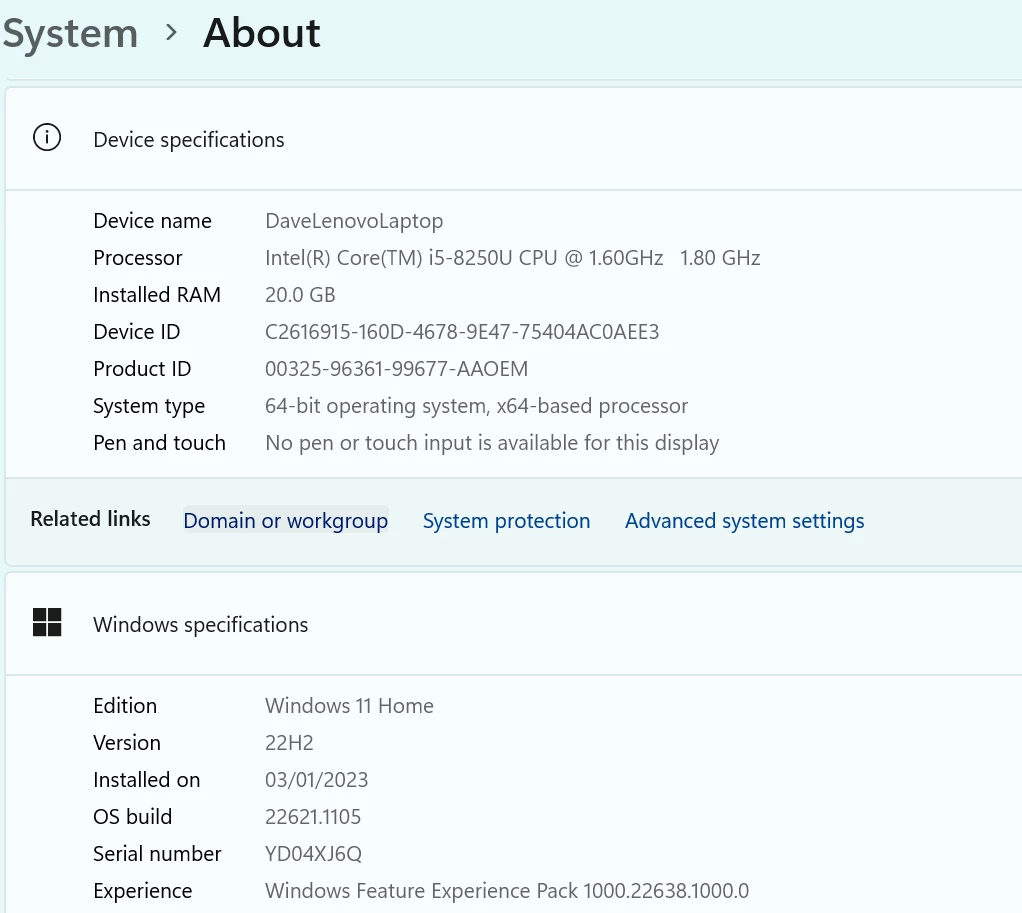
Though it's not a high end laptop, it's always been fine until recently. It's possible an update of some sort was the turning point.
Any help appreciated.
Regards
Dave
 AdChoices