
Answered
Color distorted on imported PNG
Hello everyone,
I have been having this problem since the update on Photoshop CC this week.
The images I import (either the PS directly or to already opened project) get this really weird color static that I can't get rid off (example below, it changes every time I open the image again on PS)
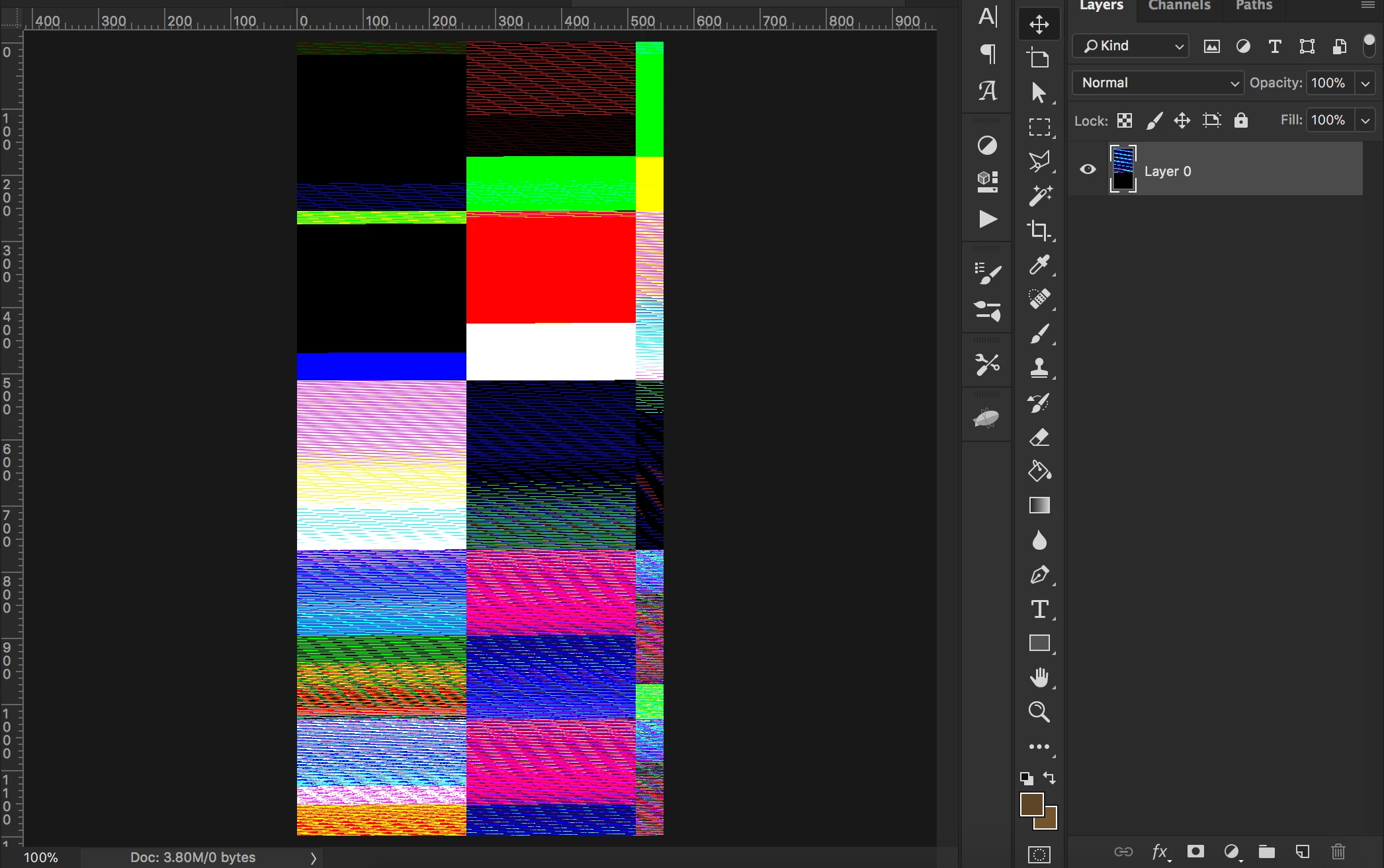
I have no idea how to solve this and I couldn't find any kind of explanation online...
This mainly happens when I try to use screenshots that I took (either from desktop to PS or iPhone to PS). I don't know if it's a factor, but just throwing it out there.
For me there is no option on NOT using this PNGs because they are needed for my work;;;
Anyone else having this problem?
Sorry for taking your time, and thanks for the help!
 AdChoices