Participant
September 18, 2019
Question

color distortion in photoshop.

  • September 18, 2019
  • 2 replies
  • 1040 views

color distortion in photoshop.
recently, when uploading photos to Photoshop, colors very strange change in the direction of red. When you try to change, nothing comes out. I tried to do both sRGB and RGB. when changed, everything is fine in the program itself, but when exporting, the colors become faded, or the color in Photoshop is distorted, but the export is original. Help me please. Everything becomes normal only when I turn on the proof color, but every time now turning on this function is just crazy!
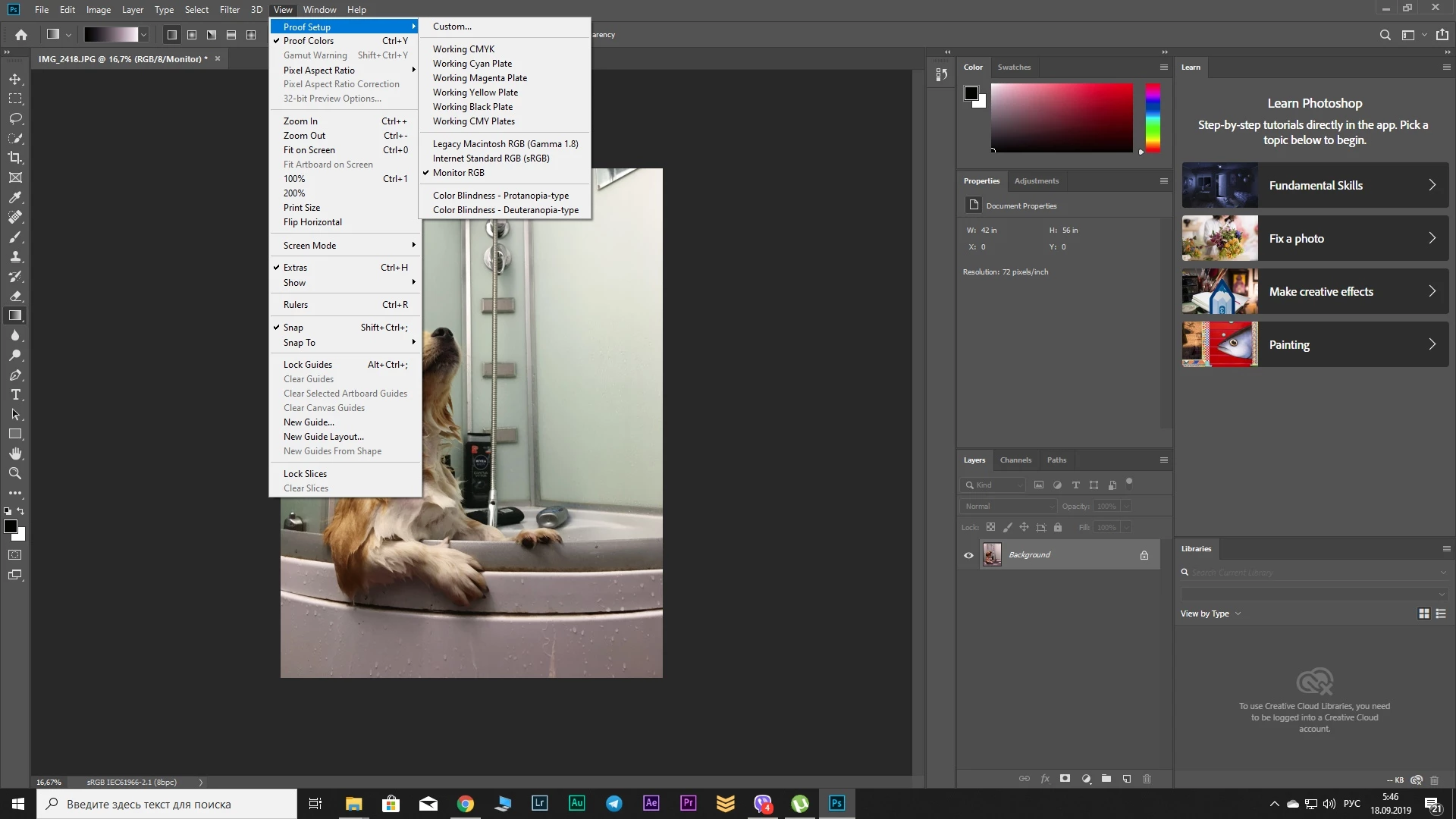
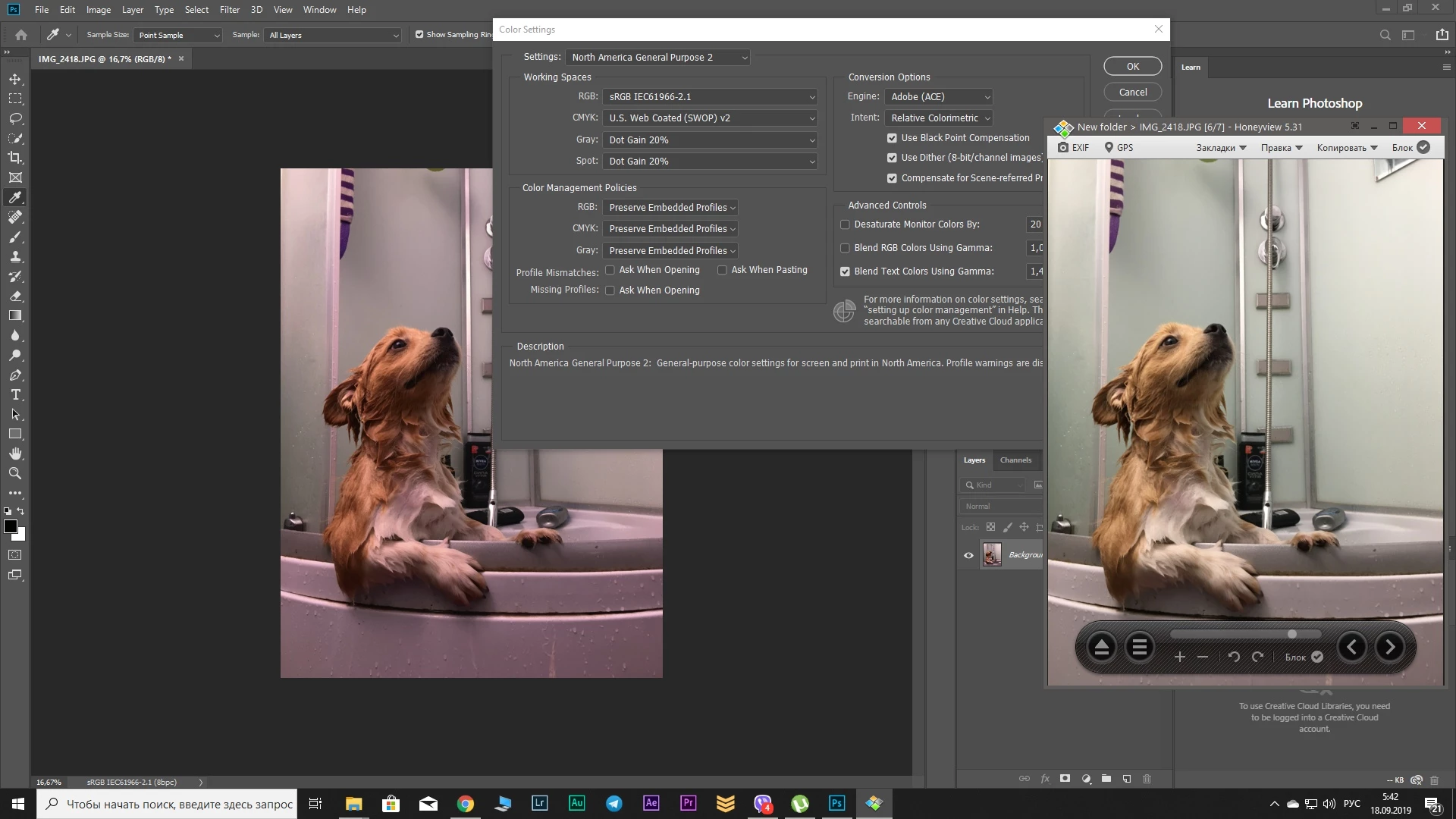
I also tried to reset. everything is fine on my laptop with the same settings 

This topic has been closed for replies.

2 replies

D Fosse
Community Expert
Community Expert
September 18, 2019

This is a defective monitor profile.


Use a calibrator to make a new profile, or if you don't have one, use sRGB IEC61966-2.1 for now. Relaunch Photoshop when done, it needs to load the new profile at startup.


Inspiring
September 18, 2019

Looks like you might be opening raw files directly with Photoshop or changing the color profile upon first opening. Do you have adobe bridge or lightroom to "develop" the images and export  a jpg or psd before you open in photoshop?