
Answered
Color dodge not working on transparent layer
I'm having the identical issue to the one described in this thread: Re: Color Dodge not working in Photoshop
Namely, color dodge blend mode does not work unless I'm drawing a shape / creating a gradient directly on a dark background.
The answer in that thread indicated it had to do with the "Transparency Shapes Layer" checkbox in Layer options. However, I've tried every combination of checking and unchecking this option on both layer and group options, to no avail.
I'm in RGB mode, 8-bit, and have tried a variety of dark-color backgrounds. Any help would be appreciated.
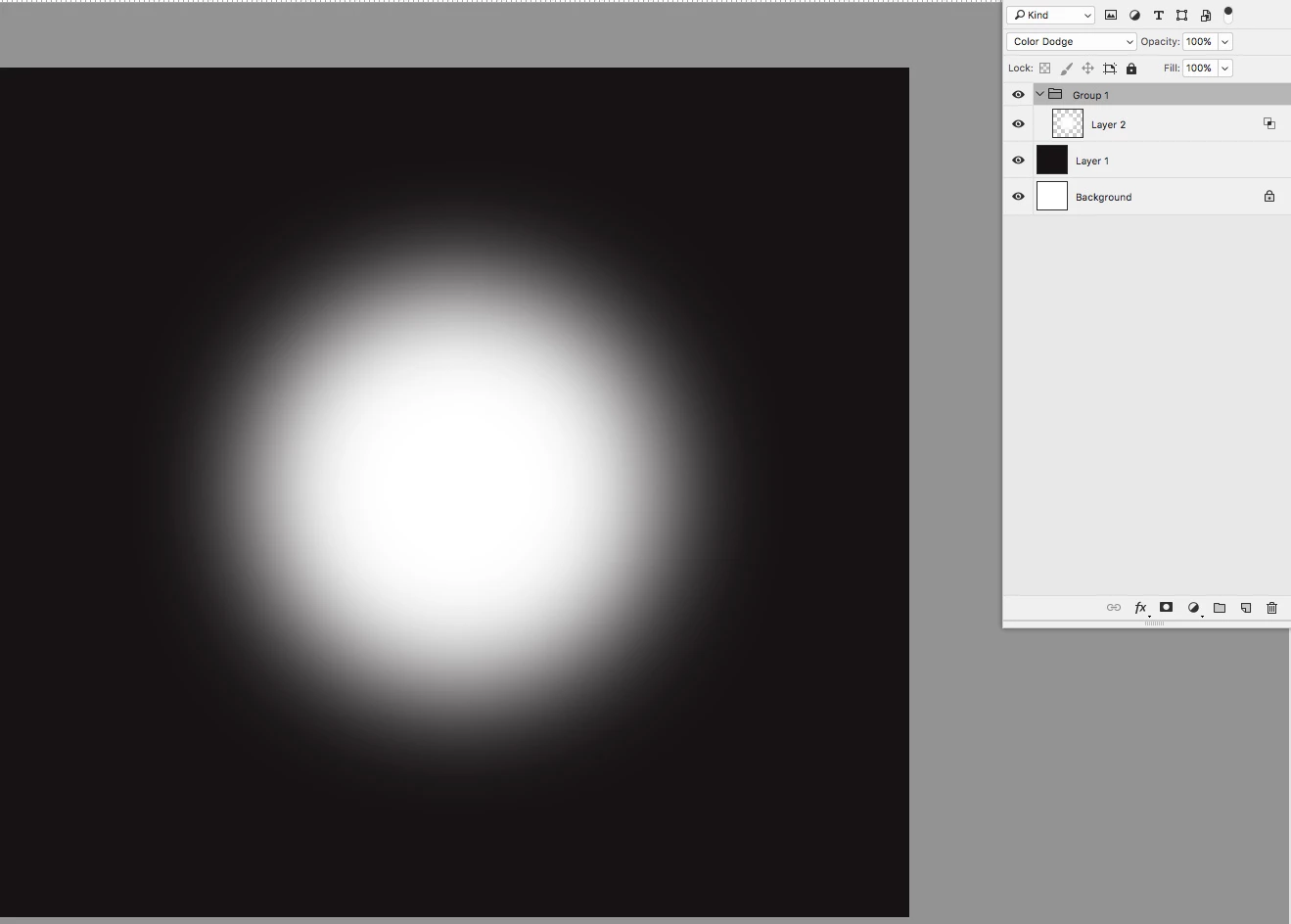
Color dodge with grouped layers - same result with "Transparency Shapes Layer" checked AND unchecked
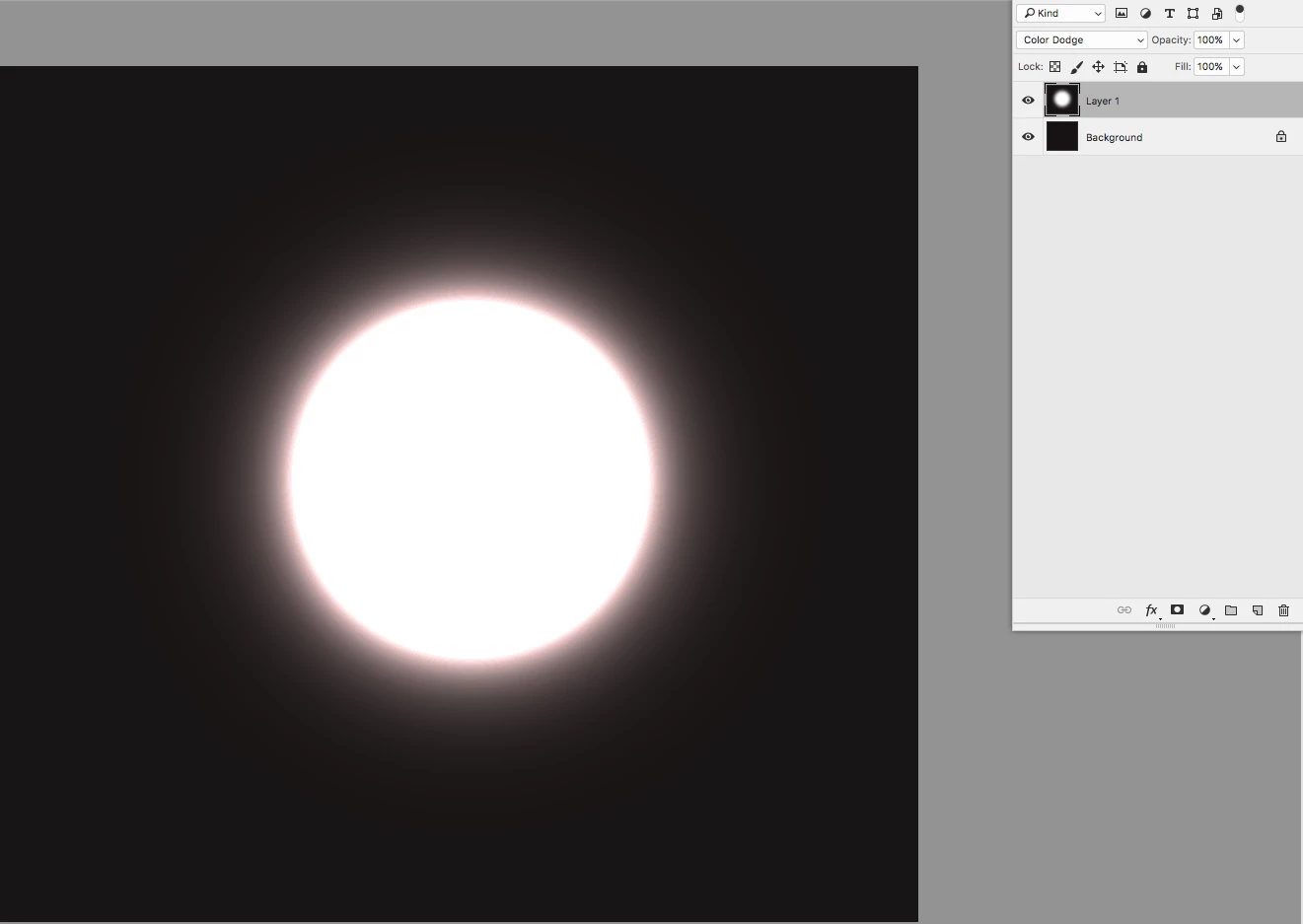
Color dodge directly on layer
 AdChoices