
Question
Color is off in Photoshop print dialog compared to original working image
Hello,
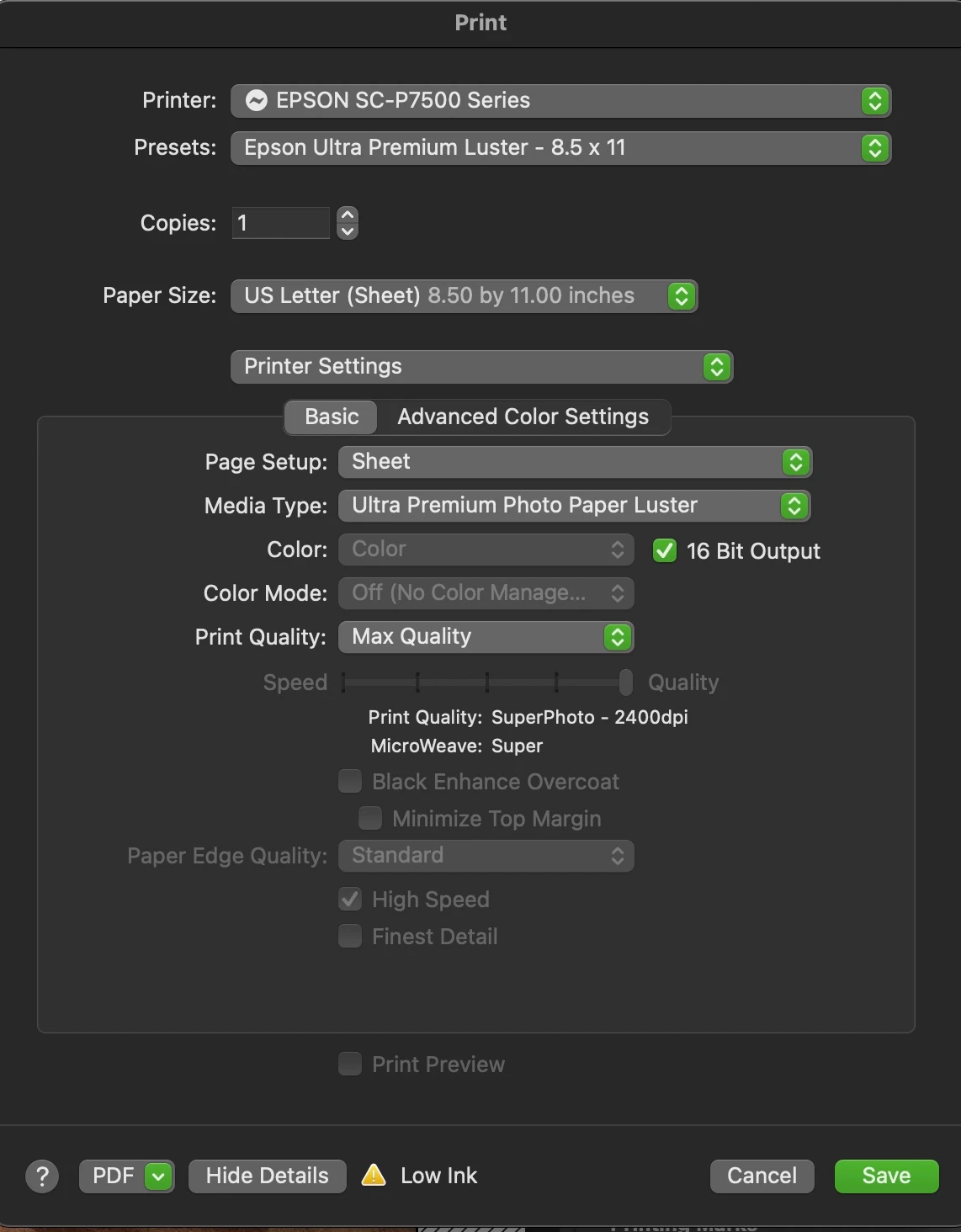
I'm haveing a hard time trying to figure out why my print preview as well as my prints are so far off from the original working image even when my monitor is profiled and I'm using Espon paper, printer and profiles. I have soft proofed the image to the Epson Paper and nothing appears to be out of gamut.
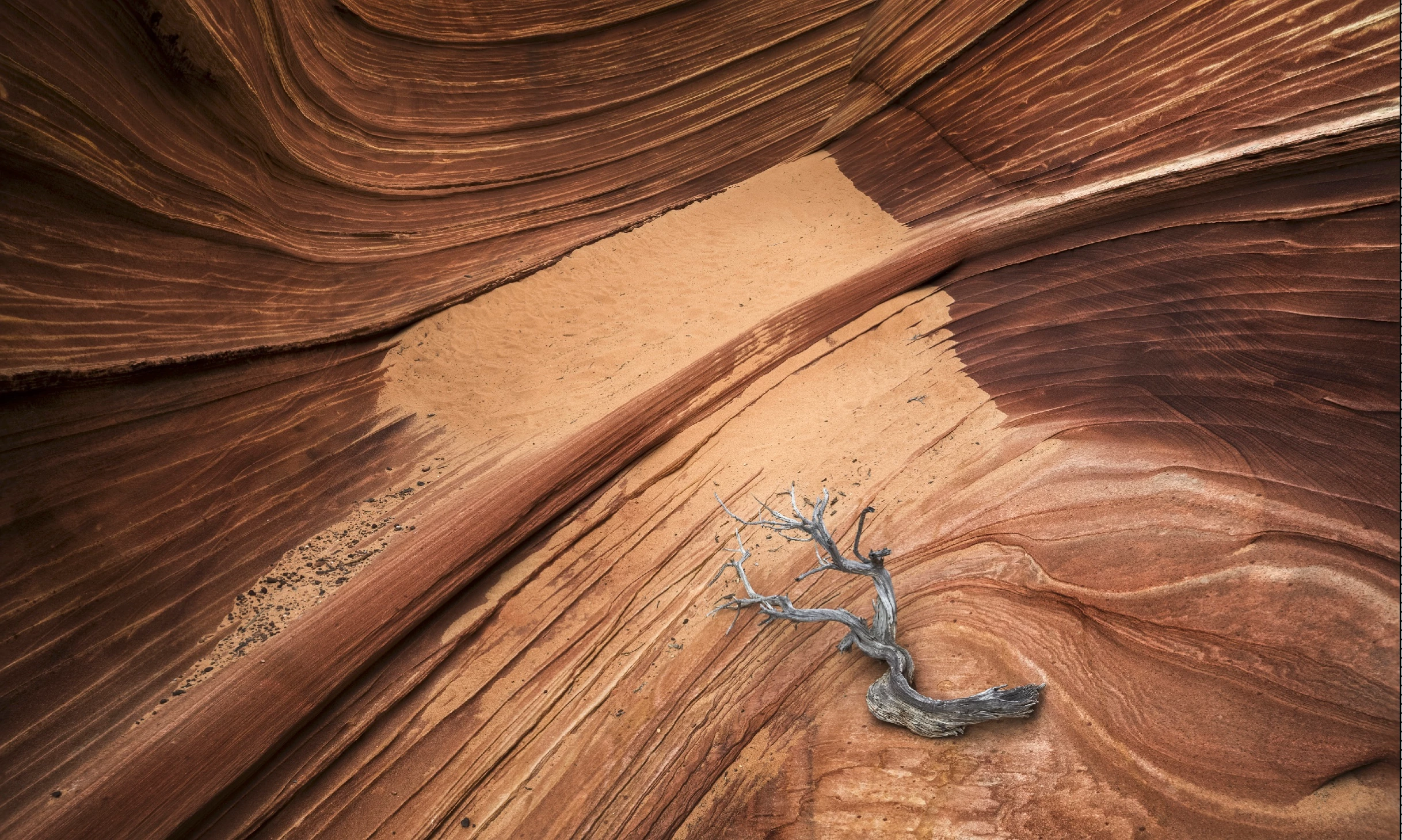
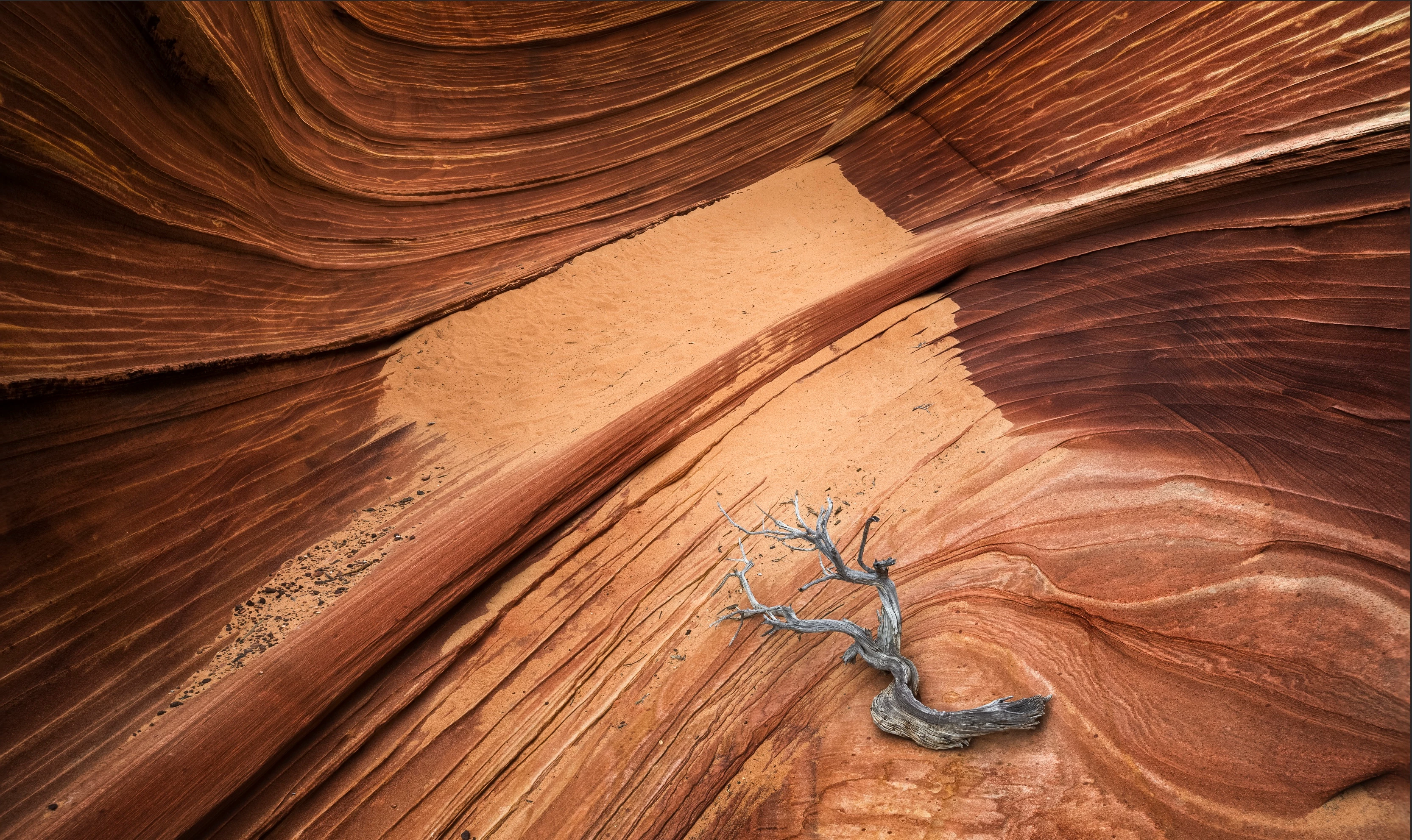
I have attached a few images so you can see the difference in the images. The more saturated image is the working image while the less saturated image is from Photoshop's print preview.
I'm working in Prophoto RGB 16 bit color space.
Mac OS 11.2.3
Photoshop 22.5
Any help is greatly appreciated.
 AdChoices