
Answered
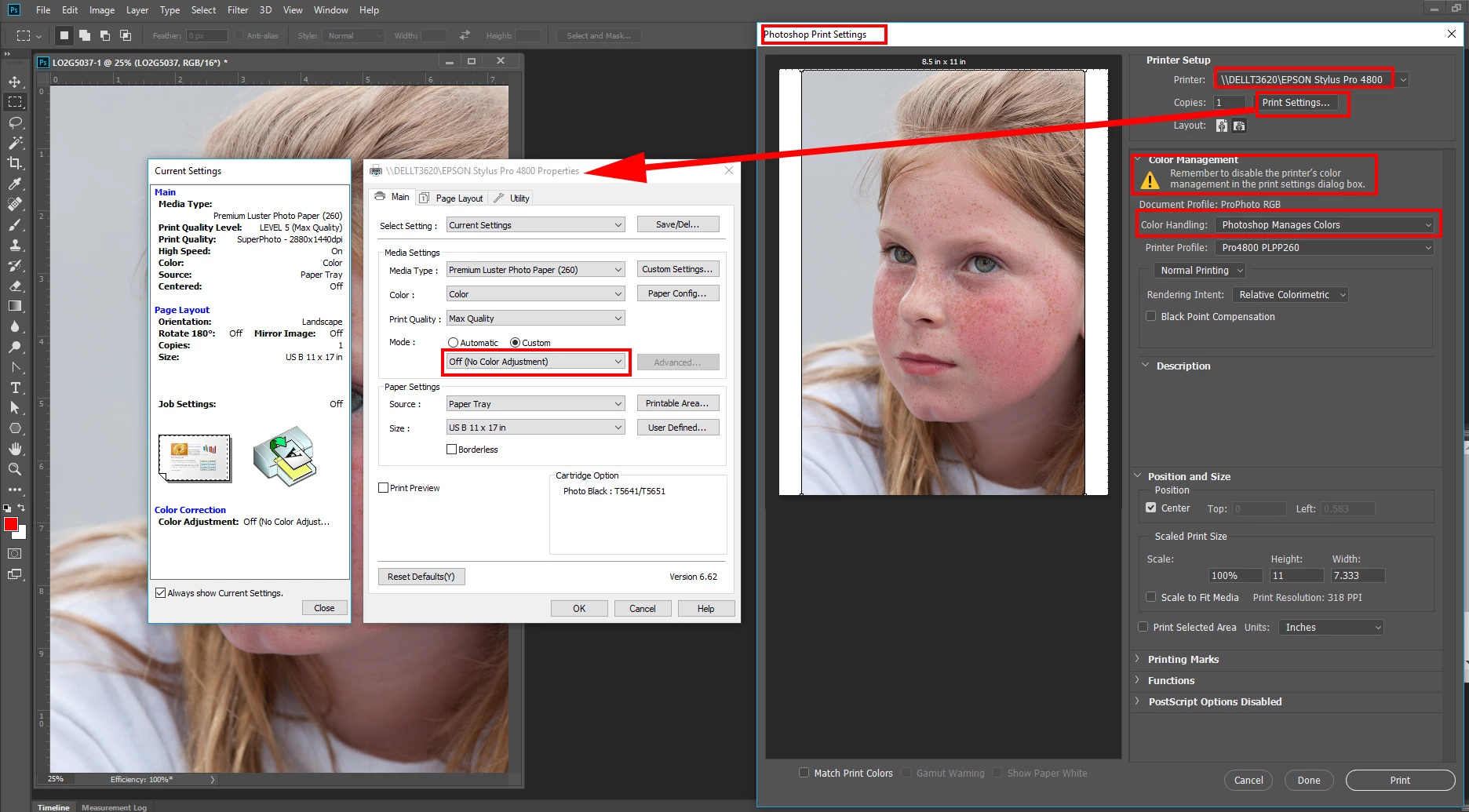
Color Management
I got a new Mac and my Photoshop is now printing really light. When I go to print, the dialog box says to "enable the printer's color management in the printer settings dialog box." I have a Canon MX410 and I don't even know where the box they talk about is. How do I do this? Is there set-by-step pictures somewhere? And will that solve the problem?
Thank you!
 AdChoices