
Question
Color overlay filter stopping blend modes from applying.
Hello, I'm trying to set a layer to multiply so it would darken the layer below, however this layer has an applied color overlay filter and this seemingly disables the layer from actually multiplying the layer below.
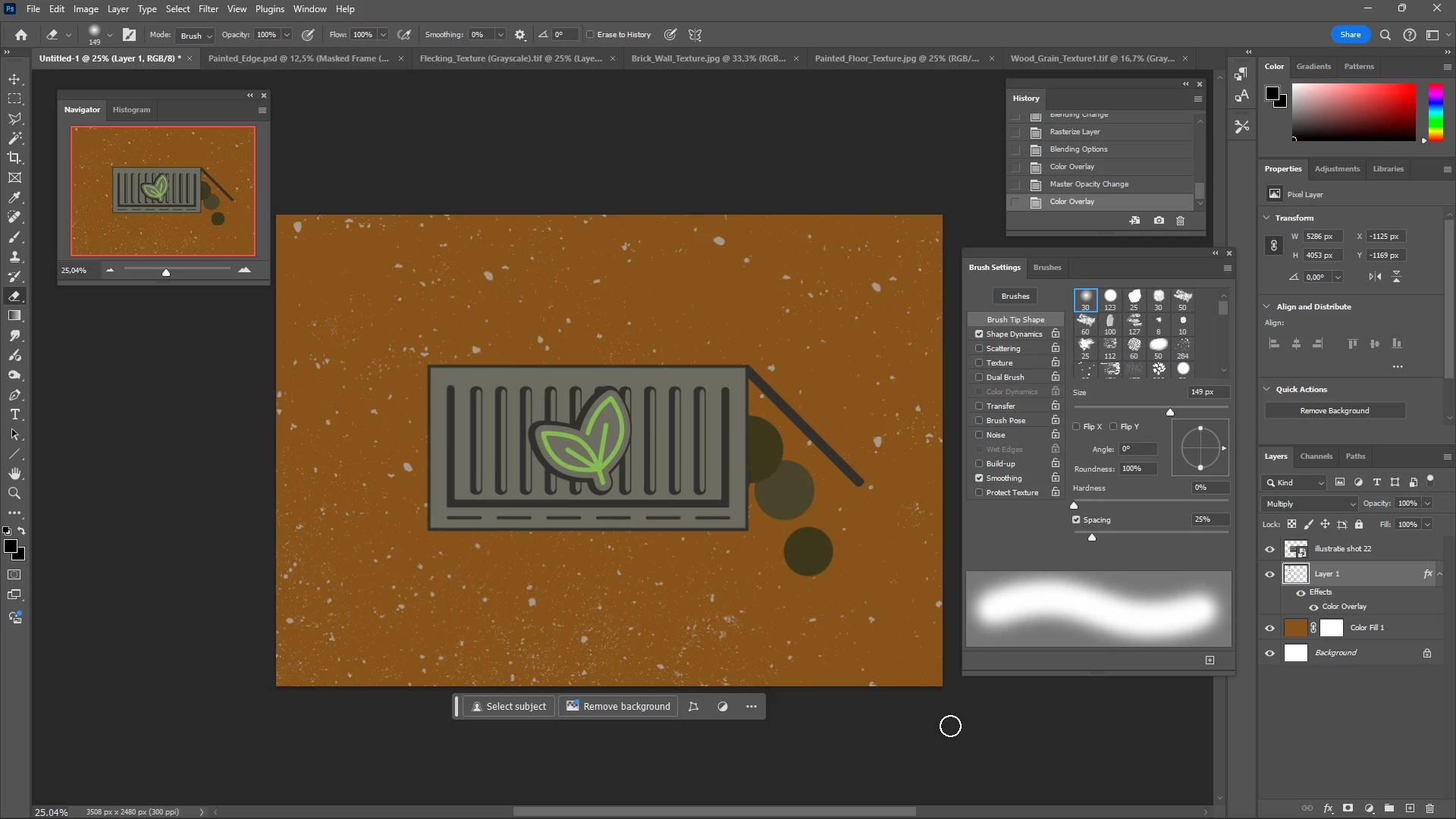
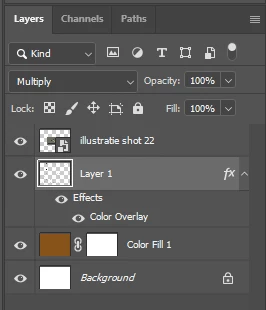
As you can see, the layer clearly isn't multiplying since the grey is still very much lighter than the below layer.
When I turn off the color overlay, the layer works as normal.
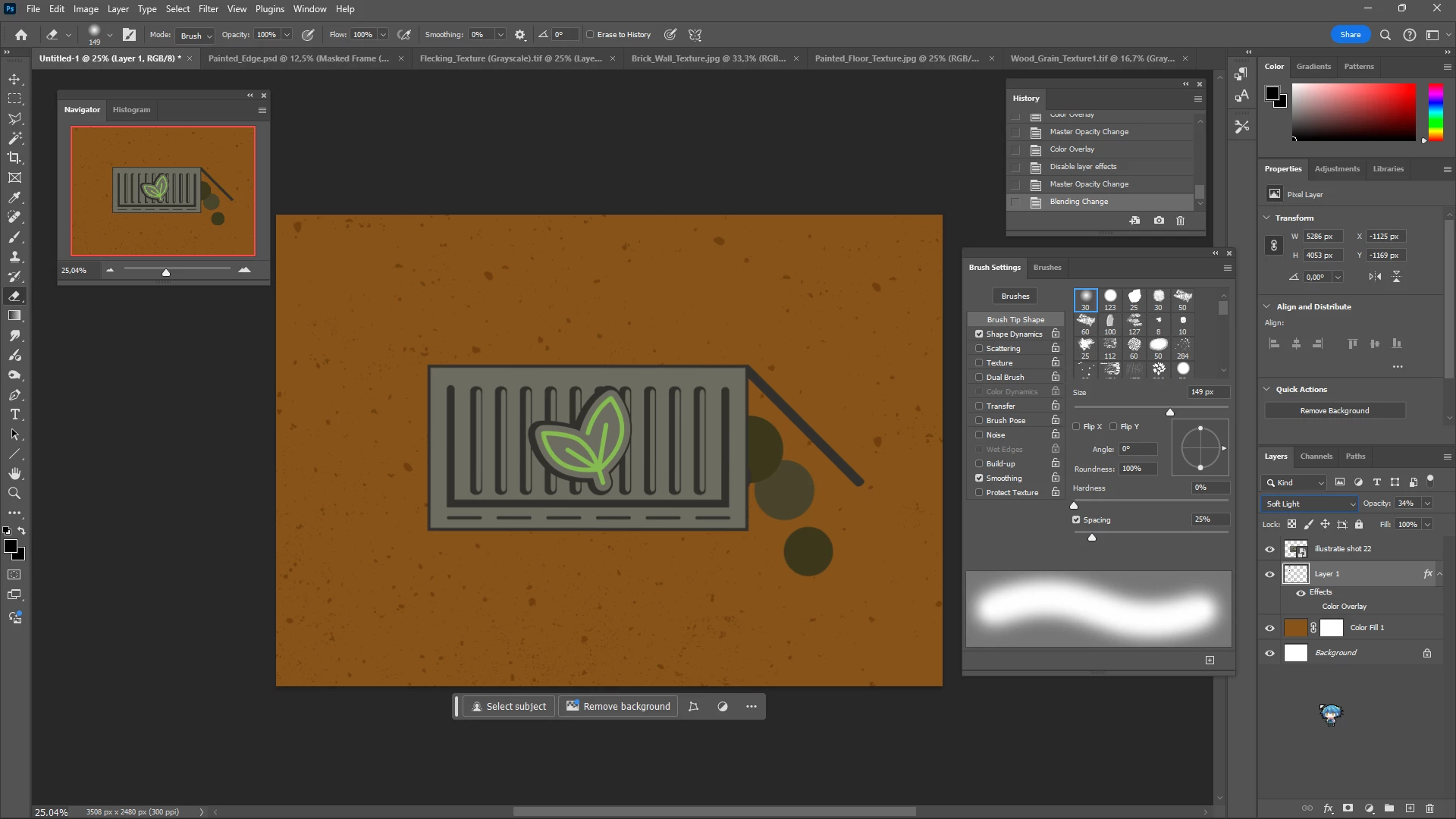
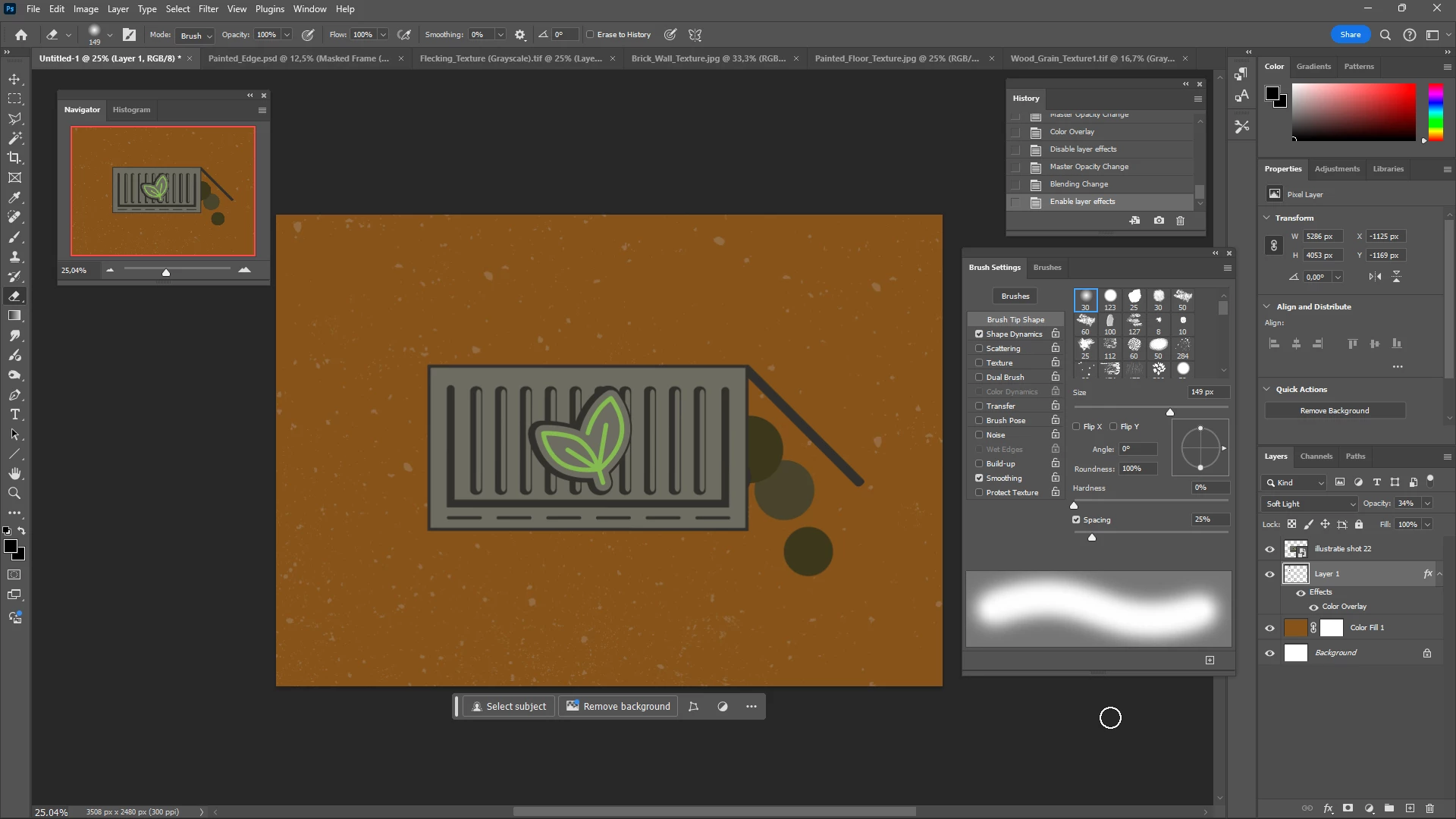
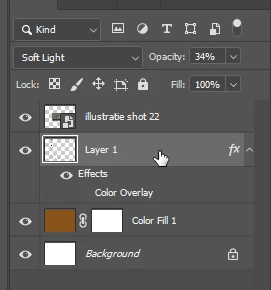
Turn it back on however, and the blend mode instantly stops working.
I know the workaround is to just colour the layer I want to use the blend mode on, but this is really annoying and prohibiting me from actually following my classes step by step.
Is this an issue with my settings or is it a bug?
 AdChoices