May 21, 2022
Answered

color profile in psd and png

  • May 21, 2022
  • 3 replies
  • 783 views

Hi,


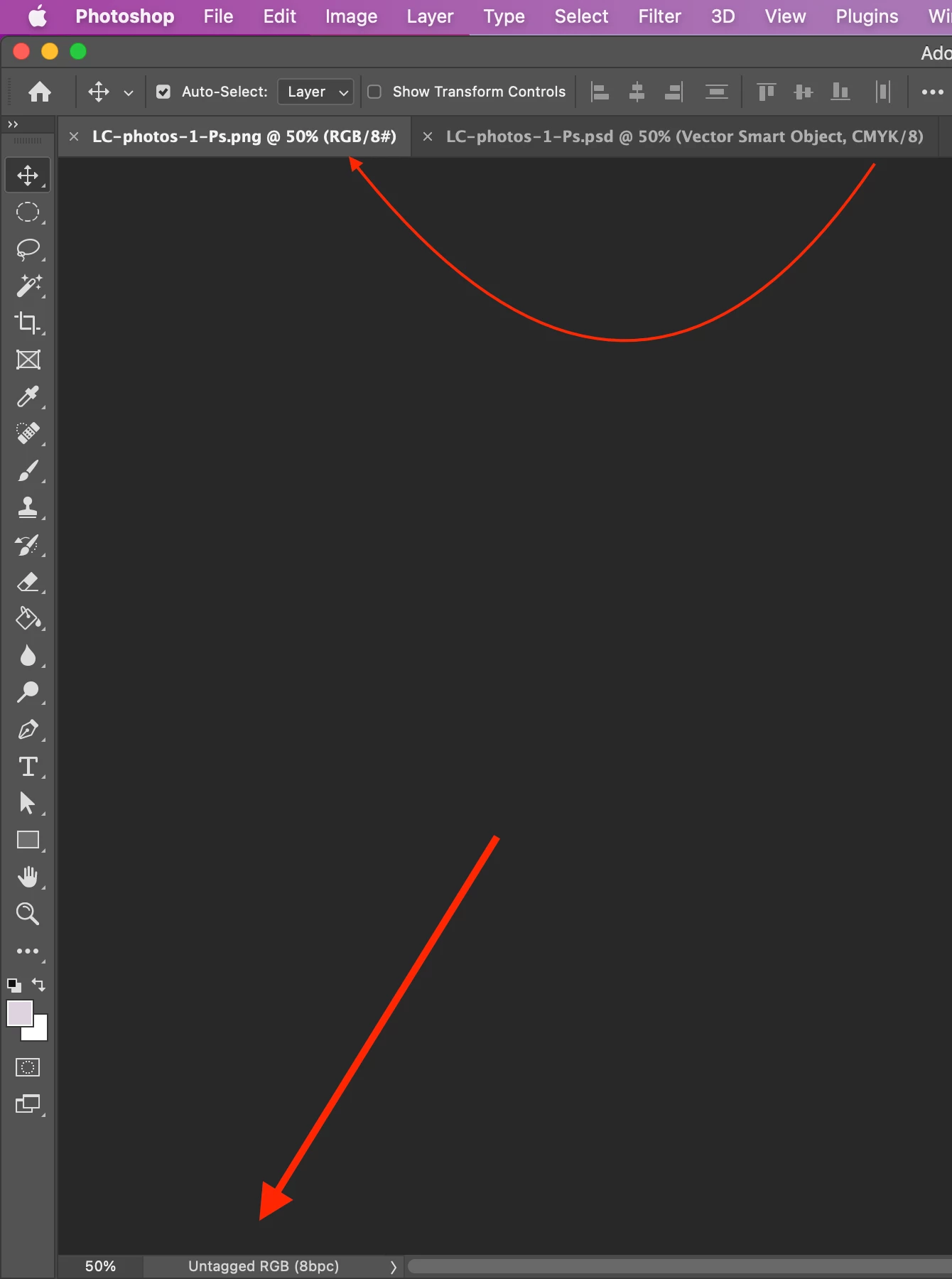
In Screenshot 1, there are psd and png files.


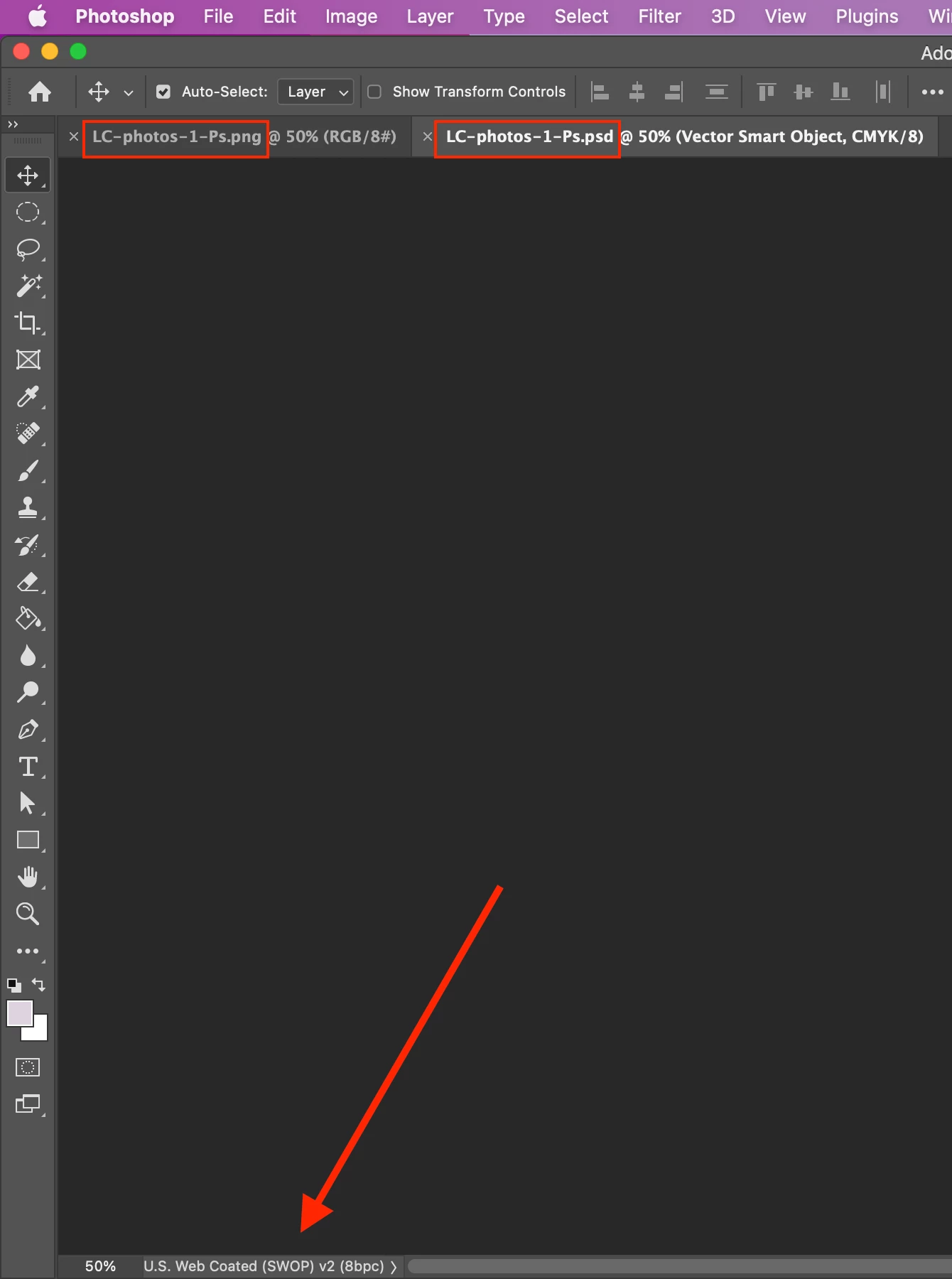
After exporting psd to png (Screenshot 2),

1. CMYK turned into RGB.

2. U.S. Web Coated (SWOP) v2 turned into Untagged RGB.


Would you tell me what's going on?


Hosun
 

This topic has been closed for replies.
Correct answer Nancy OShea

CMYK is typically used in professional print projects like posters, letterhead and business cards.  If you need CMYK artwork, you should be saving it as a PDF with high quality CMYK print presets (ask your print professional which presets to use.)


PNG is RGB or sRGB color mode and typically used on the web or in digital applications.


3 replies

TheDigitalDog
Inspiring
May 21, 2022

See: https://community.adobe.com/t5/photoshop-ecosystem-discussions/colors/m-p/12957456#M645331

All explained there (how you can't save a PGN as CMYK and what's going on with the untagged RGB). 

Author “Color Management for Photographers" & "Photoshop CC Color Management/pluralsight"
Nancy OShea
Community Expert
Nancy OSheaCommunity ExpertCorrect answer
Community Expert
May 21, 2022

CMYK is typically used in professional print projects like posters, letterhead and business cards.  If you need CMYK artwork, you should be saving it as a PDF with high quality CMYK print presets (ask your print professional which presets to use.)


PNG is RGB or sRGB color mode and typically used on the web or in digital applications.


Nancy O'Shea— Product User & Community Expert
May 22, 2022

Hi,


Thank you very much for your reply.


On Ai, my color mode is CMYK and color profile is U.S. Web Coated (SWOP) v2.

I copy and paste to Ps as Smart Object.

I export to png.

My png is for eBook (not paper book).


Am I on the right course of workflow?

Is there more thing to do to the final png file for the eBook?


Hosun


TheDigitalDog
Inspiring
May 22, 2022

For your eBook, you want to end up in sRGB. 

There's no reason for CMYK IF that's the only and final output. 

Author “Color Management for Photographers" & "Photoshop CC Color Management/pluralsight"
D Fosse
Community Expert
Community Expert
May 21, 2022

The png file format does not support CMYK. A CMYK png is not possible.


You need to decide which RGB profile to convert to, and after you've done the conversion, check "embed color profile" in the Export dialog.