Participant
August 4, 2021
Answered

Color Replacement for darker Purple to a lighter Red?

  • August 4, 2021
  • 2 replies
  • 371 views

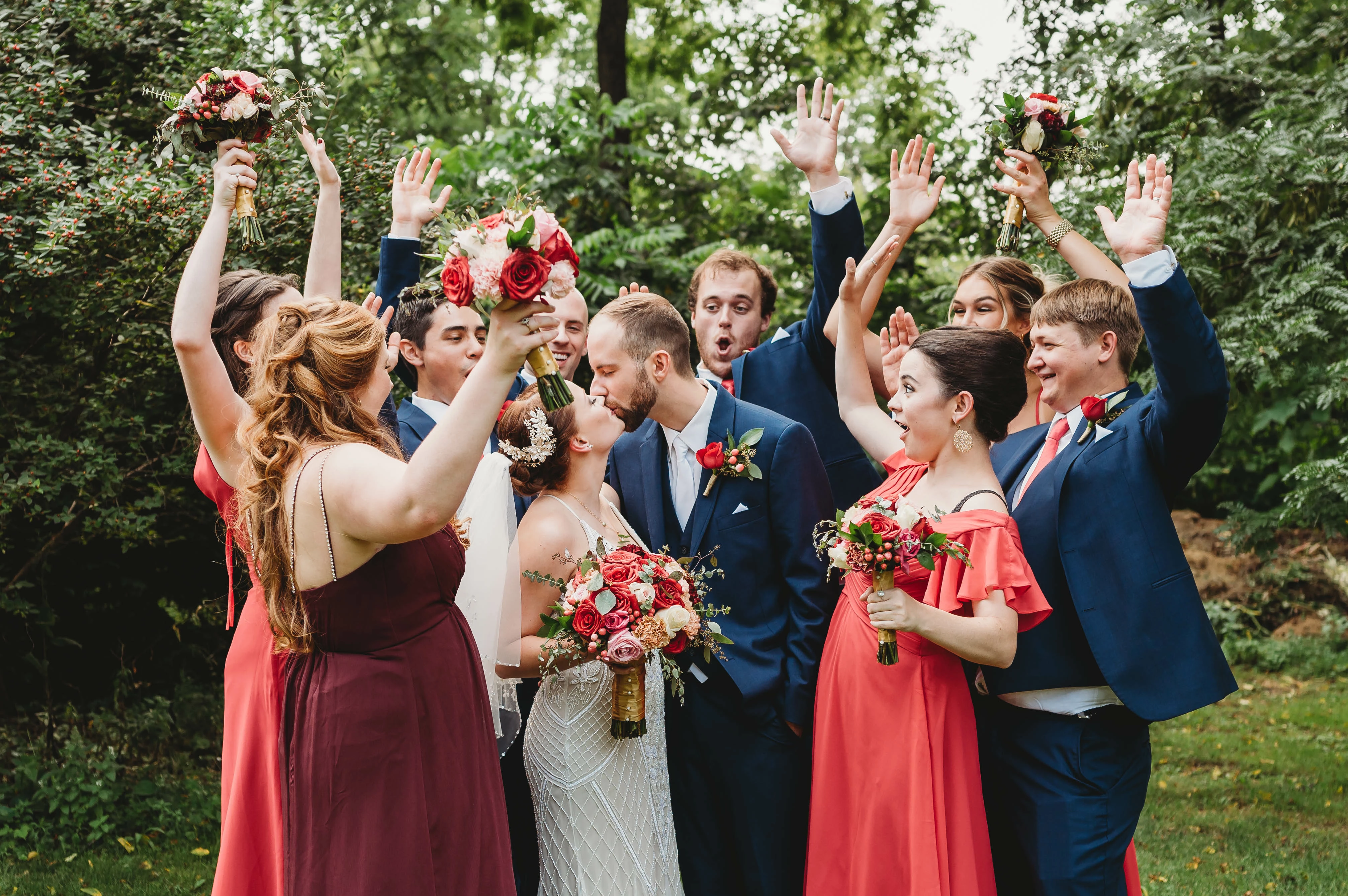
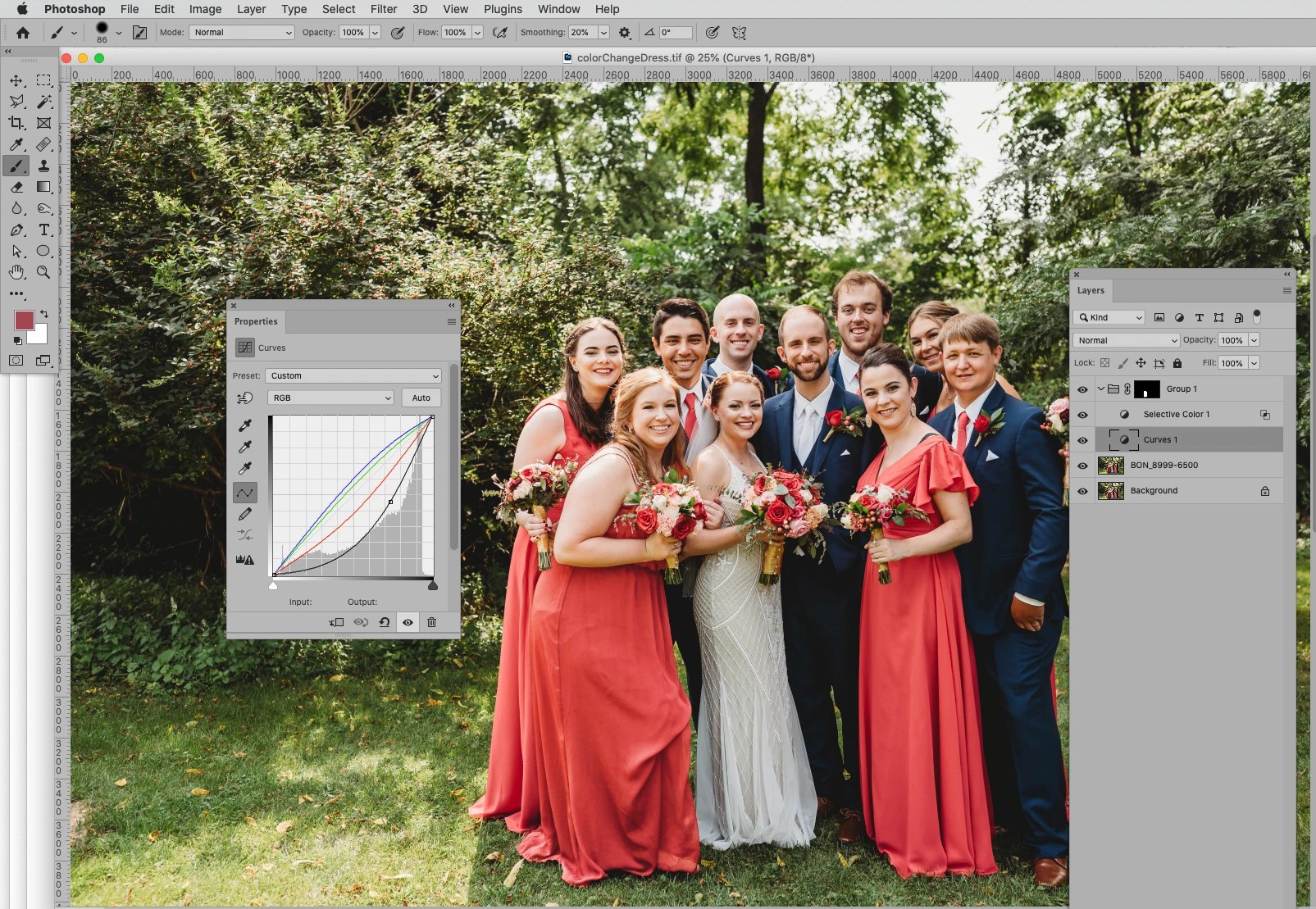
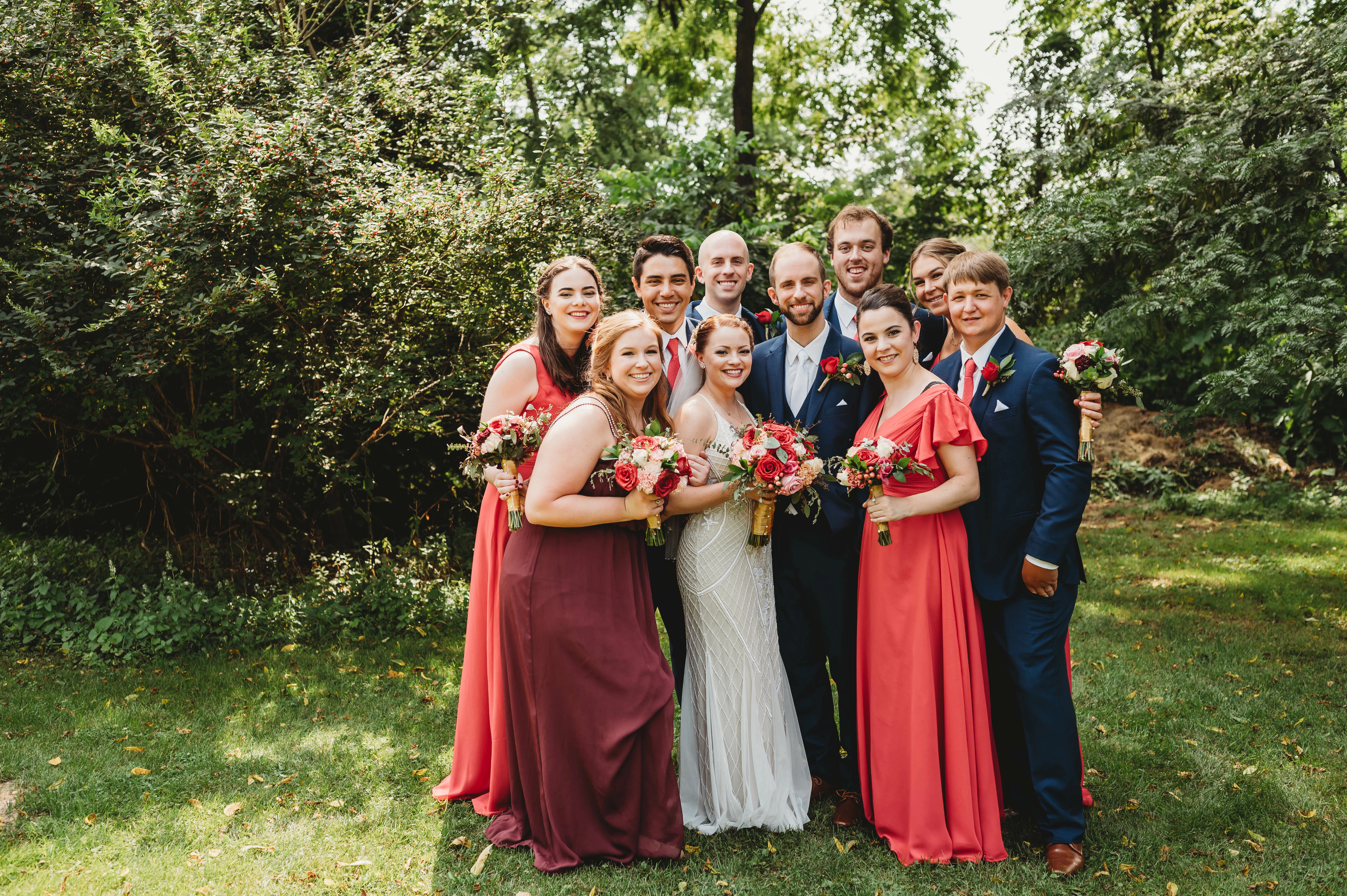
I have used the color replacement tool and color replacement brush in the past but in this particular instance, it is not working.  I am trying to change the purplish color to the red to match the other people in the group but I cannot seem to get the color to lighten.   Any thoughts on the best way to approach this?  
This topic has been closed for replies.
Correct answer c.pfaffenbichler

Please forgive me for being harsh, but I consider the Color Replacement Tool as worthless for serious work and prefer using Adjustment Layers with Layer Masks. 

Whether it is worth the effort you have to decide for yourself. 

2 replies

D Fosse
Community Expert
Community Expert
August 4, 2021

c.p. is right. The color replacement tool is a heavy-handed hybrid tool that is unsuitable for almost any purpose that I can think of.


It completely ignores the inherent lightness component of any color. It has to - otherwise it would just be a regular flat paint brush. But think of a bright lemon yellow vs. a deep ultramarine or purple. They're obviously not the same brightness, so you can't just "replace" one with the other. What you have to do, in addition to the color, is to remap the whole tone scale. It's not nearly as simple as it looks on the surface. Proper masking is always required.

c.pfaffenbichler
Community Expert
c.pfaffenbichlerCommunity ExpertCorrect answer
Community Expert
August 4, 2021

Please forgive me for being harsh, but I consider the Color Replacement Tool as worthless for serious work and prefer using Adjustment Layers with Layer Masks. 

Whether it is worth the effort you have to decide for yourself. 

Participant
August 11, 2021

That is a better match than I even knew possible!  I will defintiely give this a go.  Thank you so much!  And glad to know the color replacement tool isn't worth trying to manipulate.  Thank you so much.