
Answered
Color sampler tool—how to change readout from numbers to %
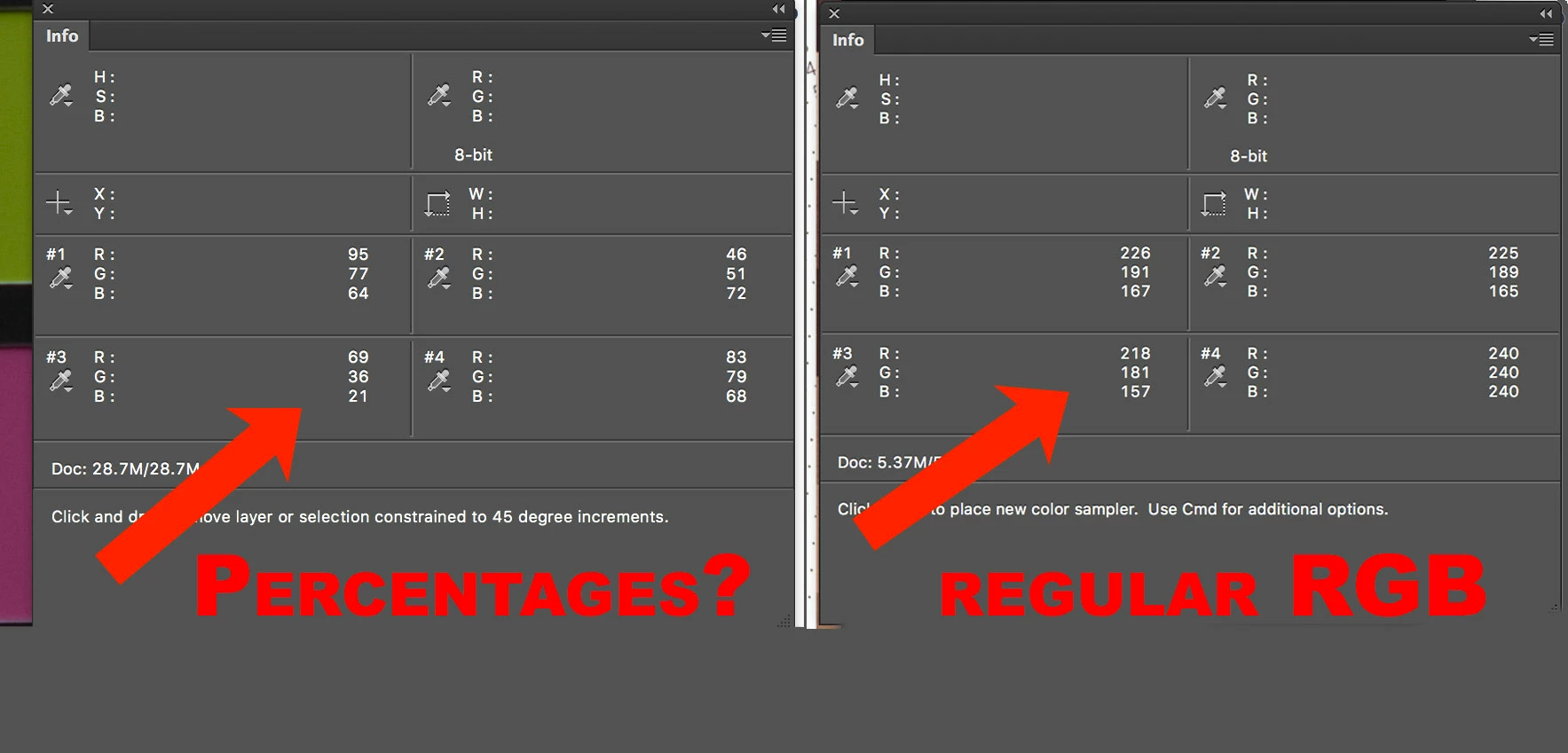
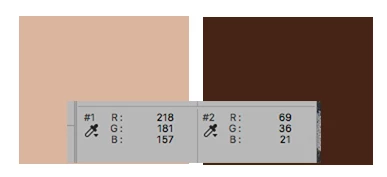
In CS6, I was working with the color sampler tool (from the eyedropper menu) on two different pictures and something strange happened. On one of the pictures the RGB values were in numbers (218 181 157) and on the other photo they looked like they were in percentages (69 36 21) as one gets with Lightroom.
Am I correct in assuming that the numbers that look like percentages are in fact percentages?
Unfortunately, have no idea how I made the readout switch from one to the other. Is there shortcut key? Does it have to do with some setting or mode in the photograph itself?
Here are screen shots of the two windows....
 AdChoices