Question
Color selection broken in Photoshop 2020
Just got PS 2020. When I open the color selection white is yellow and the hue of the entire piece is altered. When I open it in PS 2018 all the colors are correct.
Do I need to change profiles or plug in/ correct some setting in the program? Or is there a problem with the program?
Attached image (left) incorrect color, (right) correct color.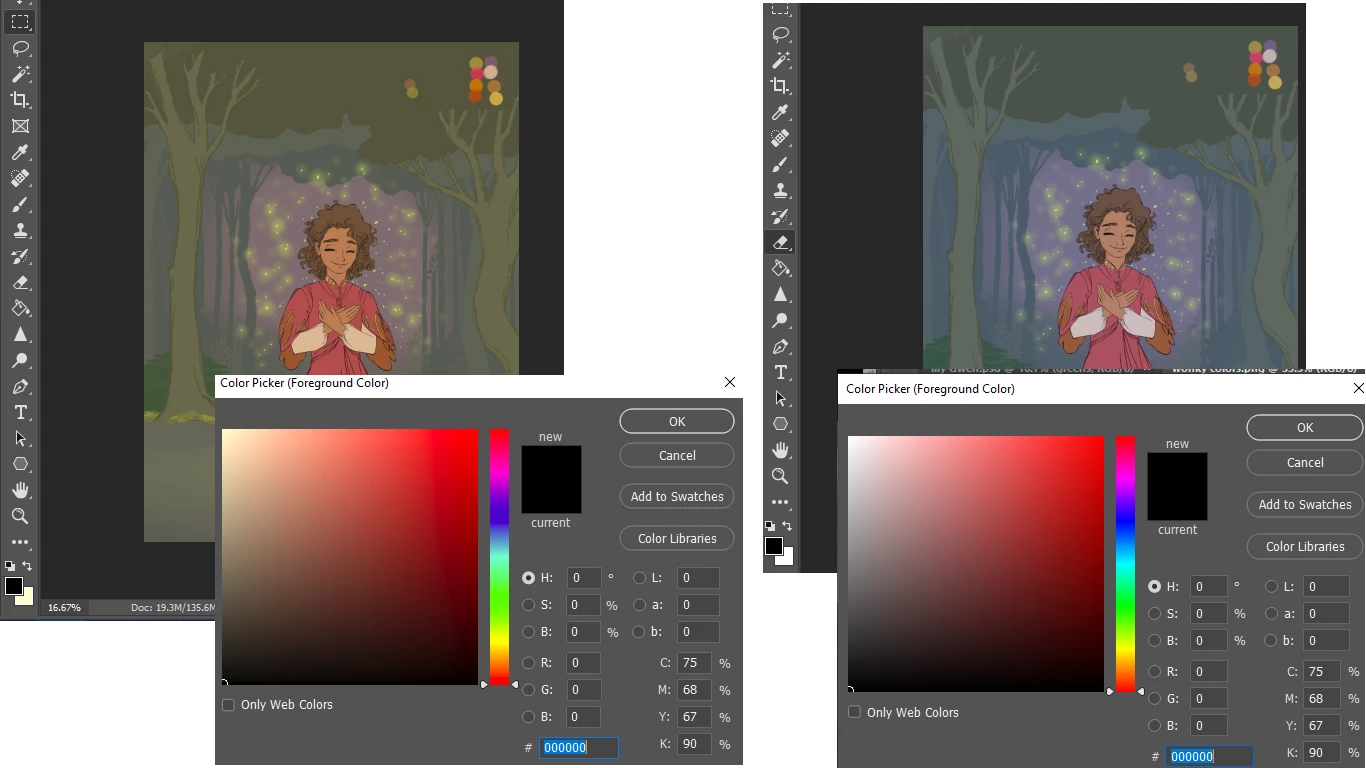
{Thread renamed by moderator}
 AdChoices