
Answered
Color space bar at bottom not showing
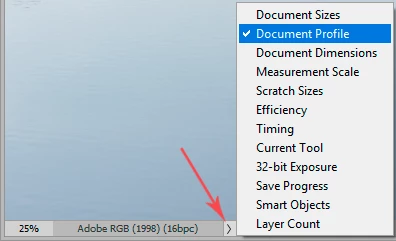
I'm running Camera Raw version 15.0, which I access via Photoshop 2022. I know there is supposed to be a bar in CR you can click under the photo area, where you can change the color space. This bar does not appear on my screen. Short of doing an upgrade (which involves a whole OS upgrade on my Mac, let's not go there) is there another way to check which color space I'm in? TIA.
 AdChoices