
Answered
Colors are not showing right on photoshop
I recently bought two monitors to help me edit photos and to make sure colors are more accurate but it turns out that it shows different colors as well. If I open the photo on the "Photos" app on Microsoft 10, it shows the accurate colors but when I open it in Photoshop, the colors are washed out and all over the place.
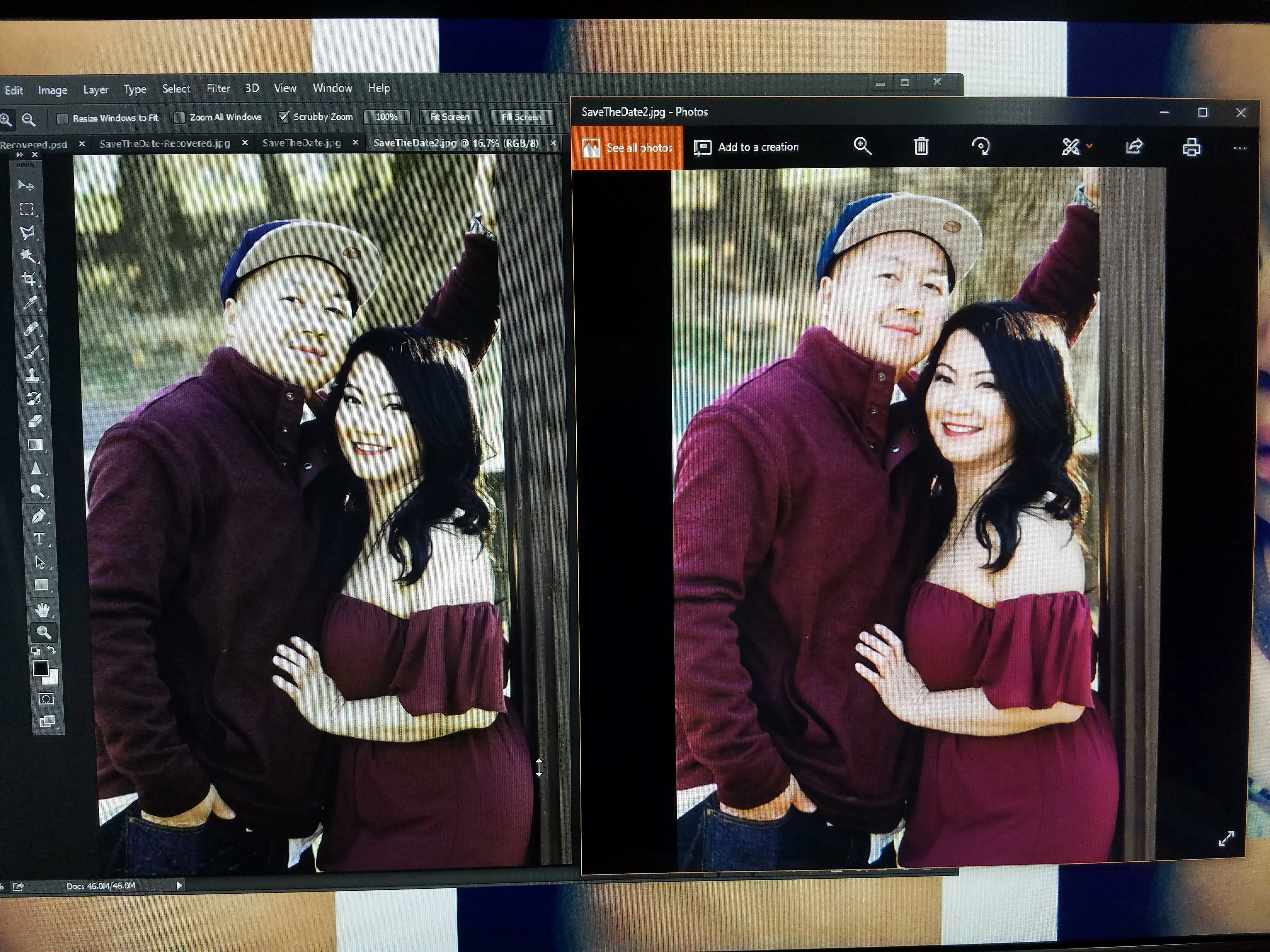
(Right: Photoshop, Left: Photos app. Same picture displayed on different programs)
How do I make is so the colors in photoshop look more like the colors in the photos app? What are some monitors that I can purchase to make photo editing easier??
 AdChoices