
Question
colors remain in grayscale image
I have tried everything i can think or, followed all the usual suggestions, and no matter what i do, i cannot remove all the color from certain images. This one is an Adobe stock image, and as you can see, there is still some pink in it, even though I've applied grayscale, and also tried tweaking other settings, saving it as another file type, etc.
This is the first time in many years I've had this issue. How do I get ALL the color from an image (leaving just tones of black, white, and gray?)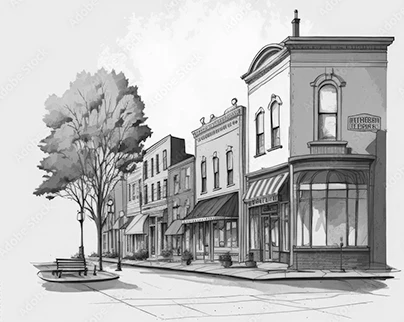
 AdChoices