giorgioa93423694
Participant
February 5, 2019
Answered

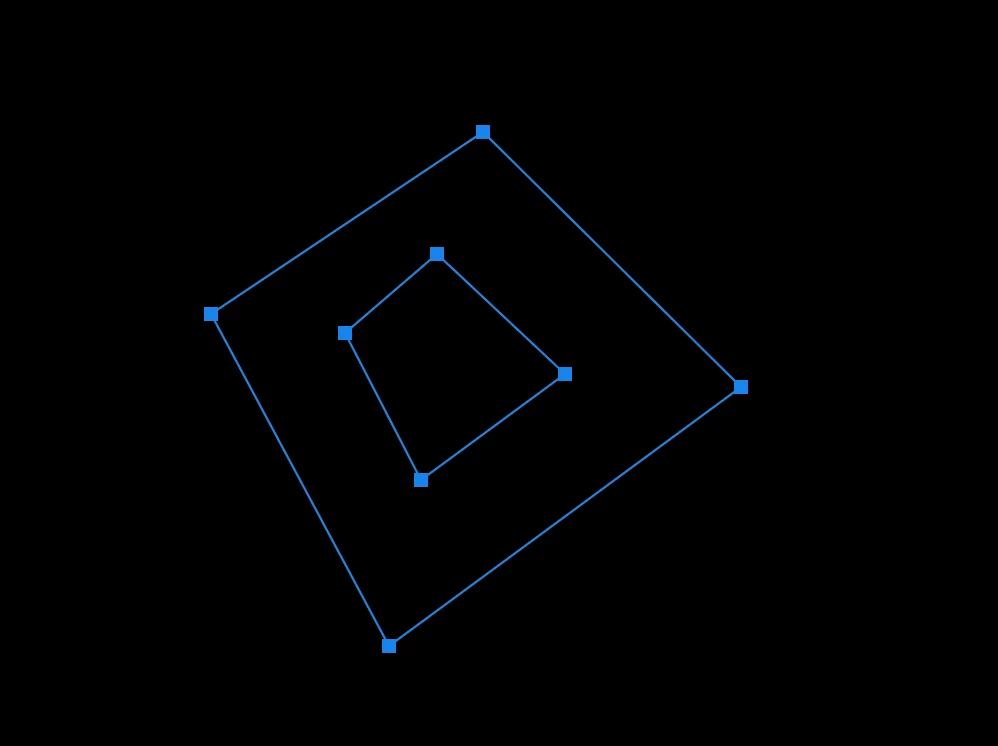
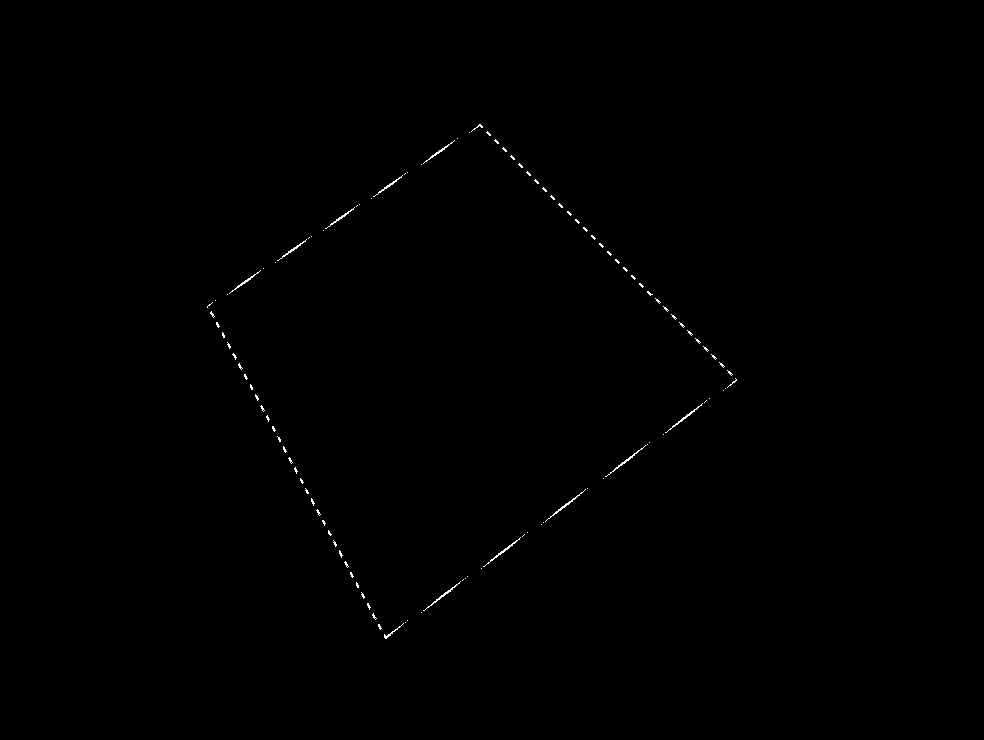
Complex paths do not convert to selection with holes. Does it happen to you too?

  • February 5, 2019
  • 2 replies
  • 322 views

Since the last update of photoshop (ITA) the selection from paths no longer works as it should intersect the paths to create holes. The resulting selection is always the boolean union of all paths. Does it happen to you too?
This topic has been closed for replies.
Correct answer Sahil.Chawla

Hi Giorgioa,

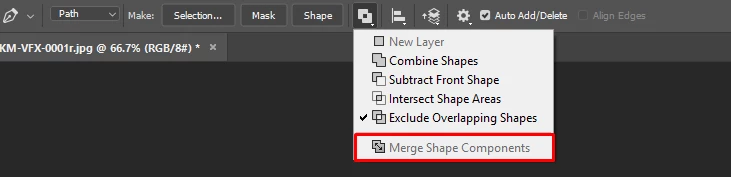
Please make sure that you click on this option before making the selection and let us know if it helps?

Regards,
Sahil

2 replies

davescm
Community Expert
Community Expert
February 5, 2019

Hi

No it works correctly here. Did you use path operations to subtract the inner path first ? What does your paths panel show?

Dave

Sahil.Chawla
Adobe Employee
Sahil.ChawlaCorrect answer
Adobe Employee
February 5, 2019

Hi Giorgioa,

Please make sure that you click on this option before making the selection and let us know if it helps?

Regards,
Sahil

giorgioa93423694
Participant
February 5, 2019

Hi Sahil.Chawla

I had the merge option enabled! I admit that I had never used that menu and I find it curious that now the option was set to "merge". Now the resulting selection is as I expected it.

Thanks a lot!!