Participant
October 26, 2023
Question

Conflicting program not in Activity monitor

  • October 26, 2023
  • 1 reply
  • 211 views

I am trying to uninstall Photoshop 13.0 (not used for years as now on Photography plan) but get the error message
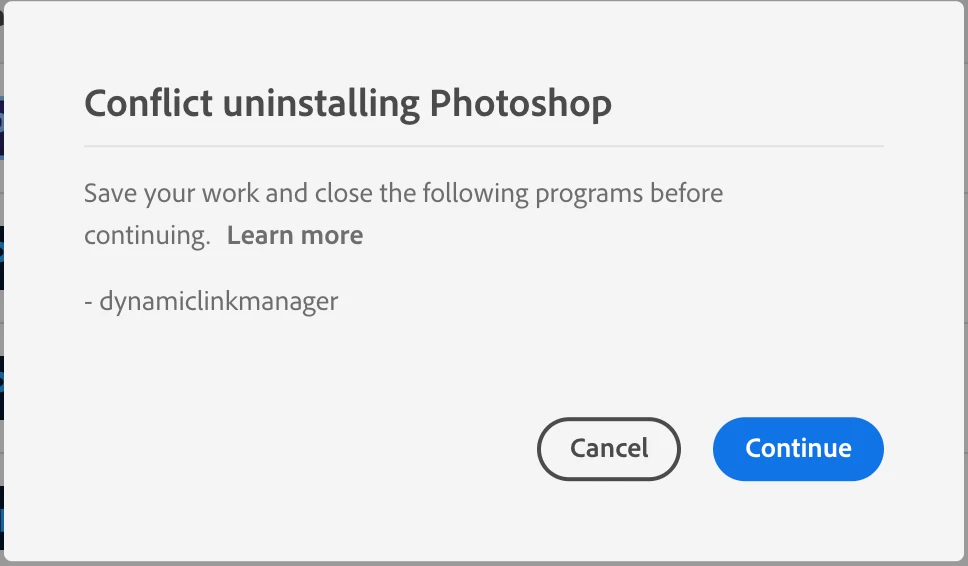
 

 but when I go to Activity monior this process is not running. Nor can I find it on a search of my Mac. What do I do next?

This topic has been closed for replies.

1 reply

Trevor.Dennis
Community Expert
Community Expert
October 26, 2023

Is it using any system resources? I'm guessing you have had this computer for quite a while.  Is the OS in good health?

What OS version are you using?   If it is not using any system resources, could you ignore it?


If you really want rid, then you might win by uninstalling your current versions, and using the Photoshop Cleaning tool.  Then reinstalling the current version(s) (if you also use the beta version).

https://helpx.adobe.com/nz/creative-cloud/kb/cc-cleaner-tool-installation-problems.html


Participant
October 26, 2023

My Mac is 2019 & is running Ventura 13.6.  And, yes, its in good health. I don't feel confident using the tool you suggest so  its probably easiest just to leave it.  Just hoped there was an easy solution.  Thanks for the response