Answered
Constant tearing occurs in photoshop (with pictures)
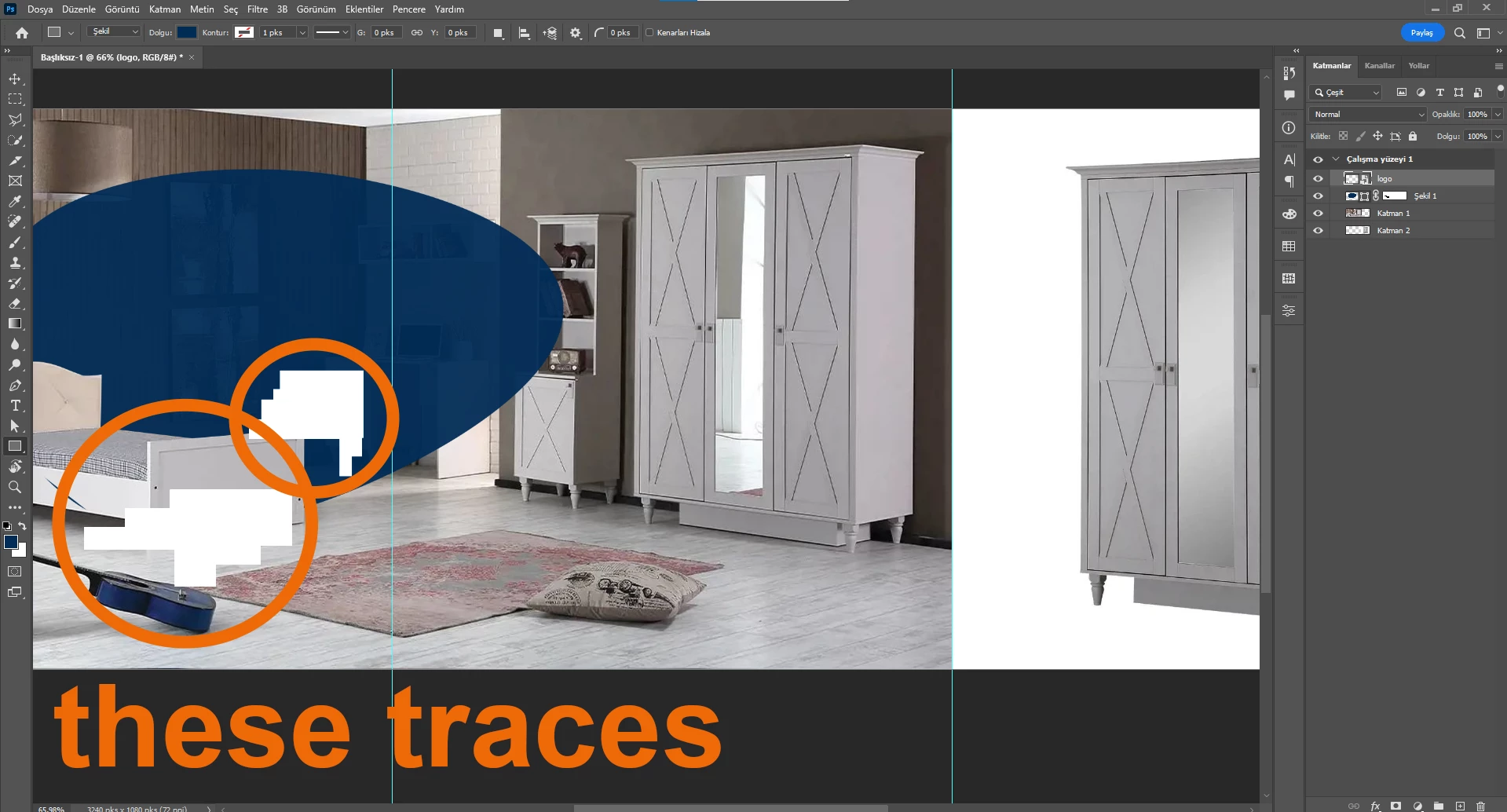
Constant tearing occurs in Photoshop. Especially with the Brush and zooming in and out. The white tears (spots) you see in the picture occur.
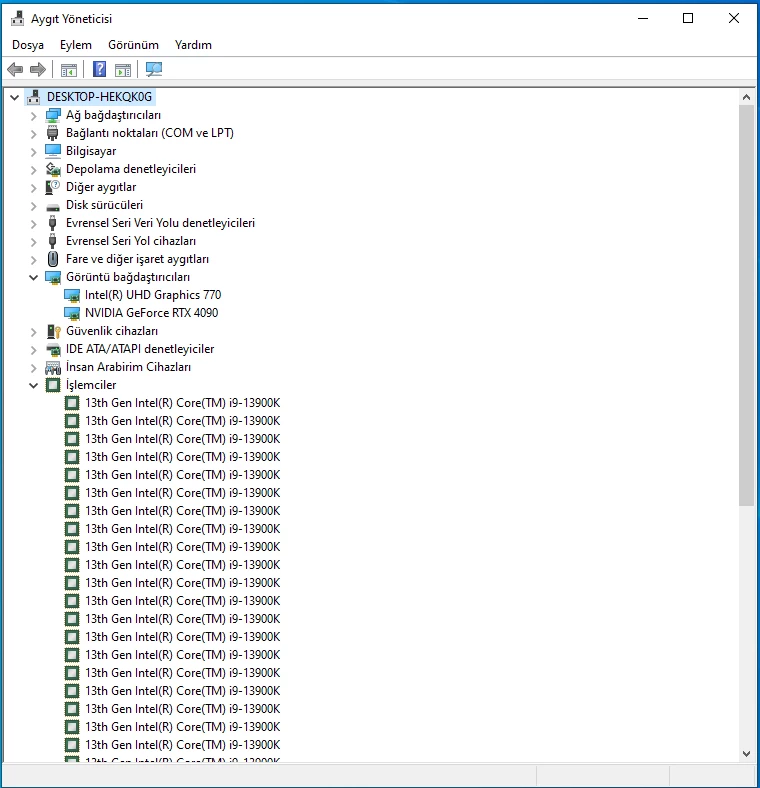
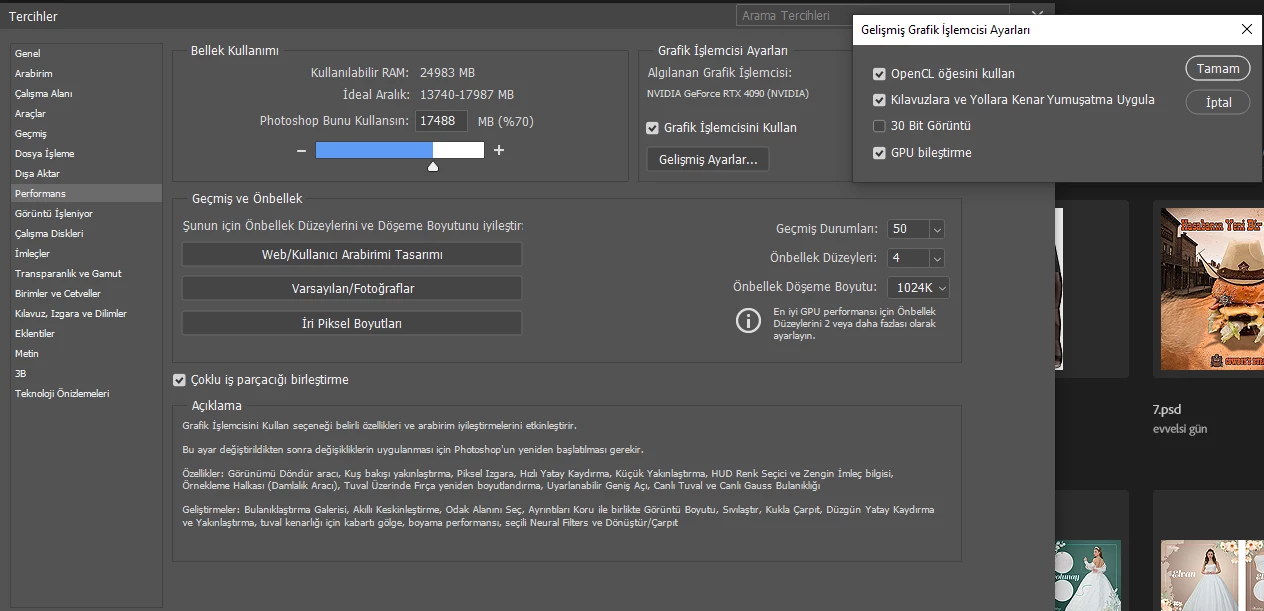
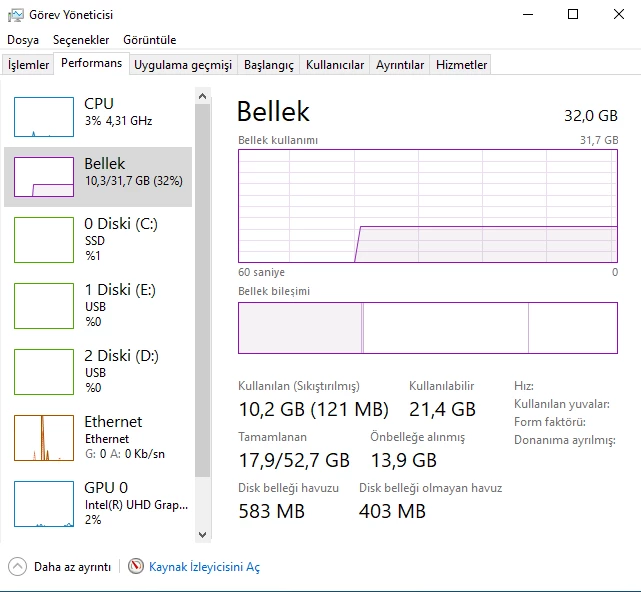
My PC detail
Constant tearing occurs in Photoshop. Especially with the Brush and zooming in and out. The white tears (spots) you see in the picture occur.
My PC detail
Please try to disable the option to "Use Graphics Procesor" from Photoshop by going to Preferences, then Performance. Once done, quit & relaunch Photoshop to check if that helps.
If it helps, you can check out the steps suggested here: https://helpx.adobe.com/photoshop/kb/troubleshoot-gpu-graphics-card.html
Do you have installed the latest verion of you graphic device driver? If not please check if it's a new version available and install it.
Another try is to enable the Older GPU Mode option in "Preferences" > "Technology Previews" > "Use Older GPU Mode (pre 2016)". Then goto "Preferences" > "Technology Previews" and enable "Disable Native Canvas". Restart Photoshop.
If this all doesn't help, we need more informations aubout your system. Maybe you can post your Photoshop system info. In Photoshop goto Help > System Info and hit the copy button. Then paste the entire informations into this thread.
Already have an account? Login
Enter your E-mail address. We'll send you an e-mail with instructions to reset your password.
 AdChoices