Participant
March 13, 2022
Answered

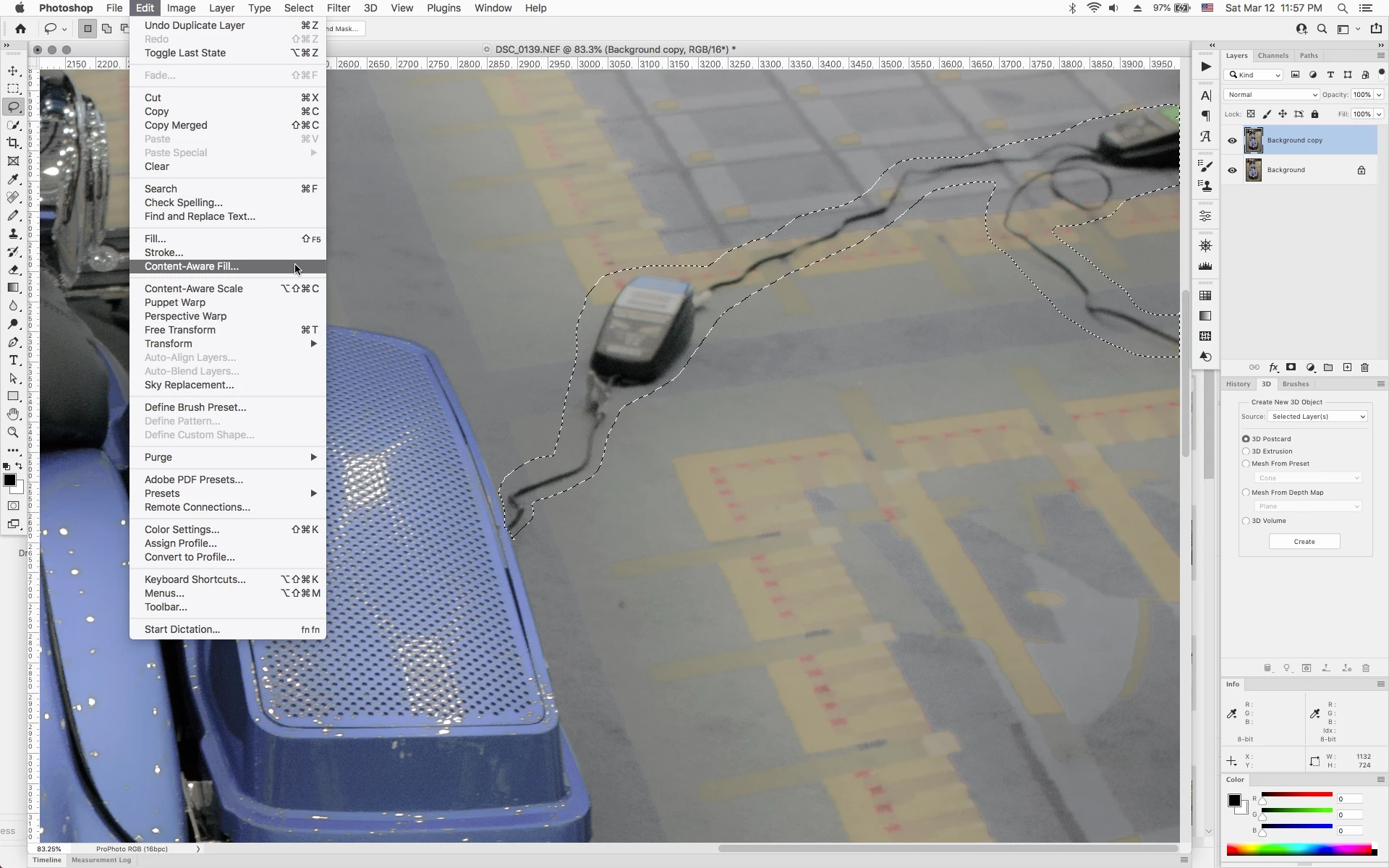
"content aware fill grayed" out

  • March 13, 2022
  • 2 replies
  • 680 views

Mac Version 23.2.1; MacOS 12.2.1

pixels selected via brush tool

menu selection grayed out

What step am I missing?

This topic has been closed for replies.
Correct answer Jeff Arola

You need a selection created with a selection tool, like, for example, the Lasso or Rectangular Marquee Tool that creates a selection (marching ants), then Edit>Content Aware Fill should be available.


2 replies

Earth Oliver
Legend
March 13, 2022

Yes, this is not a great design choice by Adobe. Since you can make selections inside CAF, you should be able to enter the window without an active selection. We've been asking them to change this behavior, but no luck so far.

Jeff Arola
Community Expert
Jeff ArolaCommunity ExpertCorrect answer
Community Expert
March 13, 2022

You need a selection created with a selection tool, like, for example, the Lasso or Rectangular Marquee Tool that creates a selection (marching ants), then Edit>Content Aware Fill should be available.


Nodak70Author
Participant
March 13, 2022

Appreciate the rapid and respectful response. I just realize that's what I HADN't done when I went back to the tutorial video one more time.

I was attempting to delete my initial post when you responded!