Question
Content aware fill + sample all layers
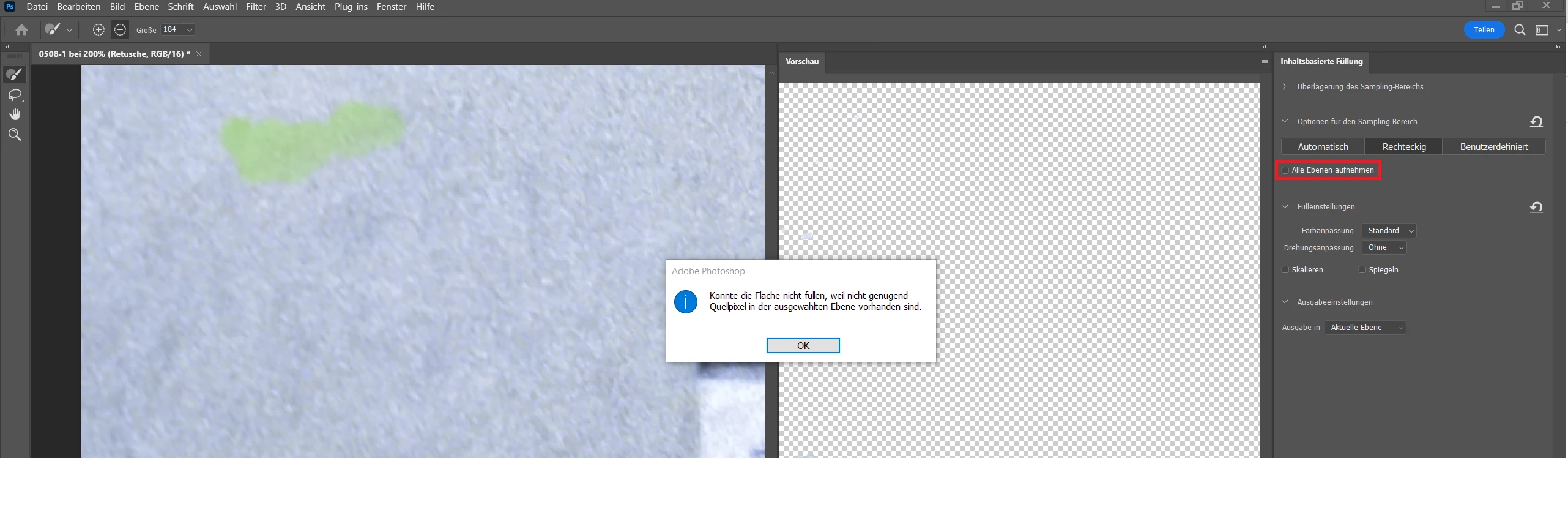
I have used content aware fill sometimes but ran into a problem today for the first time. I always use transparent layers for retouching and after opening the Content Aware Fill Window I check the "Sample all layers" checkbox. I now get the error message "not enough source pixels on the selected layer" and by clicking OK the Content Aware Fill Windows closes. This makes it impossible to check the "Sample all layers". Is there any way to have the sampling of all layers preselected?
 AdChoices