

Question
Content Aware Fill Shortcut Photoshop 2021
Hi,
I am now using Photoshop 2021 version 22.3.0 on Mac OS and I don't know if there's some problem with the Content Aware Fill. In the previous version I used, I usually press Shift + Delete to show Content Aware Fill dialog box like this.
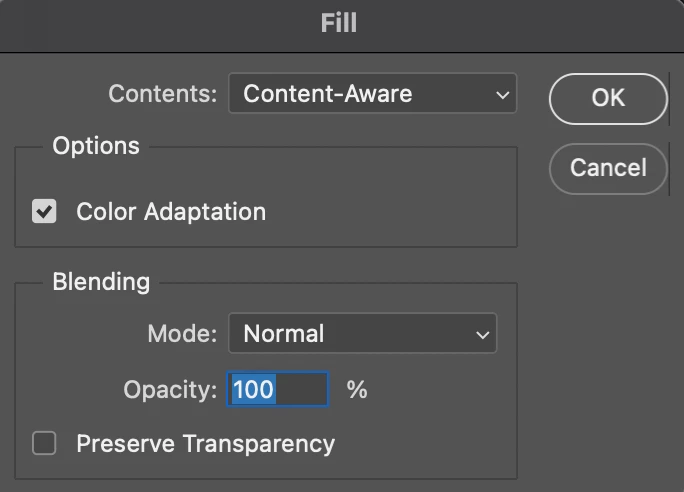
But since I used the Photoshop 2021, this shortcut is disappear. Instead of that, I have to press fn + Shift + F5 to show the dialog box, and this is really annoying me.
PLEASE HELP ME TO FIX THIS. MUCH APPRECIATE!!!
THANK YOU!
 AdChoices