
Question
Content aware fill with a 32-bit HDR
Hi all,
I'm having a bit of trouble with the Content Aware fill tool on a 32-bit HDR image.
In short, whenever I try to content aware fill an area of the image (in this case the removal of the sun), I get completely unexpected results.
I am currently using the latest Photoshop CC 2017 on a dual Xeon E5-2690 v3 with 128gb of ram (if that helps).
I seem to recall this used to work in the past, so I would like to clarify if what I am trying to do is unsupported or if I am doing something wrong.
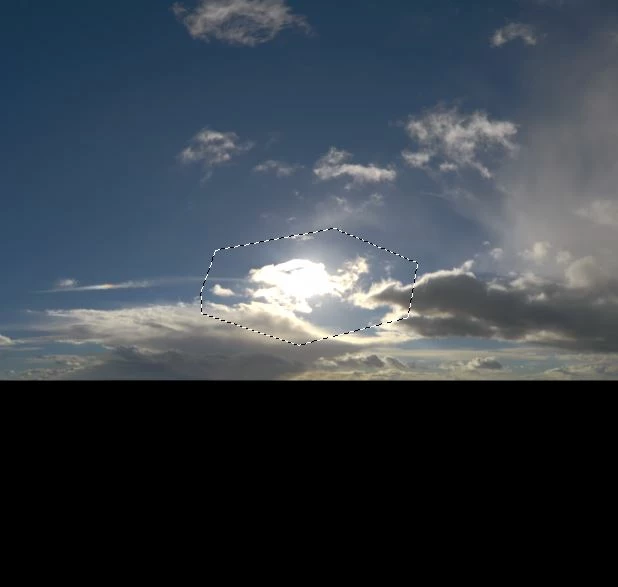
BEFORE
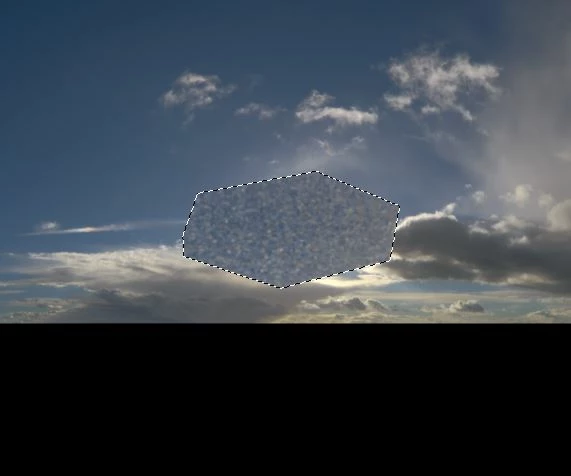
Thanks in advance
Luke
 AdChoices