Answered
Content-aware scale not working :( HELP!
Hi guys, I need to stretch out backround of portarait picture. I used this tutorial as my guidance: https://www.youtube.com/watch?v=jzVfQJMYJ_w&list=PLtsWnp92FZDA03tlHDBrD4nRRqyCVpBvt&index=19&t=115s but I can't figure out two things.
1.) When I crop picure to size I need, backround appears as black (not transparent as in video). See screenshot: 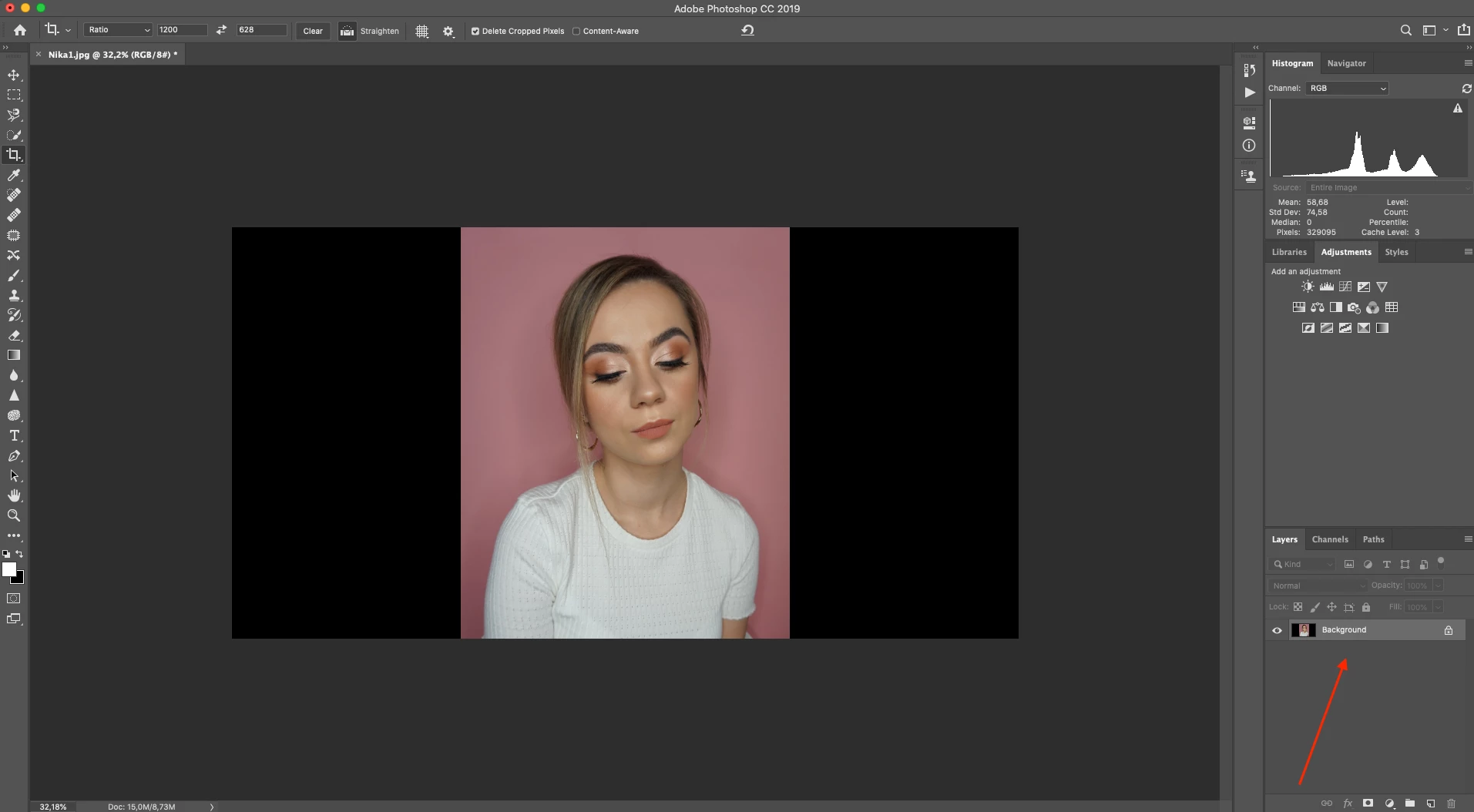
2.) Content-aware scale is grayed out so I CAN'T click on it.
Can anybody help please?
Thanks a lot 🙂
 AdChoices