
Convert line draw layer to visible lines
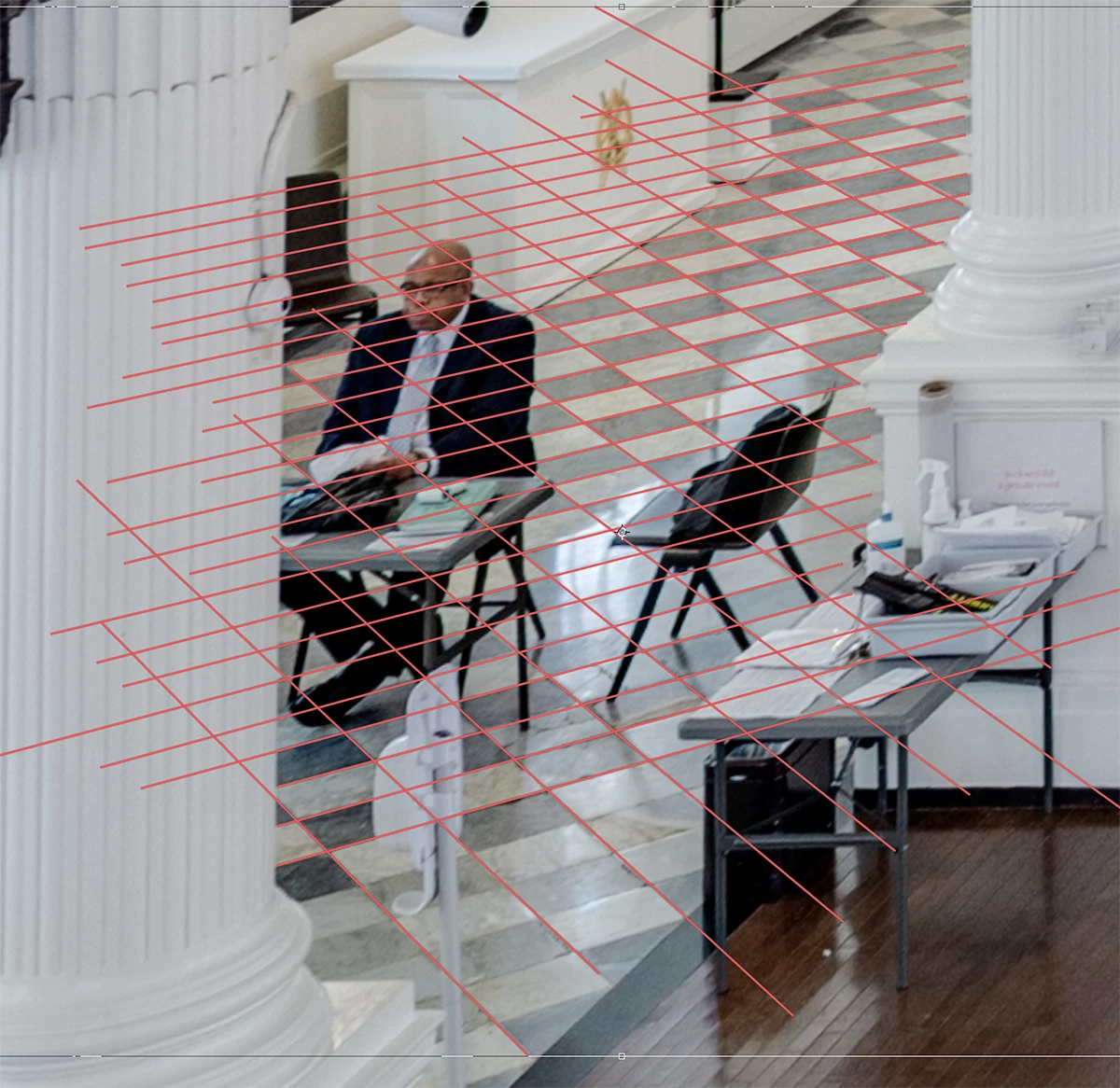
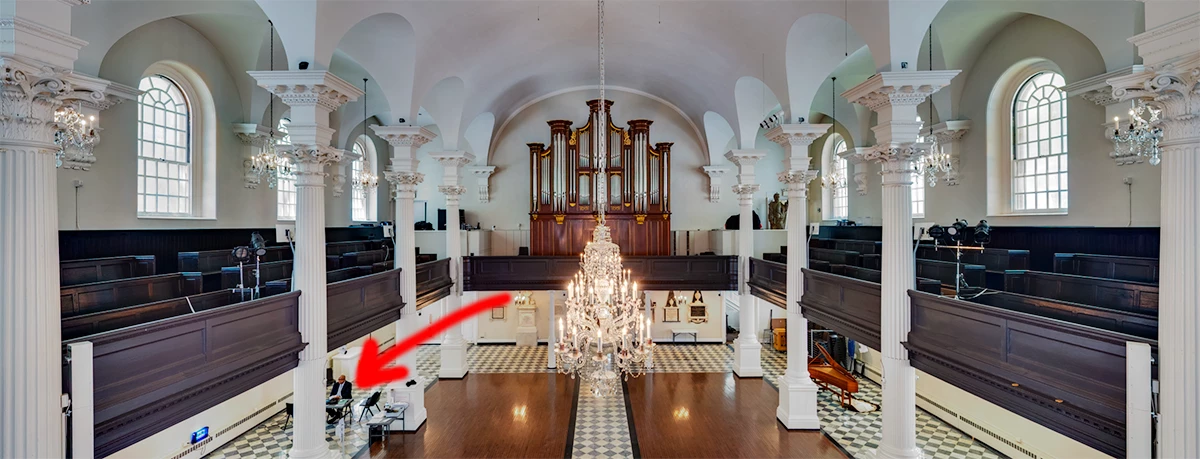
Hello all. I make farily extensive use of photoshop in my work but some tools have remained a mystery to me (I learn as I go and I've not had much need for what I consider "design" tools like "Line"). I have a nice photo of a church interior but I need to retouch a number of things out, starting with a security guard and his desk. You can see the marble tiling pattern is quiet complex given perspective, etc, so I used line tool to trace out the grid of lines between tiles. I'd like to use this simply as a reference as I use rubber stanp, etc, to copy portions of nearby tiles, making sure the corners line up as per the grid. I've collapsed all the line layers into a single layer but when I click on my edit layer the lines diasappear. How do I make these lines behave like just a layer with lines (as opposed to "shapes?" or whatever line draw makes.....) Rasterize comes to mind but they just disappear.
Thanks for youe help!
 AdChoices