Answered
Convert single frame from video editor to normal editor.
I am working with just a single frame in the video timeline. How do I convert this single frame to the normal editor if I don't need to be working in video timeline?

I am working with just a single frame in the video timeline. How do I convert this single frame to the normal editor if I don't need to be working in video timeline?
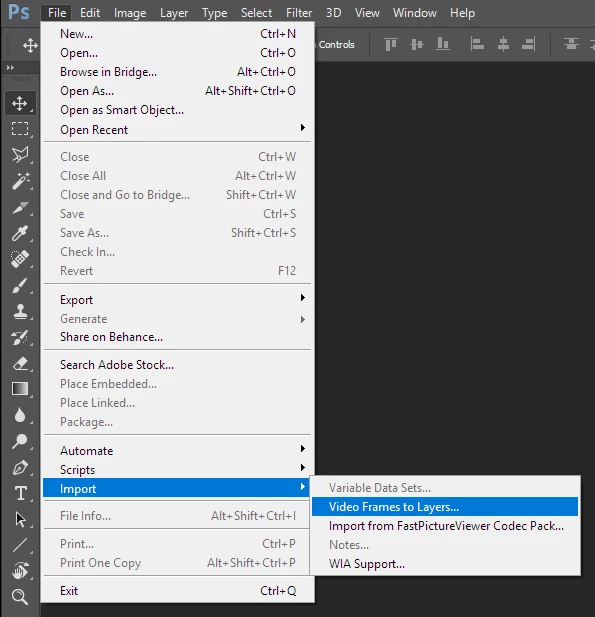
Look at the options in the Video Timeline fly-out menu. You can convert frames to layers copy the layer yo need into a new document and work on that document. You can also import video frames into Photoshop as layers.
Already have an account? Login
Enter your E-mail address. We'll send you an e-mail with instructions to reset your password.
 AdChoices