Participant
June 6, 2021
Answered

Convert these grays to black

  • June 6, 2021
  • 2 replies
  • 1083 views

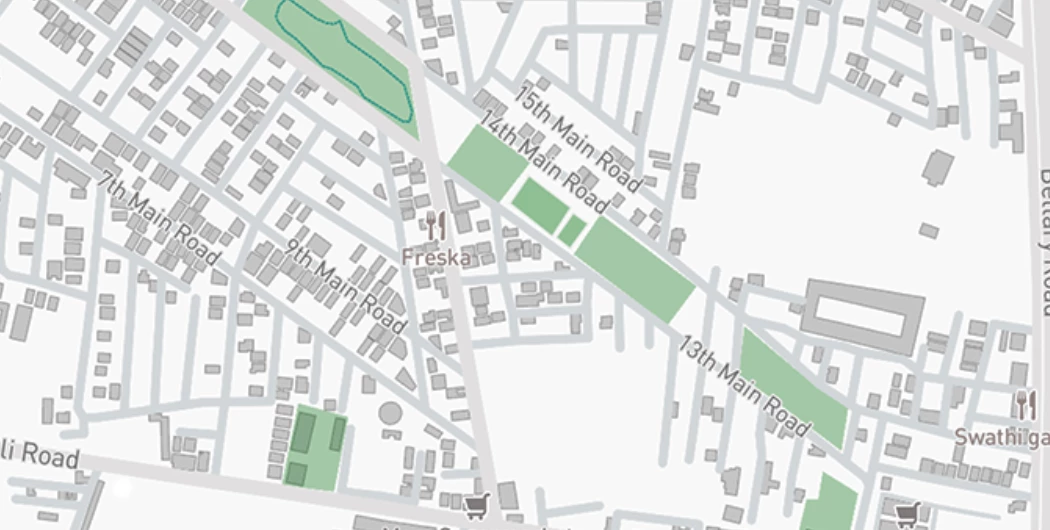
hello new to photoshop here, is there a way to convert this very specific shade of gray to black without changing anything else in the image there are more than 300 of these little buildings so masking them individually is a laborious task. 

This topic has been closed for replies.
Correct answer Norman Sanders

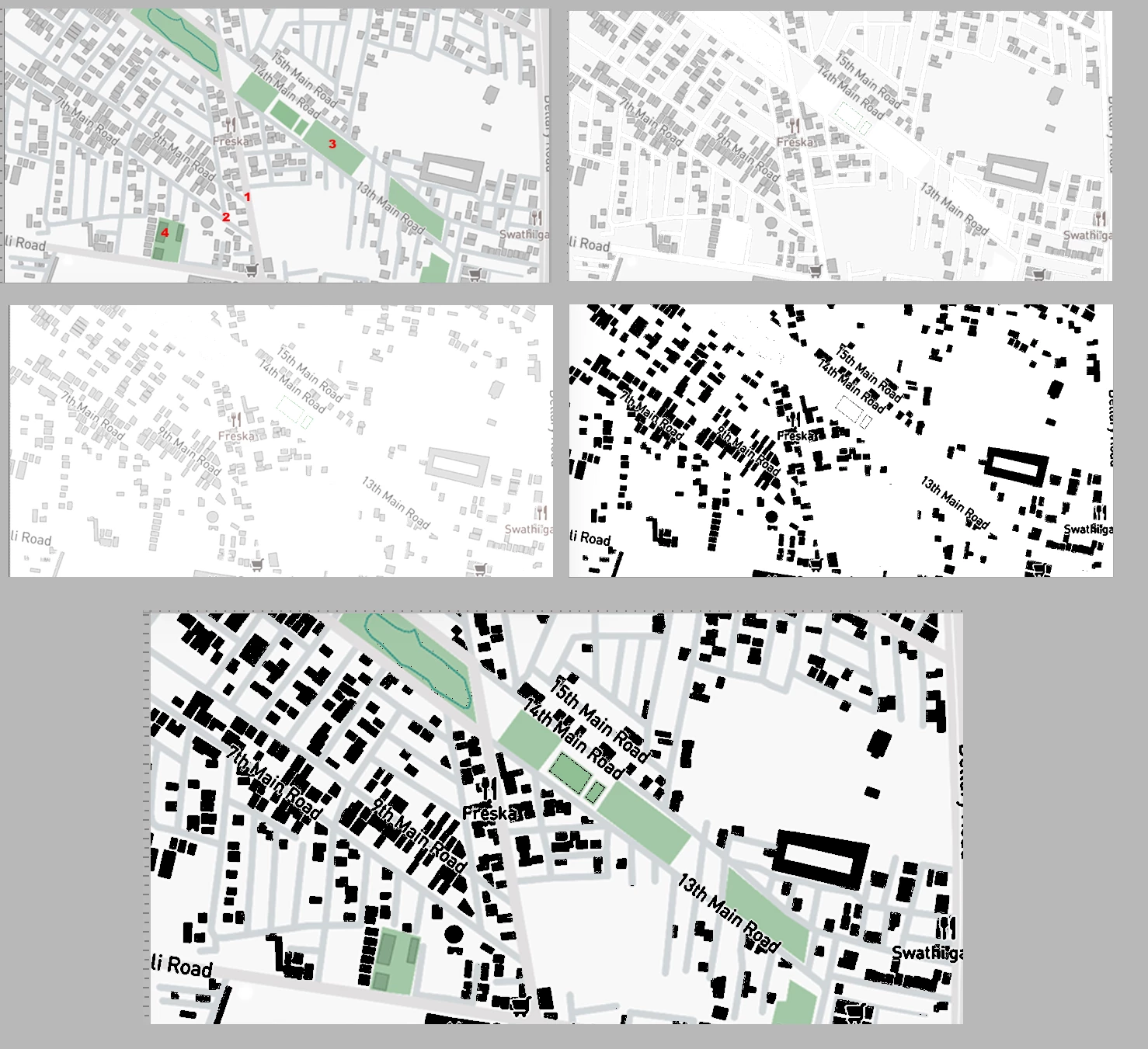
There are four tone levels in the plan other than the buildings. I have numbered them.

Duplicate the Background layer

Use the Magic Wand set to not Contiguous in the Optios bar and adjust the Tolerance so that only one of the tone levels is selected. Fill it with white. Repeat for each of the other three tone levels (NOT the buildings.) Fig 2.

Note  that the white area is not equally white. Increase the highlight contrast with Curves or Levels Fig 3.

Select the Buildings and fill them with Black. Fig 4 

In the Layers panel change the Blending Mode to Multiply. Fig 5


2 replies

Norman Sanders
Norman SandersCorrect answer
Legend
June 6, 2021

There are four tone levels in the plan other than the buildings. I have numbered them.

Duplicate the Background layer

Use the Magic Wand set to not Contiguous in the Optios bar and adjust the Tolerance so that only one of the tone levels is selected. Fill it with white. Repeat for each of the other three tone levels (NOT the buildings.) Fig 2.

Note  that the white area is not equally white. Increase the highlight contrast with Curves or Levels Fig 3.

Select the Buildings and fill them with Black. Fig 4 

In the Layers panel change the Blending Mode to Multiply. Fig 5


Participant
June 7, 2021

thank you this worked wonderfully


Zesty_wanderlust15A7
Known Participant
June 6, 2021

It might hide some street names...

I happened to use the Magic Wand (tolerance 2), Allow non-contiguous selections, and clicked once on a building, then on its outline. This seemed to select them all; maybe I got lucky. I feathered that with 0.5 px.  With the selection active, add an adjustment layer that can make it all black, like Solid Color, Hue/Sat, ...