
Question
Convert to profile preview broken
- Version of the app: Adobe Photoshop Version: 25.7.0 20240415.r.504 130b225 x64
- Platform and OS version: Windows 10
- Basic steps to reproduce the problem:
Open an image in sRGB profile.
Choose Edit>Convert to Profile.
Choose sRGB as destination profile (same as source profile)
Make sure the preview box is checked. The colors are messed up.
Click OK, the colors are back to normal.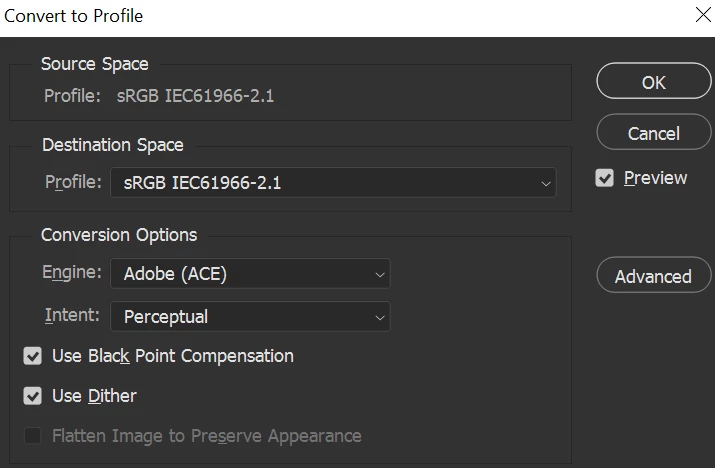
- Expected result and actual result: preview should work showing good colors
 AdChoices