Participant
October 9, 2020
Answered

Converting Path to Selection

  • October 9, 2020
  • 1 reply
  • 1044 views

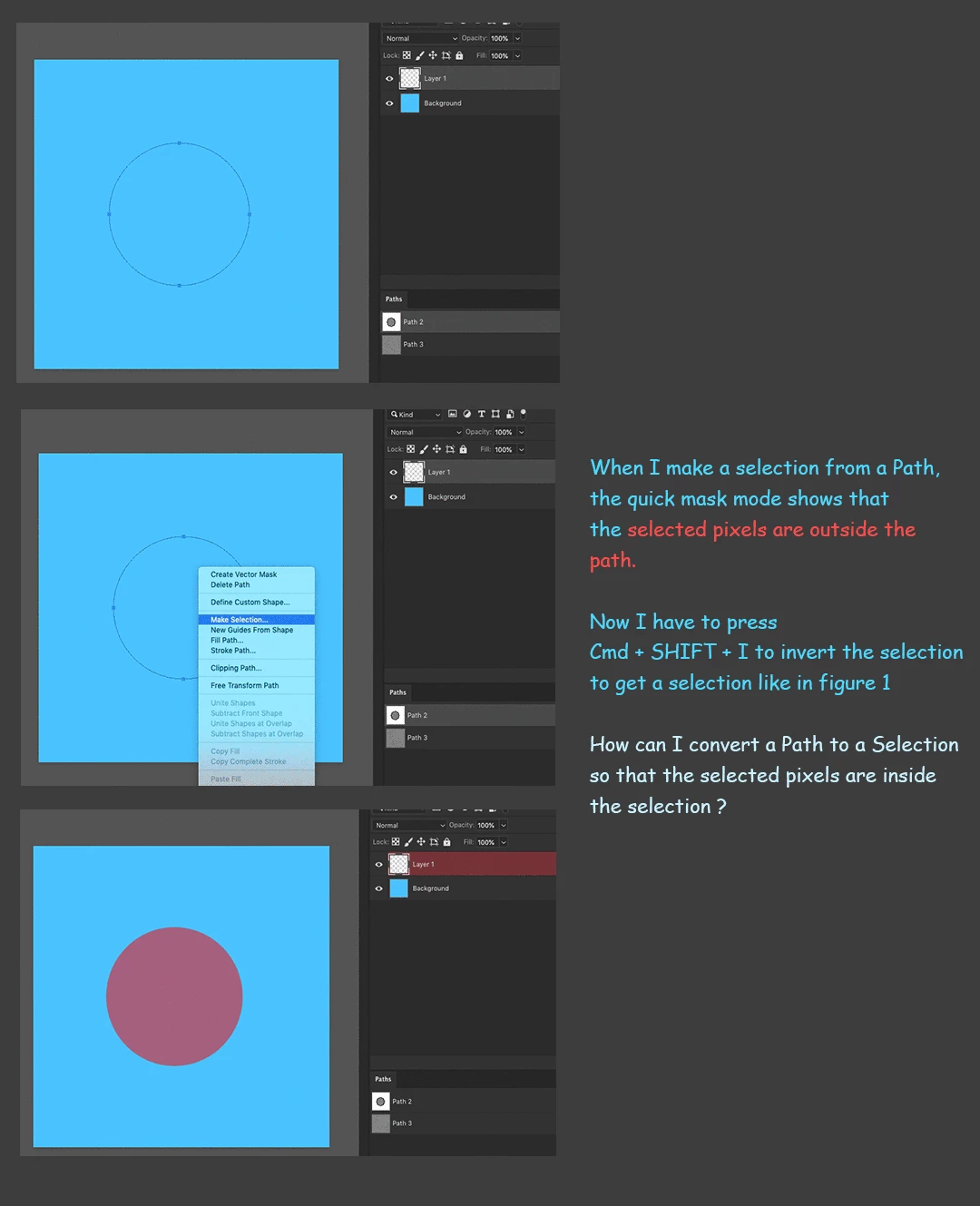
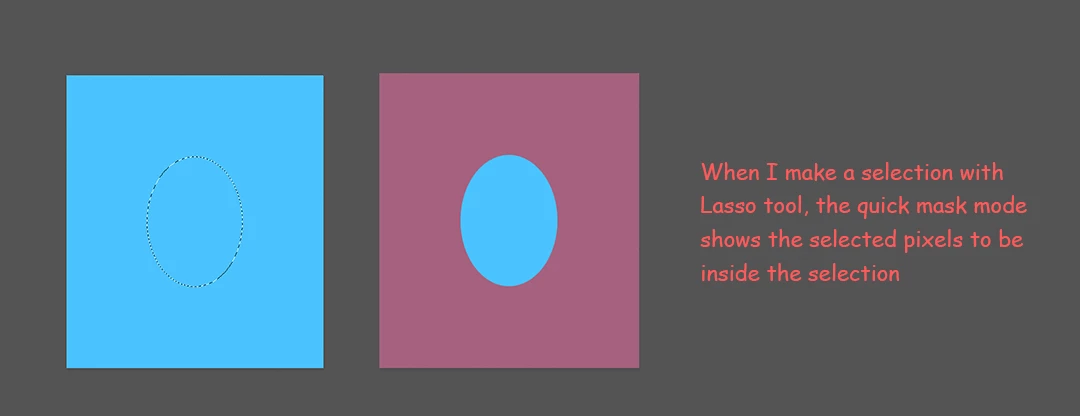
When I try to convert a closed path to a selection, it selects pixels outside the path. Now I have to Invert the selection to get the selection I want.

How can I make Photoshop select pixels inside the path when converting a path to a selection ?


This topic has been closed for replies.
Correct answer Michael Bullo

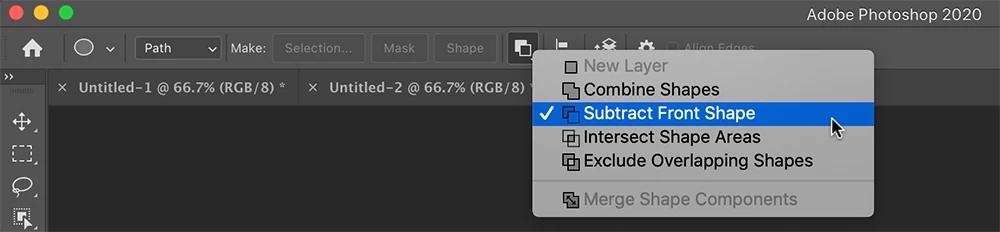
Check the setting for the Path operations before drawing a path. With a path selected, this value can also be changed after the fact. I suspect you want the default Combine Shapes but have it set to something like Subtract Front Shape. If you don't see these options running along the top of Photoshop, choose Options from near the bottom of the Window menu.


1 reply

Michael Bullo
Community Expert
Michael BulloCommunity ExpertCorrect answer
Community Expert
October 9, 2020

Check the setting for the Path operations before drawing a path. With a path selected, this value can also be changed after the fact. I suspect you want the default Combine Shapes but have it set to something like Subtract Front Shape. If you don't see these options running along the top of Photoshop, choose Options from near the bottom of the Window menu.


user4020Author
Participant
October 9, 2020

Thanks.

Michael Bullo
Community Expert
Community Expert
October 9, 2020

Cheers