
Inspiring
March 1, 2024
Answered

Converting to CMYK with no profile

  • March 1, 2024
  • 2 replies
  • 503 views

HIya


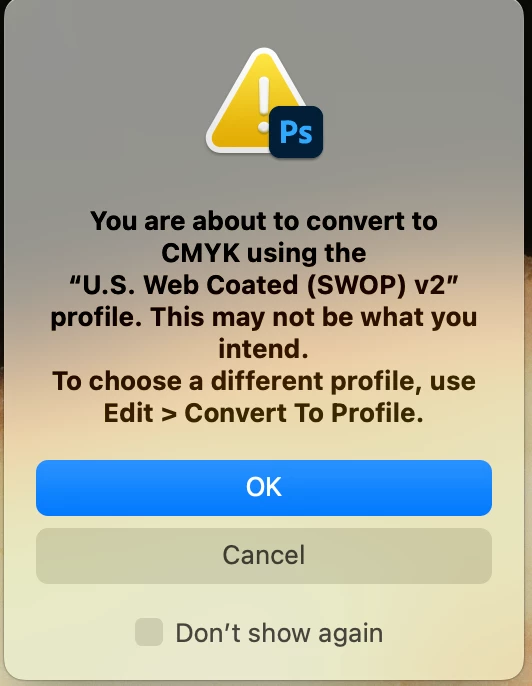
I have sent a pdf to print (exported in Indesign) - the printer has come back to me asking that the images be converted to CMKY with no colour profile.  However when I convert in Photoshop its using a profile - using Mode > CMKY


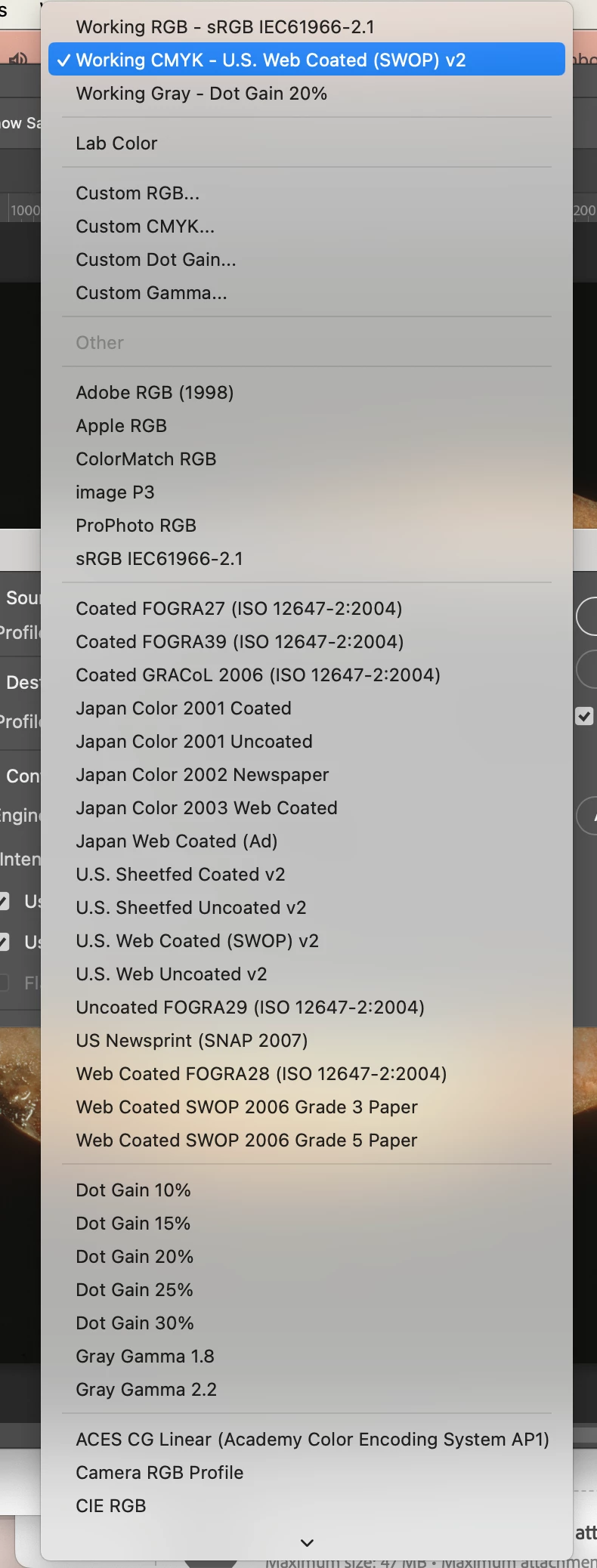
The instructions within photoshop say use - Convert to Profile > But there is no plain CMKY with no profile to select.
This topic has been closed for replies.
Correct answer D Fosse

To be clear, there is no such thing as "plain" CMYK.


CMYK is a characterization of a specific offset print process - actual inks on actual paper, printed with an offset press calibrated to a certain standard.


What they're asking is to convert to the correct CMYK profile, but then not embed that profile in the file.


So you need to ask the printer what profile to convert to. Numbers are profile specific. Once converted, the numbers are correct, and then the profile itself is no longer needed and you can strip it from the file. This is normally done when creating the press-ready PDF from InDesign.


If all this sounds confusing, the answer is that CMYK is really not for beginners. You really do need to know what you're doing if you're going to get a reliably good result.

2 replies

D Fosse
Community Expert
D FosseCommunity ExpertCorrect answer
Community Expert
March 1, 2024

To be clear, there is no such thing as "plain" CMYK.


CMYK is a characterization of a specific offset print process - actual inks on actual paper, printed with an offset press calibrated to a certain standard.


What they're asking is to convert to the correct CMYK profile, but then not embed that profile in the file.


So you need to ask the printer what profile to convert to. Numbers are profile specific. Once converted, the numbers are correct, and then the profile itself is no longer needed and you can strip it from the file. This is normally done when creating the press-ready PDF from InDesign.


If all this sounds confusing, the answer is that CMYK is really not for beginners. You really do need to know what you're doing if you're going to get a reliably good result.

NB, colourmanagement
Community Expert
Community Expert
March 11, 2024

@melaniescooby  @D Fosse wrote "CMYK is a characterization of a specific offset print process - actual inks on actual paper, printed with an offset press calibrated to a certain standard.


What they're asking is to convert to the correct CMYK profile, but then not embed that profile in the file.


So you need to ask the printer what profile to convert to. "


yep, totally agree


neil barstow, colourmanagement net - adobe forum volunteer - co-author: 'getting colour right'
google me "neil barstow colourmanagement" for lots of free articles on colour management
Help others by clicking "Correct Answer" if the question is answered.
Found the answer elsewhere? Share it here. "Upvote" is for useful posts.


Stephen Marsh
Community Expert
Community Expert
March 1, 2024

They mean to not embed the profile in the CMYK file. The profile is the destination and you need to select an appropriate profile for the conversion. If this is an InDesign to PDF, did you mistakenly post in the Photoshop forum?