
Copy Objects with Their Masks One by One to Another Image
Hello,
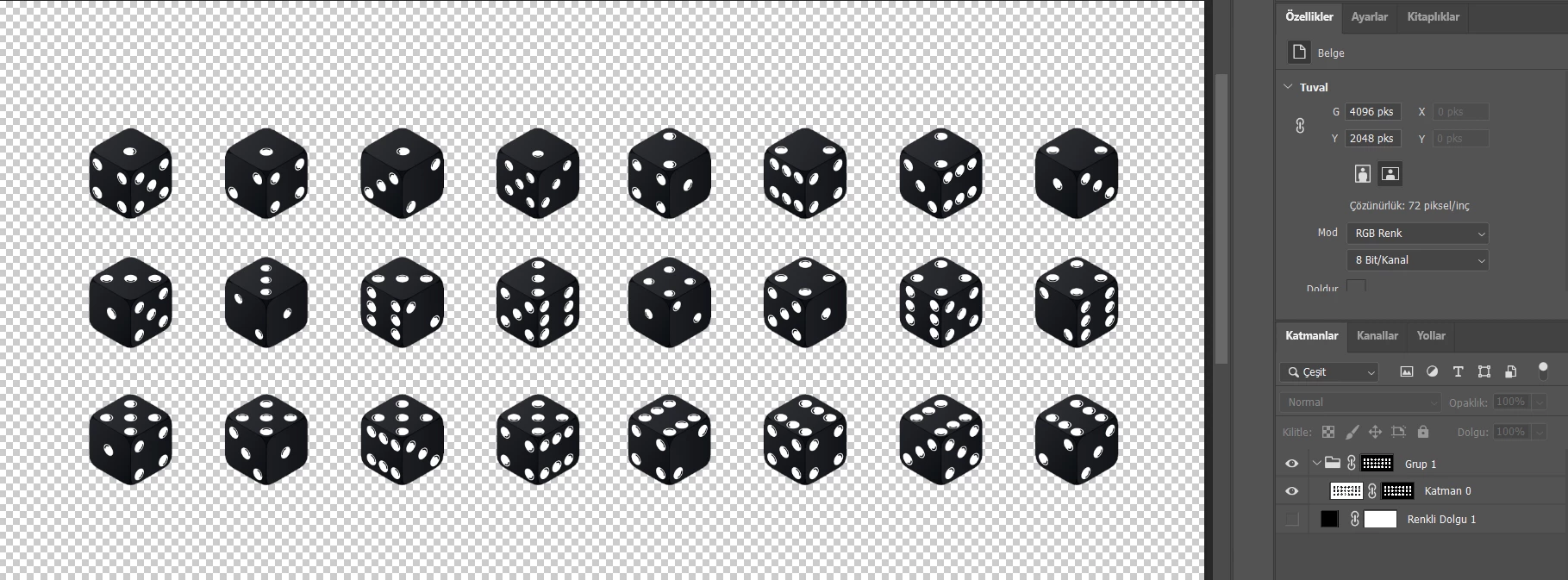
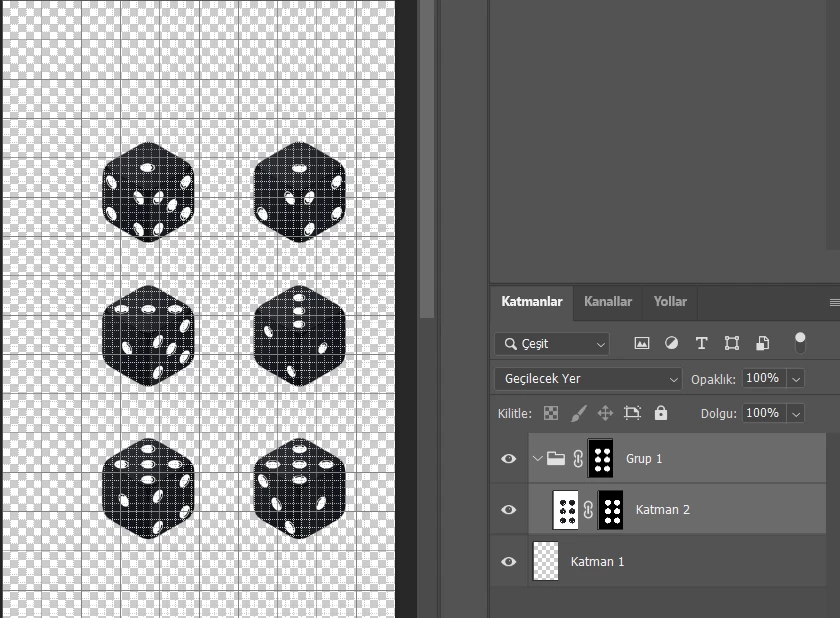
I am very novice in Photoshop. I have an image of dices. I removed its background and halo effects (two masks in total - first photo). Now, I need to bring the dices along with their two masks one by one to the project that is made of grids (second photo) and then place them inside grids. So that I could create a sprite sheet for the game. When I copy & paste a dice, its masks don't come along. If I copy & paste the masks, I couldn't bring the dice. I managed to duplicate the whole group, but when I remove a dice, its masks are still there. I am confused. How could I bring the dices into the second project one by one with both masks?
My second question, I realized that the original dice image is 24 bit. When I imported the image to Photoshop, it was somehow created for 8 bit. When I attempt to duplicate it into a project that has higher bit; the image becomes distorted. Even though this is a black and white image for now, I would add patterns onto the dices. Do you think that 8 bit decision decreases the image quality in the game? Is it too late to change it?
Thanks
 AdChoices