

Question
Copying Images between Two Canvas in Photoshop - Pixelate
Hello, I hope you guys are doing well.
I'm a begineer and a day back I came across a problem while working in Photoshop.
1- My Source Image File (Pictuer of A Shoe) is 6016 x 4016 (72ppi)
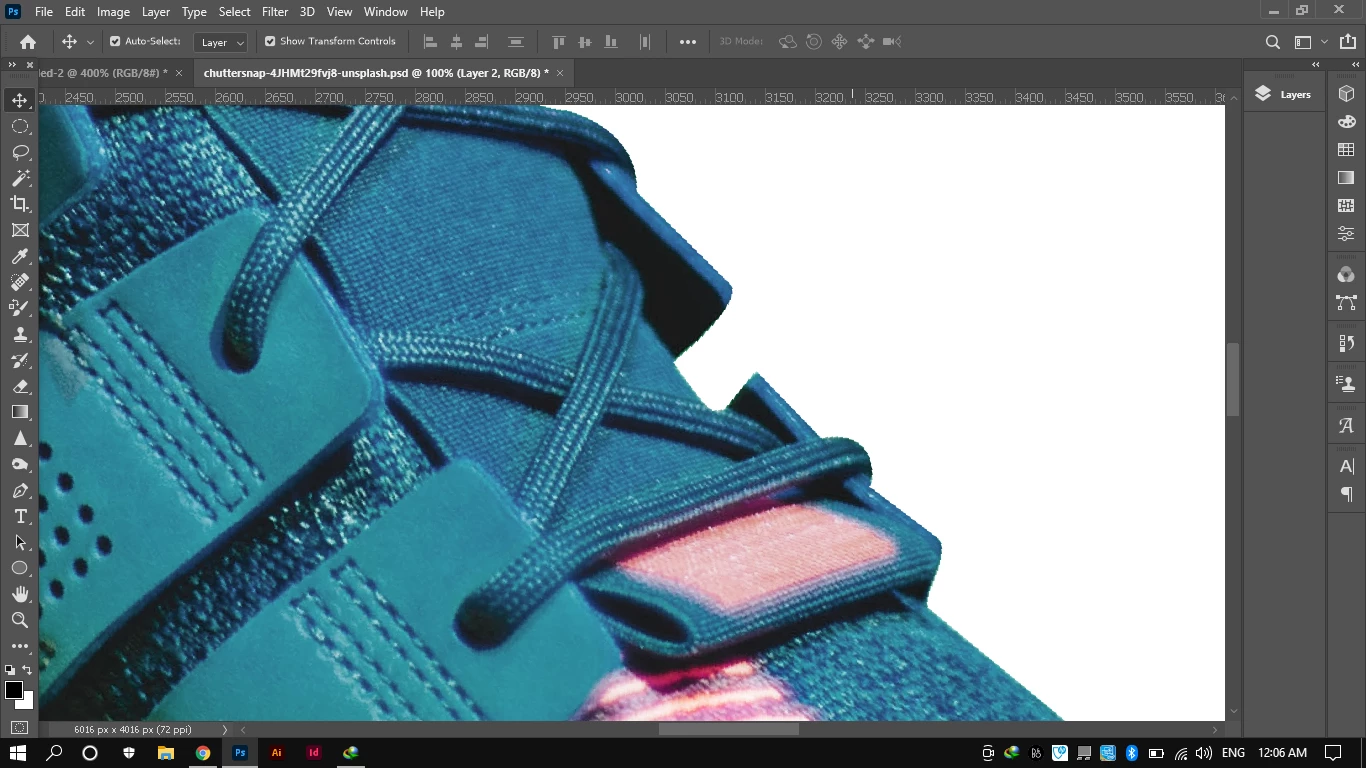
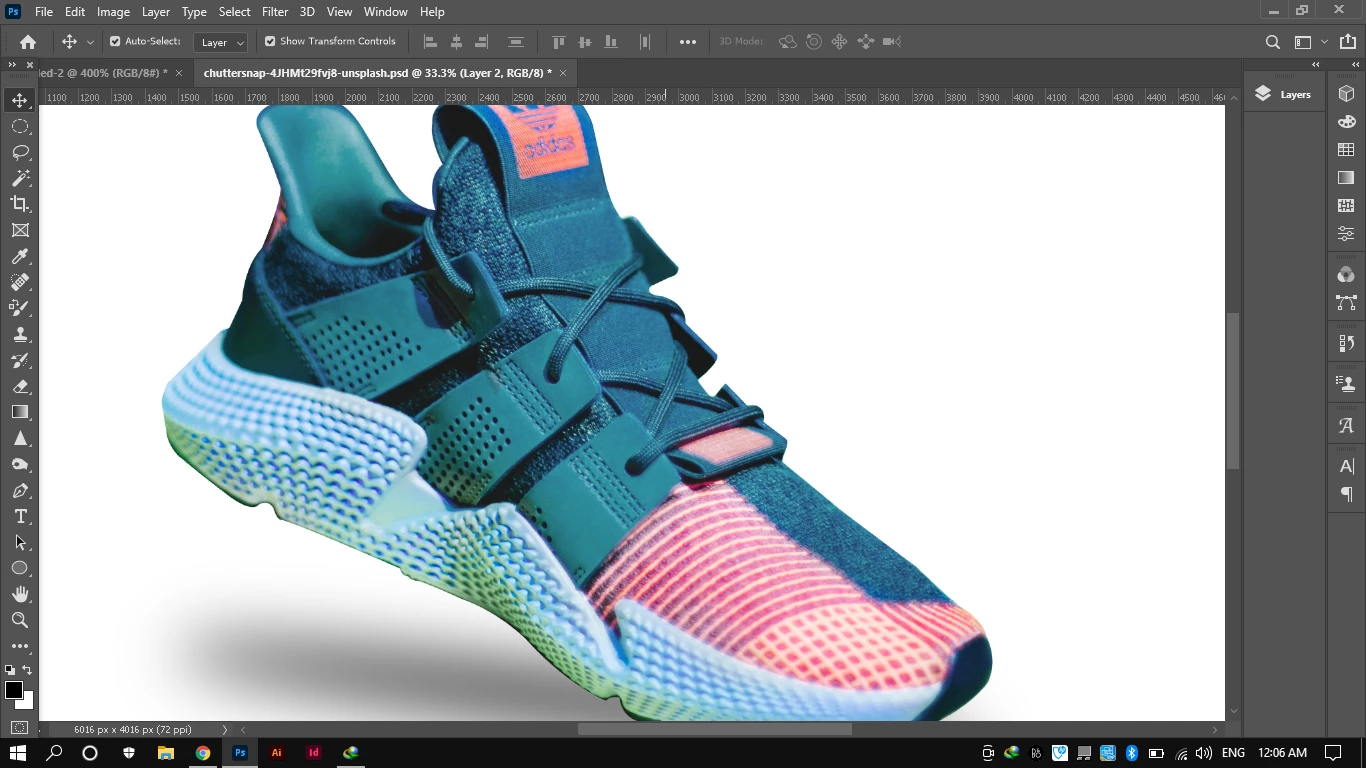
When I remove its BG and copy to other Canvas that is 550 x 370 (72ppi) , It became pixelated. Edges distorted/pixelated.
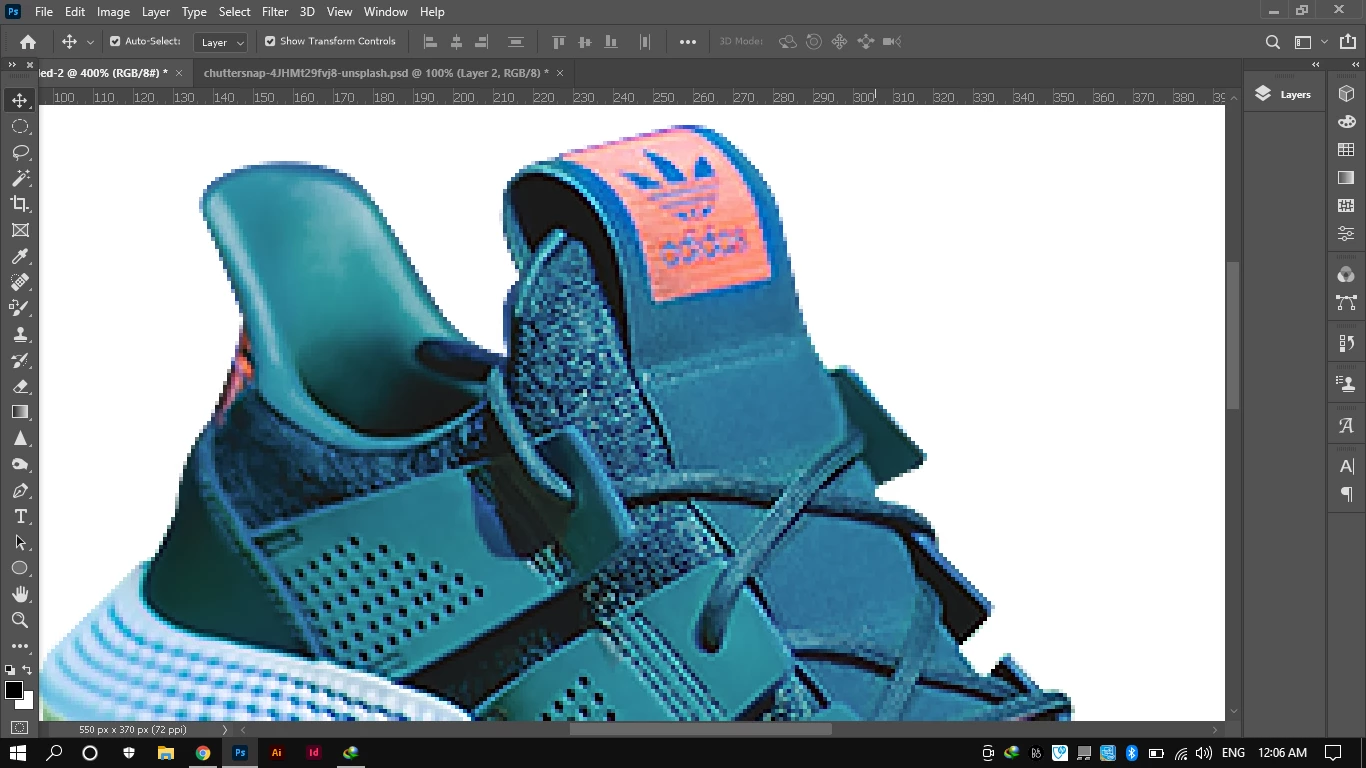
I tired different way (Smart Object, PNG,ai File, Canvas Resizing, Image Resing, Free Transformation etc) but Nothing is Working.
2- How can I move it between different Canvases within Photoshop?
Furhter Guidance is Appreciated. ❤️
-Aadi
 AdChoices