sametyukselmlg
Participating Frequently
February 18, 2020
Question

Copying Shape Problem

  • February 18, 2020
  • 2 replies
  • 631 views

Hello everyone . I have a trouble with duplicating shapes. 

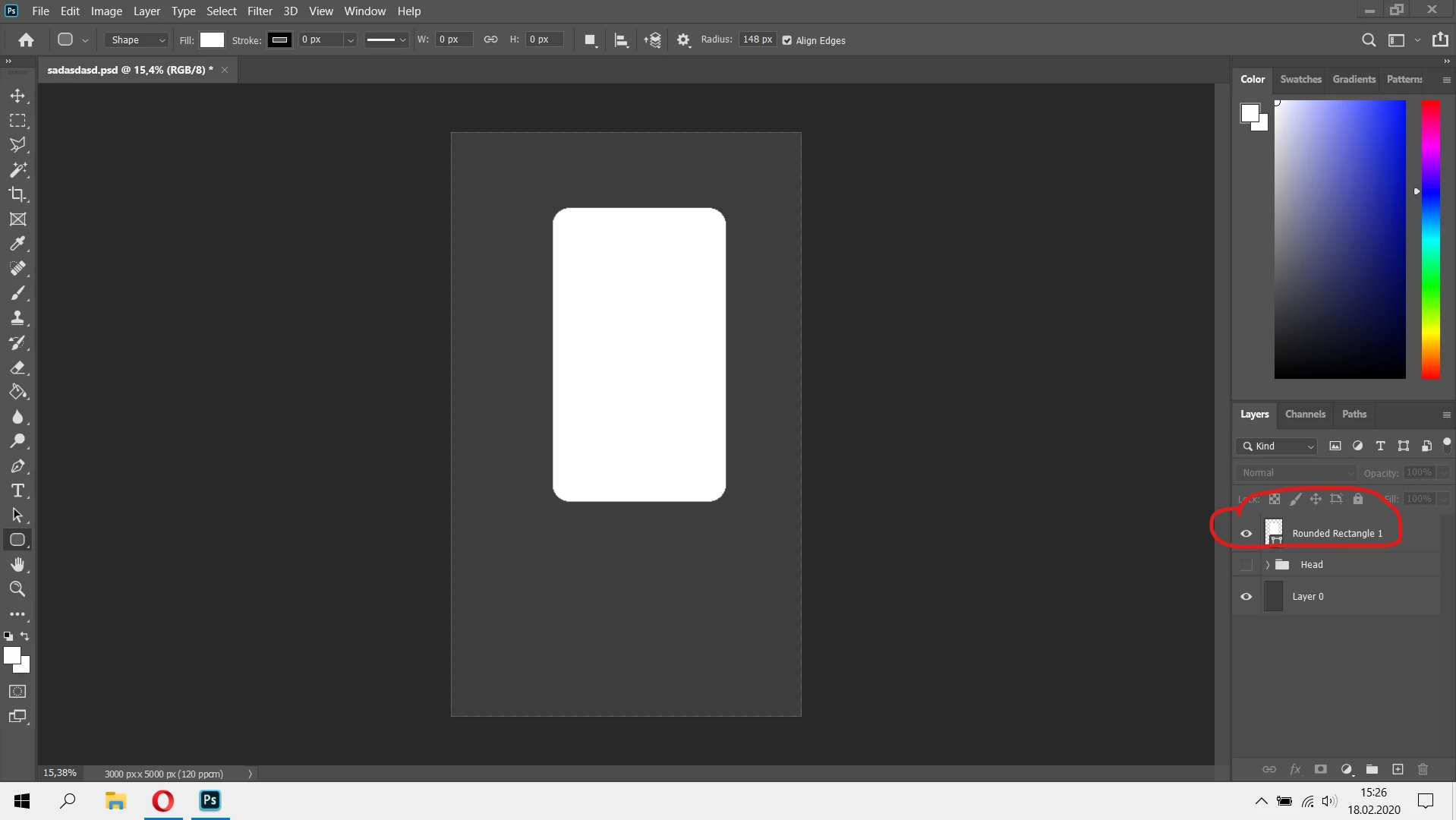
1- I am creating shape

2- I am duplicating it from layers panel (alt+g)

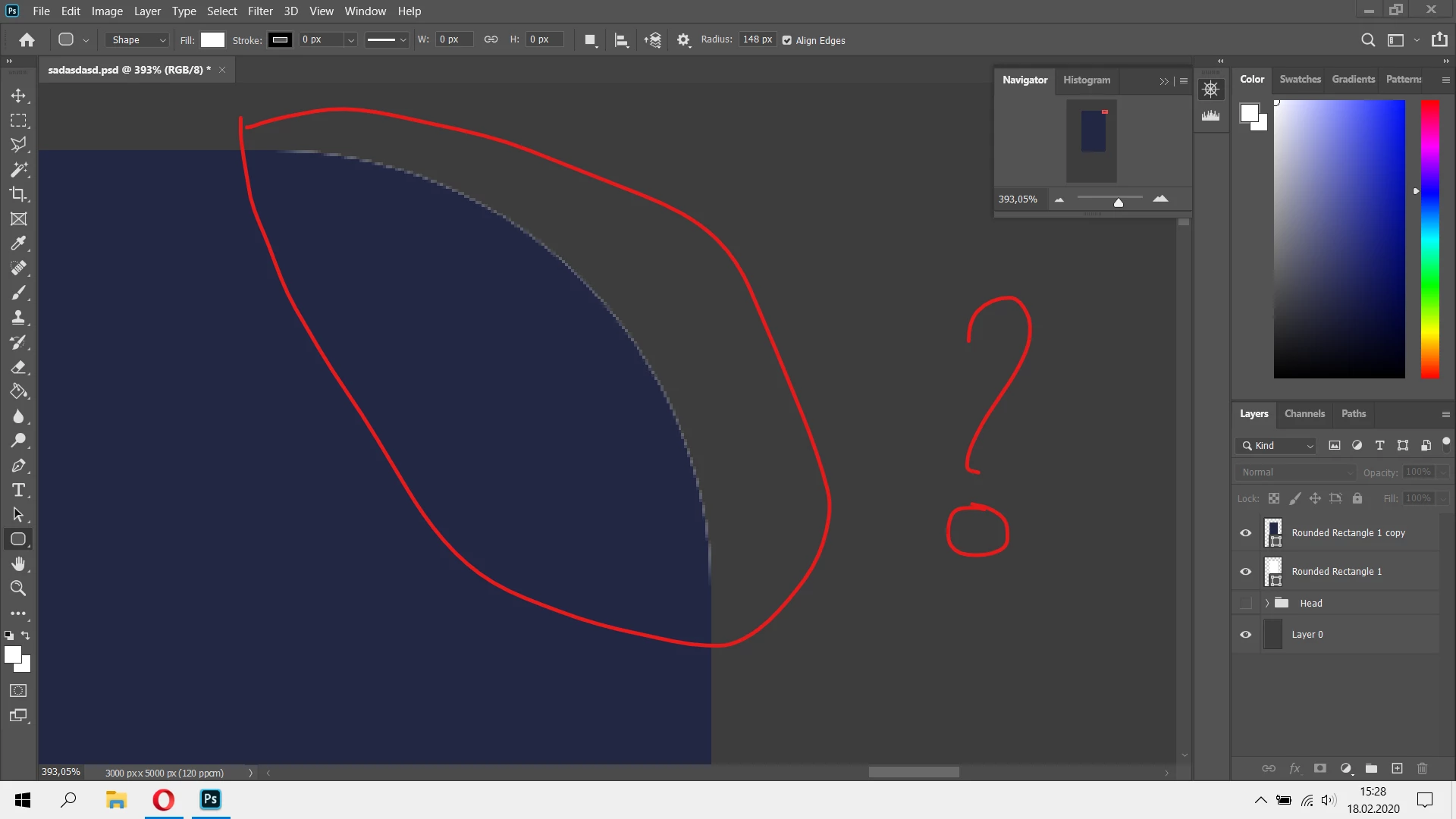
3- But there is a always this issue (in pictures).

Why is this happening ? Any ideas how can i solve it ? Thanks
This topic has been closed for replies.

2 replies

lambiloon
Community Expert
Community Expert
February 18, 2020

Hi layer copy command is ctrl + j not (alt + g)

Ali Sajjad / Graphic Design Trainer / Freelancer / Adobe Certified Professional
sametyukselmlg
Participating Frequently
February 18, 2020

My mistake. I want to mean press alt and move the layer. They are same things.

c.pfaffenbichler
Community Expert
Community Expert
February 18, 2020

Looks like the expected result of two anti-aliased shapes on top of each other. 


Why do you need two shapes if one is intended to hide the other anyway? 

c.pfaffenbichler
Community Expert
Community Expert
February 18, 2020

To elaborate:

Photoshop is not targeted at vecor editing (despite its vector capabilities that are funnily enough in some limited respects superior to Illustrator’s) and has to represent vector content as pixels within the image’s bitmap after all (though the output in the few of its output file formats that do support vector data like eps, pdf and svg may be vetor). 

Anti-aliasing creates pixels of varying degrees of transparency on the edges of those shapes depending on position, angle etc. to achieve more pleasing results. 

So in this case the resulting pixels on the edges can be a combination of  

• background 

• layer 1 

• layer 2 

PECourtejoie
Community Expert
Community Expert
February 18, 2020

Hello, yes, what happens if you switch the position of the layers in the layers panel?